
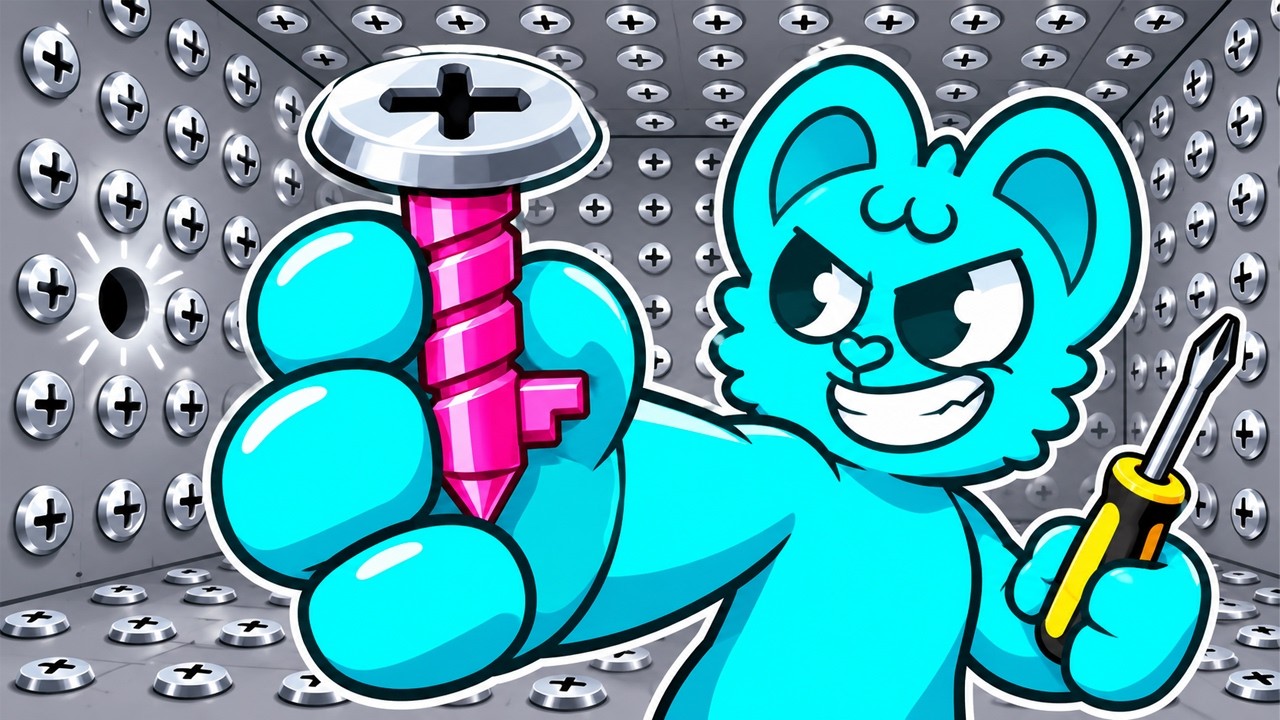
To escape bolt puzzle rooms in Roblox, remove the fasteners securing top-layer planks first, keep at least one buffer slot open in your tool tray, and use dropped keys or opened vents to reach the exit door. Removing bolts without planning board overlap or running out of open tray slots causes gridlock and forces a room reset.
Inspect Board Overlap and Bolt Priority
Before unscrewing any fastener, check which boards sit on top of the stack. Puzzle barricades consist of layered wooden planks, acrylic sheets, and iron strips. Each plank is held by two or more bolts. If you remove a bolt from a lower piece while another board rests across it, the underlying board binds against neighboring studs and prevents you from accessing the remaining screw heads.
Target outer pieces that have no overlapping materials above them:
- Top-layer planks: Identify boards where both screw heads are completely uncovered. Unscrew these first so physics can drop the detached piece away from the barricade.
- Anchor screws: Leave fasteners on lower structural frames untouched until all surface boards resting across them have fallen.
- Environmental drops: Watch where detaching plates fall. Dropping heavy iron plates incorrectly can depress floor switches or block low pathways, so dismantle upper hinges first to guide debris clear of interactive elements.
Manage Tray Slots and Color-Matching Boxes
Each removed bolt occupies an open buffer slot or transfers into an active color tray. If all buffer slots fill with unassigned screws and no valid matches remain, the puzzle freezes and you must restart the stage.
| Tray Status | Board Condition | Required Action |
|---|---|---|
| Empty Buffer Slots | Unrestricted board access | Unscrew exposed outer bolts to drop free planks immediately. |
| One Buffer Slot Left | High deadlock risk | Only remove bolts that complete a plank drop or finish an active tray. |
| Active Color Box | Matching bolts exposed on frame | Unscrew matching colors directly into the box to clear tray space. |
| Full Capacity | Zero empty slots available | Reset the room or spend coins on temporary slot expansions. |
When color-coded boxes appear at the top of the frame, prioritize bolts matching that container's designated color (such as red, blue, or yellow). Filling a box removes it and frees up holding space. Do not place mismatched bolts into general buffer holes if doing so leaves you with zero open slots before the current color objective is satisfied.
Collect Dropped Keys and Access Exit Routes
Removing every bolt from a frame does not automatically warp your character to the next level. Instead, dismantling the barrier clears physical obstacles and reveals tools required to open the exit:
- Check the floorboards: Detaching structural braces frequently dislodges brass keys, magnetic keycards, or written safe combinations. Pick these up immediately to interact with door locks or keypad consoles.
- Enter exposed shafts: Removing steel ventilation grates opens crawlspaces. Crouch to navigate these ducts whenever main floor doors remain deadbolted from the outside.
- Open wall safes: Clearing exterior panels reveals combination dials or embedded lockboxes containing progression items.
Screwdriver Upgrades and Room Timers
Coins earned from completing rooms can be spent at the lobby kiosk between stages. Advanced chambers feature active hazards such as rising water, advancing lasers, or strict countdown timers where the base manual screwdriver operates too slowly.
- Electric Screwdrivers: The default manual tool requires several seconds of turning per bolt. Upgrading to an electric model reduces removal time to a fraction of a second, allowing you to dismantle multi-bolt brackets before environmental timers expire.
- Additional Tray Slots: Purchasing fourth and fifth buffer slots expands your holding capacity, allowing you to dismantle complex six-layer barricades without triggering premature deadlocks.
Step-by-Step Room Clear Sequence
When entering a new puzzle chamber, dismantle the barriers using this sequence:
- Scan the hierarchy: Locate the outermost boards that have zero materials overlapping their surface.
- Unscrew top fasteners: Pull both screws from an unblocked board to drop it and reveal the layer beneath.
- Verify tray capacity: Confirm at least two buffer slots remain open before targeting unassigned bolts.
- Clear color quotas: Unscrew exposed bolts that match any active collection boxes.
- Dismantle underlying frames: Remove newly revealed secondary fasteners to dislodge remaining barricades.
- Unlock the exit: Collect dropped keys or keycards, enter the vent or door, and proceed to the next room.

Free Roblox Codes
Current active codes and how to redeem them.

Emily Johnson
Emily writes practical mobile strategy guides with a focus on resource planning, base progression, and the early decisions that shape a long-term account.
COMMUNITY
Player Comments
61 players commented on this guide.
I wish I had read this before upgrading the wrong thing.
This guide answered the exact question I had.
This helped me understand strategy much better.
This saved me time in the early game.