
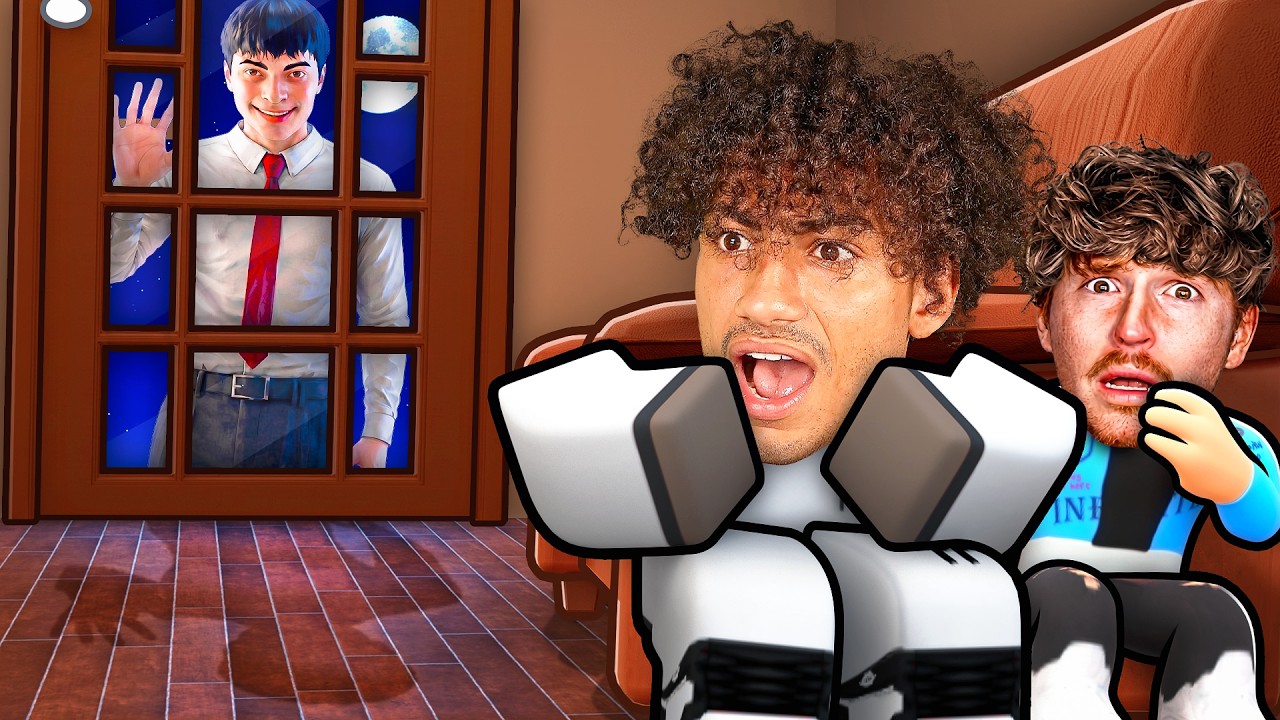
In the vast, ever-evolving landscape of Roblox, Mini Figures serve as more than just cosmetic clutter; they are powerful tools for environmental storytelling, social interaction, and elaborate sandbox pranks. Whether you are staging a "Home Alone" style defense or simply trying to liven up a quiet server, knowing how to manipulate these objects effectively separates a novice decorator from a master of in-game atmosphere.
To utilize Mini Figures effectively, you must shift your perspective from treating them as static props to viewing them as dynamic narrative devices. By understanding collision physics, player behavior patterns, and spatial design, you can transform any standard Roblox room into a stage for your own creative goals.
The Art of Strategic Placement
The effectiveness of a Mini Figure is directly tied to its placement. In a multiplayer environment like Roblox, player attention is limited. If you want your figures to be noticed, you must leverage high-traffic "choke points."
- Doorways and Thresholds: Placing a figure just inside a doorway forces players to acknowledge the object as they enter a room. This is ideal for subtle pranks or creating a sense of "someone is home."
- Eye-Level Surfaces: Avoid placing figures on the floor where they might be overlooked or obscured by character models. Countertops, dining tables, and mantelpieces are the prime "real estate" for your figures because they occupy the player's natural line of sight.
- Surface Preparation: Always clear the area before placement. If you attempt to place a figure on a surface already cluttered with other items, you risk "clipping"—a common Roblox physics issue where objects merge or glitch, causing them to jitter or disappear entirely. A clean, flat surface ensures your figure stands out as an intentional piece of your design.
Narrative Design: Creating "The Scene"
A single Mini Figure can be ignored; a group of figures tells a story. To elevate your setups, you must imply intent. Players are social creatures, and they naturally look for context in their environment.
When arranging your figures, consider the "narrative flow." Instead of scattering them randomly, group them in ways that suggest a specific activity. If you are staging a mock standoff or a party, face the figures toward one another. If you want to guide players toward a trap or a specific area of interest, create a "trail" of figures that leads them through your desired path.
This storytelling technique is far more effective at stalling progress or initiating roleplay than simply dumping items, as it forces the observer to pause and process the scene you have created.
Timing and Stealth in Busy Servers
The "prank" factor relies entirely on the element of surprise. If other players watch you place your Mini Figures, the mystery is gone, and the impact is neutralized.
- Monitor Server Activity: Wait for "peak chaos." When a server is busy with other players chatting or engaging in their own activities, they are significantly less likely to notice you quietly arranging props in a corner.
- Pivoting Tactics: If you are caught in the act, don't panic. Quickly pivot from a "stealth" approach to a "social" one. Invite the observer to help you arrange the figures or ask for their opinion on the design. This creates a collaborative roleplay opportunity and often prevents the "troll" from being labeled as an annoyance, keeping your server reputation positive.
Managing Physics and Environmental Constraints
Roblox is governed by a complex physics engine, and Mini Figures are not immune to these rules. Understanding the limitations of the platform will save you from frustration when your carefully crafted scene suddenly vanishes or flies across the room.
Collision and Stability
Never place Mini Figures on dynamic objects—items that move, rotate, or have active collision physics. This includes opening doors, revolving platforms, or furniture that other players frequently bump into. A moving object will cause the figure to lose its anchor point, leading it to either fall through the floor or launch into the sky.
The Object Cap
Most Roblox experiences have a "local object cap" to maintain server performance. If you find that your newest figures are disappearing the moment you spawn them, you have likely reached this limit. To manage this effectively:
- Prioritize Quality: Delete older, less impactful figures to make room for new, higher-quality placements.
- Cluster Strategically: Instead of spreading figures across the entire map, focus your resources on a single, highly interactive "hub" where the effect will be most visible.
Mistakes to Avoid
Even experienced builders fall into traps that ruin their setups. Keep these common pitfalls in mind:
- Overcrowding: Dumping dozens of figures in one spot causes visual clutter and usually triggers the object cap, leading to performance drops for everyone in the area. Limit your clusters to 3–5 figures for maximum visual impact.
- Ignoring Perspective: Always check your setup from the perspective of a player walking into the room. If the figures are turned away from the entrance, the "scene" will be lost on anyone entering.
- Lack of Interaction: If a setup serves no purpose—it doesn't lead to a secret, doesn't tell a joke, or isn't visually striking—it will likely be ignored. Always ask yourself: "What do I want the player to feel or do when they see this?"
By following these guidelines, you can leverage Mini Figures to create memorable, high-impact social experiences in Roblox. Whether you are a budding developer or a casual player looking to spice up your next session, these strategies will ensure your presence in the game is always felt.

Free Roblox Codes
Current active codes and how to redeem them.

James Brown
James focuses on Android gaming on PC, emulator setup, controls, performance tuning, and practical troubleshooting for longer play sessions.
COMMUNITY
Player Comments
116 players commented on this guide.
The tips are practical and easy to follow.
This guide answered the exact question I had.
This saved me time in the early game.
Nice guide. I am checking the other Roblox articles next.