
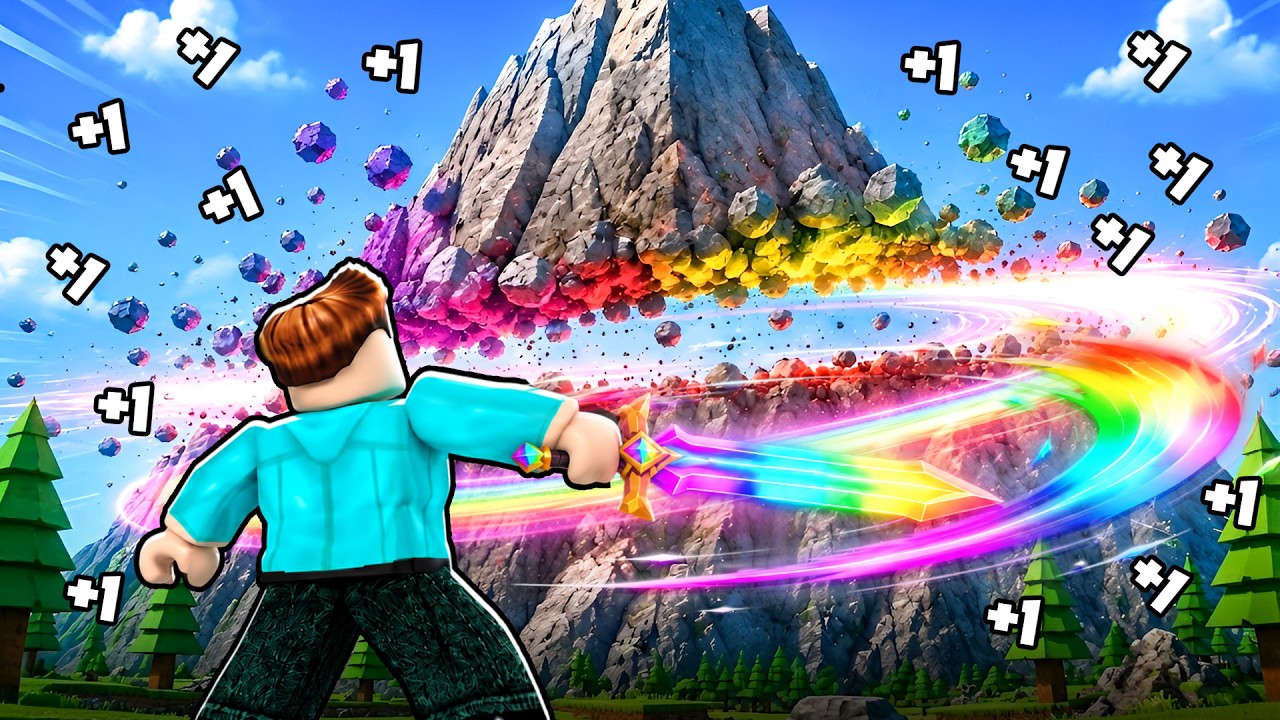
To progress efficiently in Roblox: +1 Slash Per Click, maintain a steady clicking rhythm, clear your user interface of distraction menus, purchase weapon upgrades as soon as you meet power prerequisites, and join the creator's official Roblox group to activate group bonuses.
Managing Input and Click Frequency
The primary mechanic relies on active clicking to build your slash power stat. Every successful click awards a +1 increase to your power total. Because progression scales directly with input speed rather than automated idle generation, sustaining a high click frequency is essential for early-game growth.
- Maintain a Steady Rhythm: Rapid, frantic clicking can trigger missed inputs or server delay. Aim for a consistent tempo that minimizes hand fatigue during long sessions.
- Isolate Weapon Input: Avoid moving or opening UI overlays while actively clicking. Secondary actions can interrupt weapon animations and delay power registration.
- Select an Optimal Input Device: Choose a comfortable control method—such as a gaming mouse, standard mouse, or mobile touch screen—that allows sustained tapping without frequent pauses.
Upgrading Weapons at Power Milestones
Accumulated power should be spent immediately to advance through equipment tiers. Do not hoard your power stat; higher-tier weapons improve your progression rate by granting attack multipliers or faster swing animations that increase the value of subsequent clicks.
- Monitor Power Totals: Keep track of your current power count to spot unlock thresholds for the next gear tier.
- Visit Vendors Immediately: Upon reaching a power milestone, open the shop menu or navigate to the gear vendor to buy the upgraded weapon.
- Verify Inventory Loadouts: Check your inventory periodically to confirm you have equipped the highest-tier weapon available.
Resolving Connection and Latency Issues
High latency can cause "ghosting," where weapon animations trigger without updating your power counter. Use these troubleshooting steps if your clicks stop registering properly:
- Close Background Applications: Shut down unnecessary programs on your device to ensure input processing remains prioritized.
- Switch Servers: If input response feels sluggish or unreliable, leave the server and join a fresh instance with lower ping.
- Clear the HUD: Keep shop windows and reward menus closed while swinging your weapon so accidental clicks do not open sub-menus mid-action.
Unlocking Community Group Rewards
Joining the official Roblox group tied to the game provides direct account benefits that reduce early grinding time.
- Join the Group: Access the Mini-Army41 Roblox group page linked on the game hub and join the community.
- Verify In-Game Status: Open the in-game menu to confirm your group membership is recognized.
- Claim Group Bonuses: Collect any active group rewards, such as starter multipliers or unique weapons, to boost your baseline click efficiency immediately.

Free Roblox Codes
Current active codes and how to redeem them.

Emily Johnson
Emily writes practical mobile strategy guides with a focus on resource planning, base progression, and the early decisions that shape a long-term account.
COMMUNITY
Player Comments
100 players commented on this guide.
This saved me time in the early game.
The tips are practical and easy to follow.
Can you add more details about strategy in a future update?
I tried this today and it worked better than my old setup.