
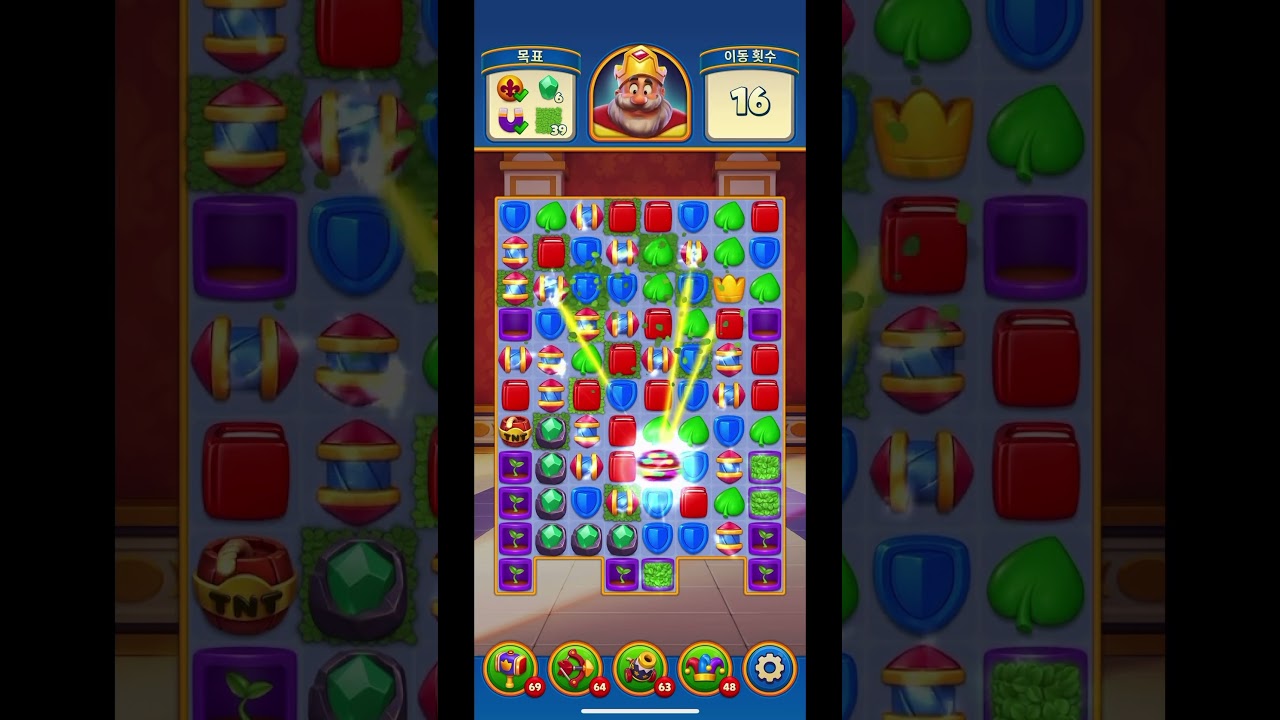
To execute a simultaneous move in Royal Match, place two fingers on separate, valid tile pairs in different columns and swipe them at the exact same moment. This multi-touch technique forces the game engine to register both matches within the same animation frame, locking your secondary matches into place before falling cascades or gravity shifts can disrupt fragile board arrangements.
How Multi-Touch Input and Move Economy Work
Royal Match keeps its touch input active across independent columns rather than locking player controls during the initial match registration. When you swipe two separate pairs simultaneously, the engine queues both clears at identical timestamps and removes both tile groups before applying downward gravity.
Keep these input rules and mechanical constraints in mind:
- Turn deductions remain standard: Double swiping does not save moves. The game engine deducts one turn for each valid match, meaning a simultaneous two-finger swipe consumes exactly two turns from your move counter.
- Column independence is required: Both matches must occupy separate vertical columns. If you attempt to swipe two tile sets in the same column or across directly adjacent tiles, the engine prioritizes one input and drops the other.
- Pacing control: Because simultaneous moves spend two turns at once, use them only when securing a high-value combo or clearing critical targets, not as a shortcut for standard clearing.
| Move Execution Type | Cascade Disruption Risk | Setup Security | Turn Cost |
|---|---|---|---|
| Sequential Swipes | High (upper clears shift lower tiles) | Low (vulnerable to cascade drops) | 1 turn per move |
| Simultaneous Swipes | Low (both matches register concurrently) | High (guarantees formed boosters) | 2 turns (1 per match) |
Best Situations for Simultaneous Swipes
Use simultaneous moves primarily to eliminate the randomness of falling tiles when setting up complex boosters or managing split boards:
- Protecting Power-Up Formations: When an upper-board match is required but you have an unformed Bomb (T- or L-shape) or Light Ball (5-in-a-row) on the lower board, sequential clearing often drops random tiles that ruin the setup. Swiping both the upper match and the lower combo formation simultaneously locks in the booster creation before the upper tiles fall.
- Managing Divided Layouts: Stages partitioned by ropes, chains, or empty gaps do not trigger cross-board cascades. Swiping both halves simultaneously lets you attack hazards on opposing flanks—such as mailboxes, mud, or ivy—without waiting for individual animations to finish.
- Booster Alignment: If an objective tile sits adjacent to the firing lane of a vertical Rocket, swipe the target into the column while triggering the Rocket at the same instant to strike before cascades move the target away.
Step-by-Step Execution Protocol
- Verify Column Separation: Locate two valid matches situated in completely different vertical columns. Confirm neither move depends on pieces in the other column.
- Anchor the Screen: Place your mobile device on a flat surface or secure a firm two-thumb grip so the device remains still under dual touch contact.
- Position Your Fingers: Hover your thumbs or index fingers directly over both designated tile pairs and confirm the correct swipe directions.
- Swipe in Parallel: Make quick, synchronized swipes with both fingers at the exact same instant, then lift off immediately to let the dual clear animate.
- Assess the Settlement: Wait for downward tile gravity to complete on both columns before planning your next action.

Free Royal Match Codes
Current active codes and how to redeem them.

Sarah Williams
Sarah specializes in RPG and collection games, explaining team building, character growth, and beginner-friendly ways to avoid expensive early mistakes.
COMMUNITY
Player Comments
150 players commented on this guide.
This helped me understand strategy much better.
Good guide for Royal Match players. The strategy part was useful.
I tried this today and it worked better than my old setup.
I wish I had read this before upgrading the wrong thing.