
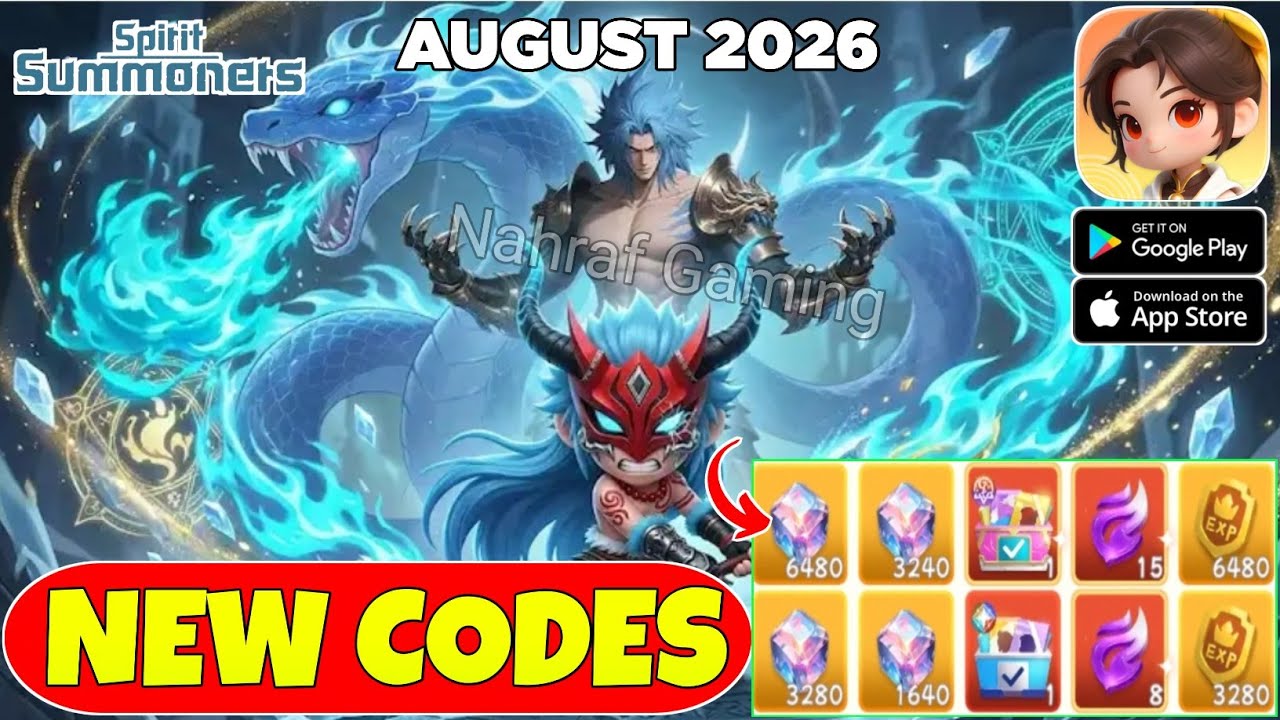
To redeem gift codes in Spirit Summoners, complete the introductory tutorial battles until the main lobby interface unlocks. Tap your player avatar in the upper-left corner of the screen, open the system settings, select the redemption option, and enter your promo code. All claimed items are sent directly to your in-game mailbox rather than your immediate inventory bag.
Step-by-Step Redemption Process
The redemption interface remains locked until you clear the opening tutorial sequence. Once free lobby navigation is available, follow these steps to claim your rewards:
- Launch Spirit Summoners and log into your game server.
- Complete the mandatory prologue battles until all standard hub icons appear on the screen.
- Tap your character avatar located in the top-left corner of the main lobby.
- Open the Settings or System Options tab within the profile interface.
- Tap the Redeem Code or Gift Code button to bring up the text entry field.
- Type or paste your promotional code into the box and select Confirm.
- Return to the main screen, open the in-game mailbox, and claim the delivered items.
Check your mailbox immediately after submitting each code. Certain reward messages carry expiration timers, and unclaimed attachments are deleted once that delivery window lapses.
Troubleshooting Common Code Errors
If a code fails to activate, the game will display an error prompt. Most activation failures stem from formatting issues, account limits, or expired promotions:
- Case Sensitivity: Codes must match the exact capitalization used by official releases. Entering lowercase characters in place of uppercase letters will trigger an invalid code notice.
- Trailing Spaces: Copying codes from web browsers or social apps often introduces hidden whitespace at the start or end of the text. Manually delete extra spaces before confirming.
- Duplicate Claims: Promo codes are limited to a single claim per account. Submitting a previously redeemed code results in a duplicate error.
- Expired or Capped Codes: Event keys expire after their campaign window ends or when server-wide claim caps are reached.
- Server Region Locks: Some codes are restricted to specific regional servers. Accounts hosted on different server shards cannot redeem them.
If an active code fails despite correct spelling, restart the game client to clear local cache delays and verify that server maintenance is not underway.
Account Safety and Reward Preservation
Redeeming codes on an unlinked guest account poses a risk of data loss. Guest profiles store credentials locally on the device rather than syncing them to cloud servers. App reinstallation, device wipes, or crashes during mail redemption can permanently erase your progress and unclaimed items.
Link your account to Google Play, Apple ID, or an official publisher login before redeeming promotional codes. A linked account ensures your claimed summon tickets, upgrade materials, and premium currencies remain secure across sessions and device transfers.

Free Spirit Summoners Codes
Current active codes and how to redeem them.

Emily Johnson
Emily writes practical mobile strategy guides with a focus on resource planning, base progression, and the early decisions that shape a long-term account.
COMMUNITY
Player Comments
140 players commented on this guide.
Good guide for Spirit Summoners players. The redeem codes part was useful.
Can you add more details about redeem codes in a future update?
The explanation is clear, especially for beginners.
The tips are practical and easy to follow.