
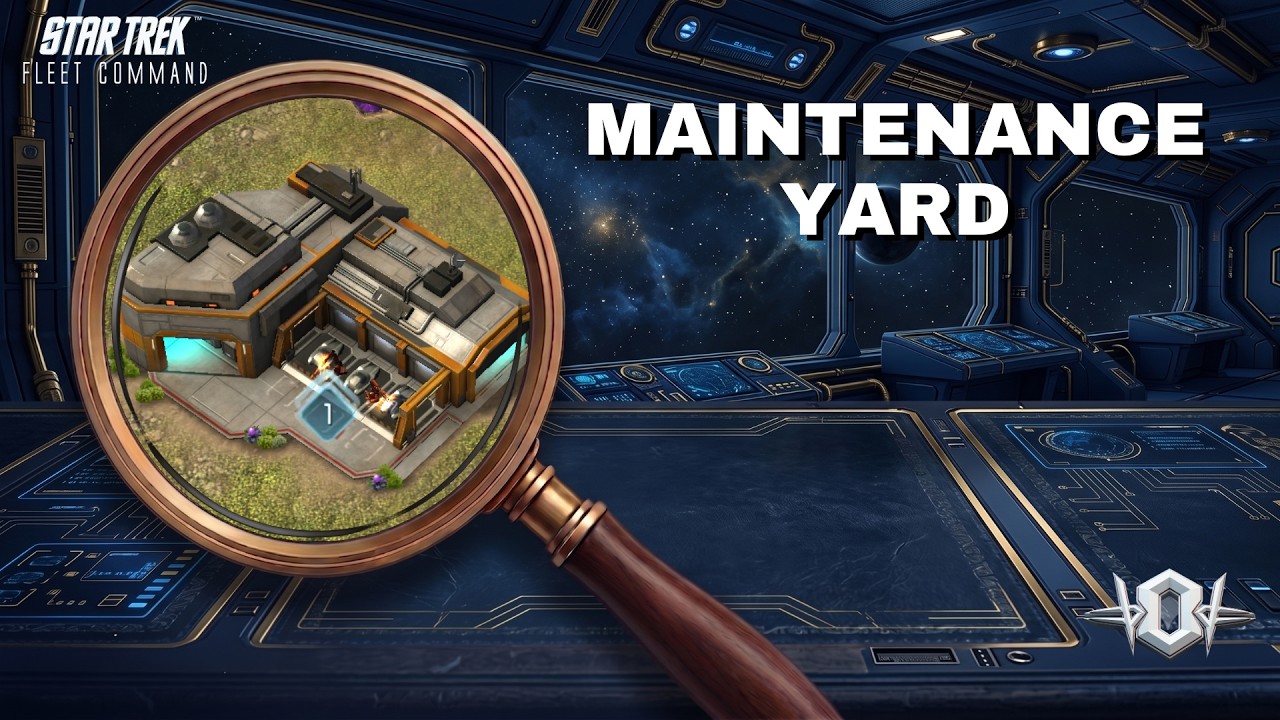
The Maintenance Yard in Star Trek Fleet Command increases the base Hull Health of every ship you own and serves as a mandatory prerequisite for several Operations milestones. Upgrade this building when advancing your Operations level requires it or during station construction events to gain universal fleet durability without wasting speedups.
What the Maintenance Yard Does
The Maintenance Yard applies a permanent, fleetwide percentage bonus to Ship Hull Health. Unlike individual ship components or bridge officer abilities that only strengthen the vessel they are assigned to, the Maintenance Yard acts as a global station multiplier. Every ship in your roster—including survey ships, interceptors, explorers, and battleships—receives this health increase as soon as the building upgrade finishes.
Hull Health is the baseline hit point pool that keeps your ship operational. While shields deflect kinetic and energy attacks during combat rounds, weapon piercing allows incoming damage to seep directly through to the hull. Once your shields drop under sustained fire, Hull Health absorbs all remaining damage. A larger hull pool prevents your ships from being destroyed outright during critical hits and extended engagements.
Within your station layout, the Maintenance Yard fills a distinct defensive role alongside other military buildings:
| Station Building | Primary Fleet Attribute | Scope of Impact |
|---|---|---|
| Maintenance Yard | Ship Hull Health (%) | Fleetwide bonus to all owned ships |
| Armory | Ship Defense (Armor, Shield Deflection, Dodge) | Fleetwide mitigation across all combat classes |
| Shuttle Bay | Officer Stat Amplification | Boosts Attack, Defense, and Health of assigned officers |
| Drydock | Ship Servicing and Repair Speed | Houses active ships and governs repair rate |
Operations Progression and Warehouse Requirements
Upgrading your Maintenance Yard is mandatory to progress through key Operations thresholds. The station progression tree requires your Maintenance Yard to match specific tiers before you can start higher Operations upgrades.
Neglecting the facility creates progression roadblocks. If you leave the Maintenance Yard behind while prioritizing combat research or fleet upgrades, you will eventually face an Operations gate that requires multiple consecutive Maintenance Yard levels. Because the building cannot exceed your current Operations level, keeping it near your maximum supported tier prevents multi-day upgrade delays later on.
Before starting a high-tier Maintenance Yard build, check your station storage limits:
- Level storage warehouses early: Higher tiers require substantial Parsteel and Tritanium, eventually requiring Dilithium at higher levels. If your raw warehouse storage capacity is lower than the upgrade requirement, level your Parsteel, Tritanium, and Dilithium Warehouses first.
- Keep resource tokens in your inventory: Storing unshielded resources above your Vault protection ceiling makes your station a target for enemy raids. Leave resource tokens unopened until you are ready to spend them on the construction queue.
- Rely on daily claims: Supplement costs using daily faction goals and material refinery claims to preserve bulk resource packs for warehouse deficits.
Combat and Repair Benefits
The extra durability provided by the Maintenance Yard improves combat efficiency across routine grinding and high-end fleet encounters:
- Extended Hostile Sorties: PvE farming loops, such as clearing Swarm clusters or daily faction hostiles, depend on how many hits your ship can endure before needing to return home. More Hull Health lets your ships defeat more targets per sortie, reducing transit times and warp costs.
- Lower Drydock Repair Costs: Repairing damaged Hull Health in a Drydock consumes Tritanium, Dilithium, and repair time. Ships with larger base hull pools absorb punishment while retaining a higher overall health percentage, conserving repair speedups and station resources.
- Armada and PvP Survivability: Boss attacks in Alliance Armadas and enemy alpha strikes in PvP can strip shields in the opening round. Higher base Hull Health prevents your flagship from being eliminated before your officers trigger their combat abilities.
Upgrade Sequence
To upgrade the Maintenance Yard efficiently while conserving speedups:
- Complete Construction Research: Finish nodes in your Station Research tree that boost Construction Speed to shorten baseline construction timers.
- Align with Building Events: Queue the upgrade during Solo Milestone (SMS) or Solo Leaderboard (SLB) Building events to earn speedups, materials, and officer recruitment tokens.
- Request Alliance Helps: Immediately request help from your alliance upon starting the construction timer. Each Alliance Help cuts a percentage of the total time remaining.
- Use Speedups After Helps Max Out: Let your alliance help bar fill completely before applying targeted construction speedups to finish the remaining duration and claim event rewards.

Free Star Trek Fleet Command Codes
Current active codes and how to redeem them.

James Brown
James focuses on Android gaming on PC, emulator setup, controls, performance tuning, and practical troubleshooting for longer play sessions.
COMMUNITY
Player Comments
51 players commented on this guide.
I wish I had read this before upgrading the wrong thing.
Good guide for Star Trek Fleet Command players. The strategy part was useful.
This guide answered the exact question I had.
This saved me time in the early game.