
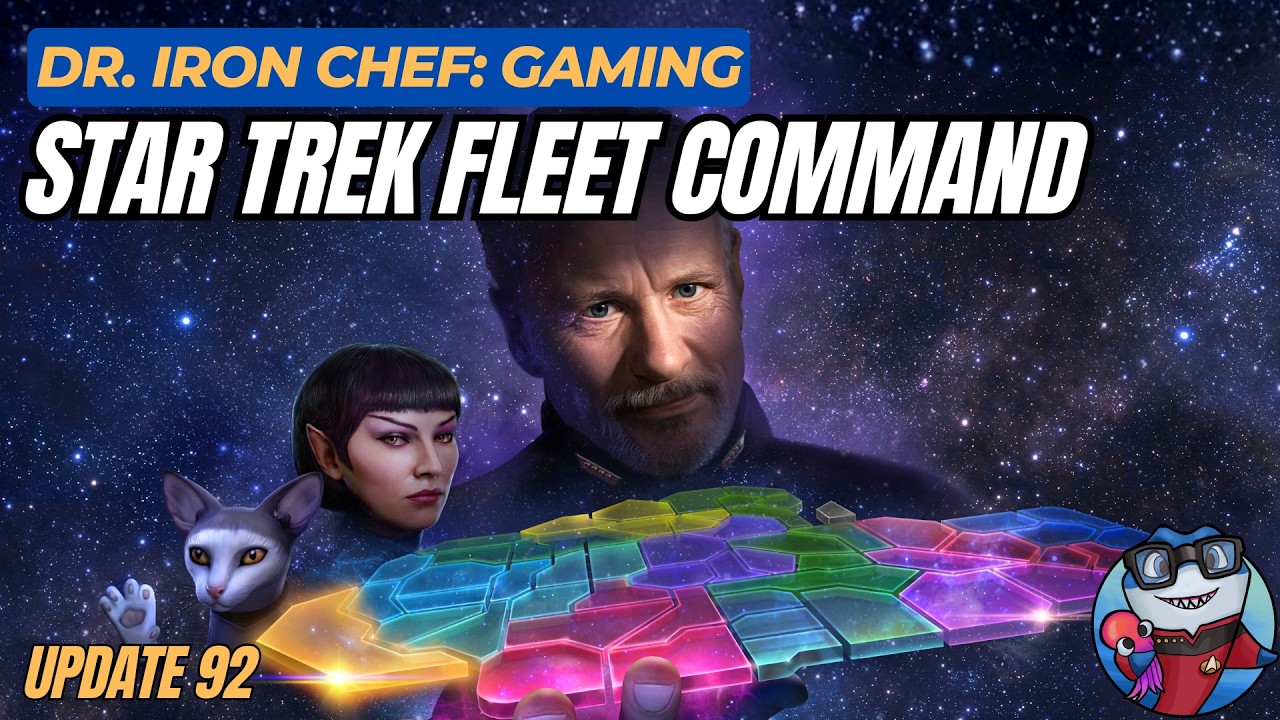
To maximize progression and rewards in the Star Trek Fleet Command Update 92 IDIC event, prioritize Q's trials immediately upon logging in and choose your branching mission path based on your current fleet bottlenecks.
Prioritizing Q's Trials
Q's trials serve as the primary progression driver and main reward source for Update 92. Because trial rewards are tied to active milestones that reset or expire throughout the event cycle, complete these missions before turning to routine daily tasks.
- Check Mission Requirements: Review Q's trial briefings to confirm whether the upcoming objective requires specialized scanning or direct fleet combat.
- Assess Fleet Power: If your primary combat vessels lack the required power for higher-tier trials, pause trial progression to upgrade your ships first. Failing a high-tier trial wastes time and limits access to event-specific currencies required for later stages.
Selecting Branching Mission Paths
Update 92 features branching narrative paths where your initial selection determines the types of rewards available. Once selected, a mission path is locked, preventing you from changing routes later in the event.
Select your path based on your current roster needs:
- Officer Development: Choose paths offering officer shards and progression items if your roster lacks high-tier officer coverage.
- Ship Strength: Choose paths granting specialized ship refit materials and vessel blueprints if your fleet needs direct combat or tier upgrades.
Do not select a path based solely on story interest. Cross-reference the offered rewards against your fleet's current deficits before locking in a path.
Event Currency and Resource Strategy
Event currency earned during Update 92 is limited, making disciplined spending in the event store critical for long-term progression.
| Spending Approach | When to Use | Primary Focus |
|---|---|---|
| Early-Event Spending | When an immediate boost enables higher-tier trial clears | Essential ship upgrades or key progression tokens |
| Late-Event Hoarding | When nearing major milestone thresholds before event end | High-value officer shards and premium milestone unlocks |
Avoid purchasing low-value standard materials from the event store. Reserve your currency for exclusive officer shards or specialized tokens that unlock additional steps in the IDIC mission chain.
Fleet Deployment and Optimization
The IDIC event demands frequent fleet deployments across multiple sectors. Keep operational downtime low by actively managing vessel deployment and repair cycles:
- Rotate Combat Ships: Keep your strongest ships ready for top-tier trials by rotating lower-tier vessels into standard sector activities.
- Tag Event Vessels: Use the in-game tagging system to mark ships assigned to event missions. This prevents accidentally sending key combat ships on routine mining or standard daily runs.
- Use Speed-Ups Strategically: Spend repair resources and speed-ups during active trial pushes rather than waiting out natural repair timers.
Because Update 92 milestones are time-limited, evaluate the resource cost of each milestone. If a specific trial requires excessive resources relative to its reward, pivot your fleet to more accessible event objectives.
Free Star Trek Fleet Command Codes
Current active codes and how to redeem them.

Emily Johnson
Emily writes practical mobile strategy guides with a focus on resource planning, base progression, and the early decisions that shape a long-term account.
COMMUNITY
Player Comments
157 players commented on this guide.
Can you add more details about updates in a future update?
This guide answered the exact question I had.
This saved me time in the early game.
The explanation is clear, especially for beginners.