
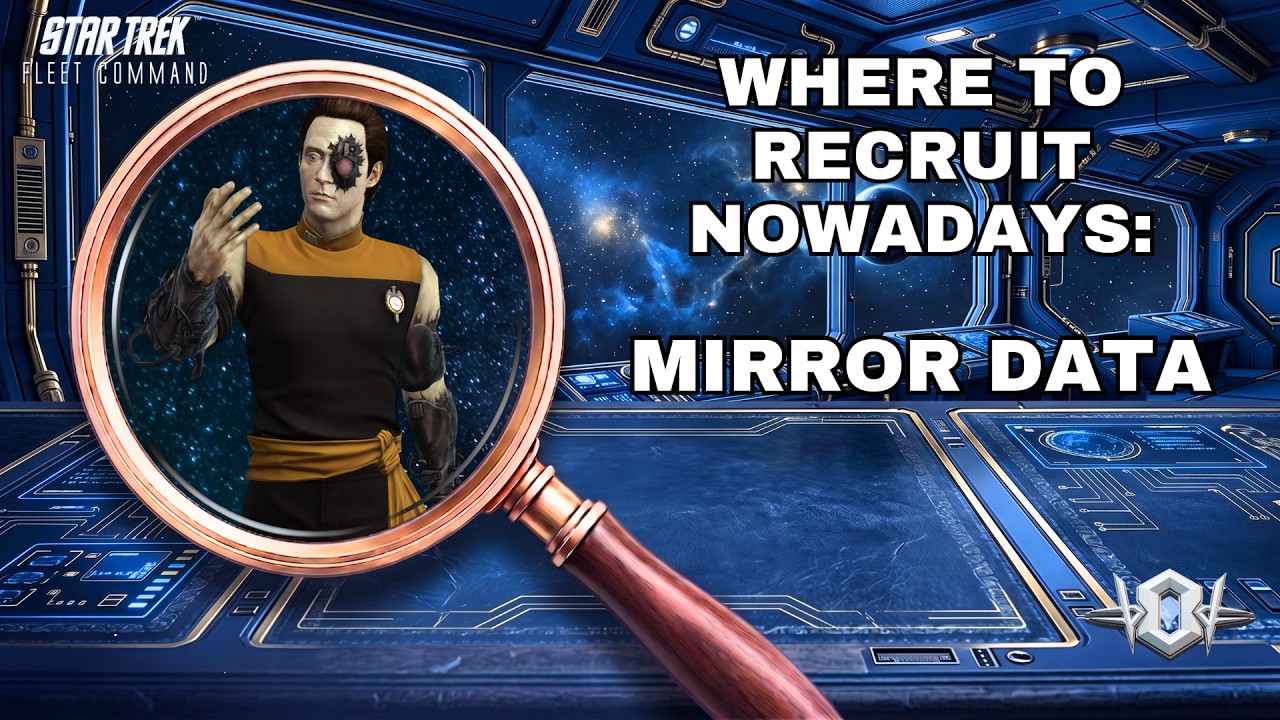
To recruit Mirror Data in Star Trek Fleet Command, check his in-game shard tracker, farm raw Trellium through the daily Mirror Universe rift loop to process refinery pulls, or purchase his shards directly from seasonal event stores. Mirror Data is a specialty officer and does not drop from standard Premium or Ultra Recruit chests.
Check Mirror Data’s Active Sourcing
Before spending tokens, confirm where Mirror Data shards currently drop on your server:
- Open the Manage tab and select the Officers roster.
- Scroll down to the unassigned officers list and select Mirror Data.
- Tap Find Shards to open his active sourcing panel.
This tracker displays every current location offering his shards, including active specialty recruit chests, Away Team store rotations, Syndicate progression milestones, or limited-time event stores. If the panel only lists promotional store packs, his shards are temporarily unavailable in free-to-play rotation pools on your server.
Daily Mirror Universe Farming and Refinery Pulls
The primary daily loop for sourcing Mirror Data shards without spending premium currency requires running Mirror Universe rifts:
- Enter Mirror Space: Spend Rift Keys to access contested Mirror Universe systems.
- Defeat Mirror Hostiles: Destroy hostiles to collect raw Trellium before the rift timer and ambient hull degradation deplete your ship's hull. Use a combat ship equipped with isolytic defense research to extend your survival time.
- Refine Trellium Daily: Process raw Trellium in the Mirror Universe refinery. Daily batches grant Mirror Officer recruit tokens and direct shard drops alongside progression materials.
Specialty Recruit Chests vs. Standard Pools
Never spend standard Ultra Recruit tokens trying to acquire Mirror Data. Specialty expansion officers are restricted to dedicated chests:
- Token Requirements: Mirror specialty chests require designated Mirror Recruit Tokens or specific arc currency.
- Pull Discipline: Do not open specialty chests the moment tokens are acquired. Save your tokens until an Officer Flash Pass or recruitment milestone event is active to earn secondary rewards while pulling for shards.
- Inspect Drop Tables: Always tap the information icon on active specialty chests to verify Mirror Data is in the pool and evaluate the drop rates before committing currency.
Sourcing Options Comparison
| Recruitment Source | Currency / Entry Item | Shard Delivery | Key Consideration |
|---|---|---|---|
| Mirror Universe Refinery | Refined Trellium / Mirror Tokens | Daily RNG drops | Capped by daily Rift Keys and hull survival time |
| Specialty Recruit Chests | Mirror Recruit Tokens | Pooled RNG pulls | Shards are distributed across the entire Mirror officer pool |
| Seasonal Event Store | Event Store Currency (Loot/Credits) | Guaranteed purchases | Competes with ship blueprints and rare refits |
| Store Packs | Direct Purchase | Immediate unlock | Requires real-money expenditure |
Seasonal Event Stores and Bridge Deployment
When a story arc concludes and an event store opens, direct shard purchases provide the only non-random acquisition route for Mirror Data. If your fleet struggles with hostile grinding in Mirror space, prioritize Mirror Data shards over ship blueprints; his abilities focus on isolytic defense and mitigating sustained burst damage.
Once recruited, upgrading Mirror Data requires officer XP, credits, and faction officer badges. Place him on the bridge of your primary hostile-hunting ship to reduce damage during rift runs, allowing you to harvest larger Trellium yields for subsequent refinery cycles.
Free Star Trek Fleet Command Codes
Current active codes and how to redeem them.

James Brown
James focuses on Android gaming on PC, emulator setup, controls, performance tuning, and practical troubleshooting for longer play sessions.
COMMUNITY
Player Comments
39 players commented on this guide.
This guide answered the exact question I had.
Can you add more details about updates in a future update?
Nice guide. I am checking the other Star Trek Fleet Command articles next.
This helped me understand updates much better.