
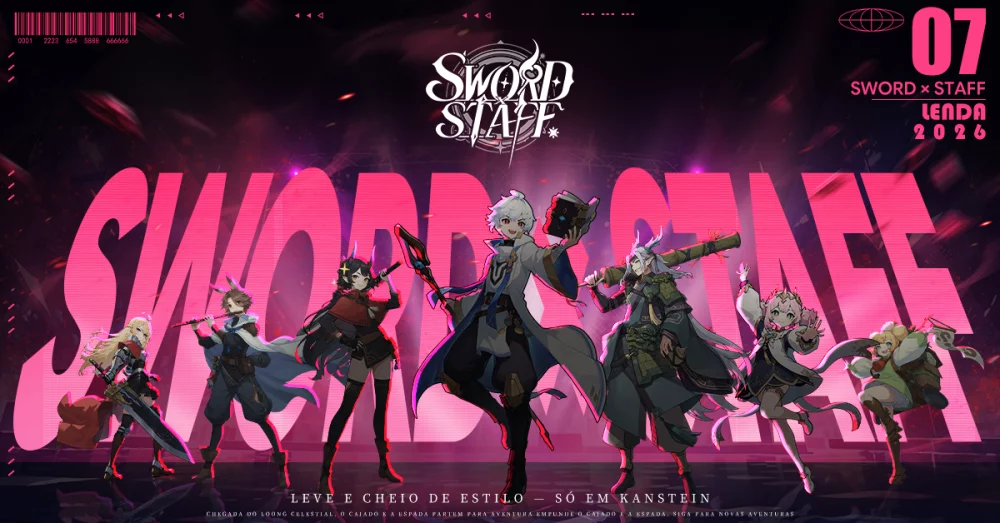
In Sword x Staff, understanding how NPCs process interactions is a subtle but vital part of mastering the game’s social and questing systems. Much like modern digital habits, NPC engagement in the game world is often dictated by specific "attention spans"—internal timers and priority queues that determine how quickly an NPC will respond to player input or transition between idle and active states.
If you have noticed that NPCs seem to "zone out" or shift focus during high-density quest events, it is likely due to the underlying priority logic governing their behavior.
Understanding NPC Interaction Priority
NPCs in Sword x Staff operate on a tiered priority system. When multiple triggers—such as player proximity, quest objective updates, or environmental changes—occur simultaneously, the NPC’s behavior script may prioritize the most recent or "loudest" input.
- Proximity Thresholds: NPCs often have a "soft" and "hard" radius. Entering the soft radius triggers a greeting, while the hard radius engages the dialogue menu. Moving too quickly between these two can sometimes reset the NPC's animation cycle.
- Dialogue Interruption: If you interact with an NPC while they are mid-animation or in the middle of a scripted movement path, there is a micro-delay as the game engine re-prioritizes the interaction request.
- The "Attention Span" Effect: This refers to the duration an NPC remains "locked" into a player interaction state. If you wait too long to select a dialogue option or prompt, the NPC may revert to their ambient behavior loop, requiring you to initiate the interaction again.
Tips for Managing NPC Engagements
To ensure you aren't fighting the game's social mechanics, keep these practical tips in mind:
| Strategy | Benefit |
|---|---|
| Wait for Idle States | Interacting with an NPC while they are standing still significantly reduces dialogue delay. |
| Avoid Rapid Input | Spamming the interaction button can cause the NPC’s "attention" to jitter between the interaction menu and their idle routine. |
| Positioning | Facing the NPC directly ensures the interaction trigger is registered immediately, preventing the character from "glancing" away. |
| Quest Pacing | During quest-heavy areas, follow the NPC for a brief moment before interacting to allow their AI to finish any pathfinding sub-routines. |
Troubleshooting "Unresponsive" NPCs
If an NPC seems completely unresponsive, it is rarely a bug. In most cases, the NPC is currently locked into a "Global Event" animation or a specific story sequence.
- Check for Quest Markers: If a quest icon is flashing above their head, their behavior state is currently overridden by that specific quest.
- Clear the Area: Sometimes, nearby environmental hazards or combat encounters force NPCs into a "cowering" or "observing" state. Clearing nearby hostiles often resets their interaction availability.
- Soft Reset: If you are stuck in an interaction loop, moving just outside of the NPC’s render distance and returning usually clears the cache of their current behavioral priority, allowing for a fresh interaction.
By treating NPC interactions with the same methodical approach you use for combat mechanics, you can save time and ensure your quest progression remains smooth and uninterrupted.

Free Sword x Staff Codes
Current active codes and how to redeem them.

Emily Johnson
Emily writes practical mobile strategy guides with a focus on resource planning, base progression, and the early decisions that shape a long-term account.
COMMUNITY
Player Comments
119 players commented on this guide.
This guide answered the exact question I had.
Can you add more details about strategy in a future update?
This helped me understand strategy much better.
I tried this today and it worked better than my old setup.