
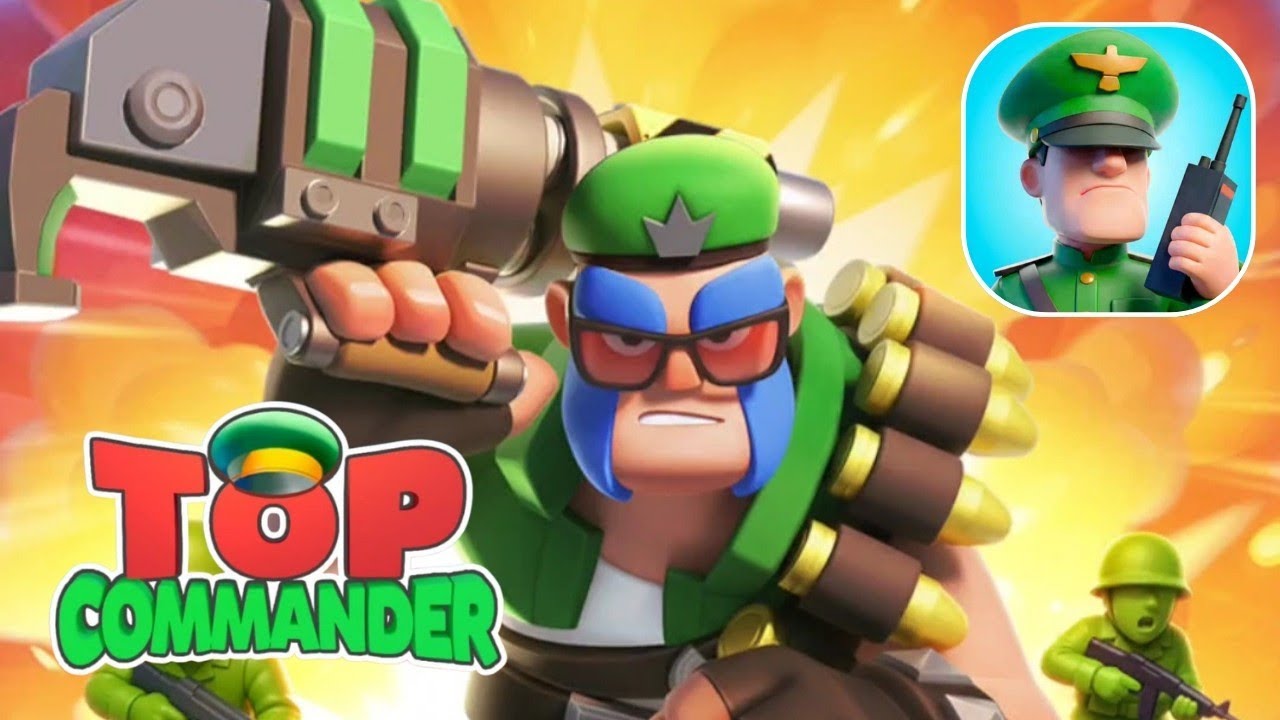
To clear early campaign missions with minimal casualties in Top Force: Commander, use manual battle controls, position defensive units at the front of your formation, and fire hero skills as soon as their cooldown meters fill.
Combat Controls: Manual vs. Auto-Battle
While automated combat speeds up gameplay, manual control provides better efficiency when pushing new content or tackling missions with high recommended power levels.
| Control Mode | Best Use Case | Key Advantage | Trade-Off |
|---|---|---|---|
| Manual Control | New campaign stages, high power recommendations, tough bosses | Maximizes skill efficiency and reduces squad casualties | Requires direct attention and active timing |
| Auto-Combat | Re-clearing previously beaten stages, low-level farming | Quick automated clearance | Suboptimal skill usage, higher risk of unit loss on hard stages |
Use manual control whenever an encounter risks unit losses that prevent earning full star ratings. Switch to auto-combat only when your squad significantly outpowers the enemy roster.
Unit Positioning and Formation
Squad arrangement at the start of battle determines how effectively your team absorbs and deals damage:
- Create a Front Line: Deploy high-defense, high-durability units at the front to draw enemy focus away from fragile ranged units.
- Stagger Unit Spacing: Avoid clustering all squad members into a single dense line. Spacing out deployment paths prevents enemy area-of-effect (AoE) attacks from damaging your entire team simultaneously.
- Protect Ranged Attackers: Keep long-range damage dealers behind your tank units to ensure uninterrupted damage output throughout the stage.
Hero Skill Execution and Timing
Manual skill control allows you to neutralize threats before they collapse your front line:
- Monitor Cooldown Meters: Trigger special hero abilities the instant the cooldown meter charges fully rather than saving skills indefinitely.
- Target Clusters: Aim AoE capabilities at dense groups of enemy infantry to maximize total damage output per skill usage.
- Prioritize High-Value Foes: Save targeted single-target abilities for armored enemies or elite units to mitigate high incoming damage quickly.
Campaign Progression and Roster Adjustments
When pushing through early campaign levels, balance stage progression with roster management:
- Match Mission Requirements: Adjust your squad composition based on specific stage objectives. Certain stages require higher squad mobility, while others demand raw defensive durability.
- Handle Stage Bottlenecks: If your squad fails a mission or takes severe casualties, return to previously completed stages to farm experience points and level up your heroes before re-attempting the stage.
Free Top Force: Commander Codes
Current active codes and how to redeem them.

Emily Johnson
Emily writes practical mobile strategy guides with a focus on resource planning, base progression, and the early decisions that shape a long-term account.
COMMUNITY
Player Comments
70 players commented on this guide.
This guide answered the exact question I had.
I wish I had read this before upgrading the wrong thing.
I tried this today and it worked better than my old setup.
The explanation is clear, especially for beginners.