
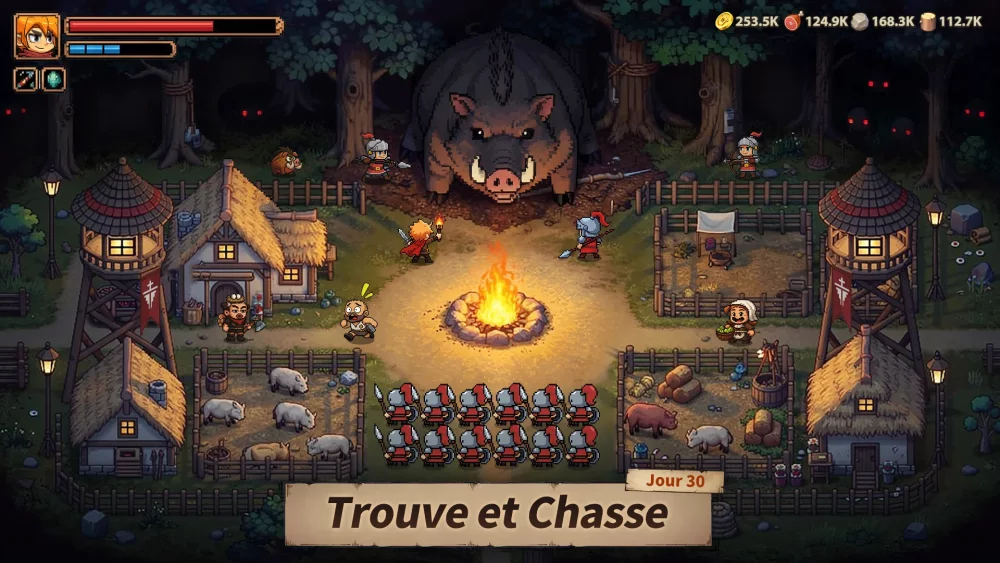
In Top Heroes, gift codes are a primary method for developers to distribute free resources, including boosts, essential materials, and currency. Staying updated with the latest codes is a reliable way to accelerate your progression without spending real money.
This guide explains how to locate, input, and successfully redeem these codes to ensure you never miss out on limited-time rewards.
How to Redeem Gift Codes in Top Heroes
Redeeming codes is a straightforward process, but it requires navigating the in-game menu correctly. Follow these steps to claim your items:
- Launch Top Heroes: Ensure your account is fully loaded and you are on the main base interface.
- Open Profile Settings: Tap on your character avatar (usually located in the top-left corner of the screen).
- Access the Settings Menu: Look for the "Settings" icon (often represented by a gear) within your profile window.
- Find the Gift Code Option: Within the settings menu, locate the button labeled "Gift Code" or "Redeem Code."
- Enter the Code: Type or paste your code exactly as provided. Codes are typically case-sensitive, so ensure there are no extra spaces or capitalization errors.
- Confirm and Claim: After tapping the redeem button, check your in-game mailbox or inventory to receive your rewards.
Troubleshooting Common Redemption Issues
If you encounter an error while trying to redeem a code, check the following common pitfalls:
- Expiration Dates: Most promotional codes are temporary. If a code has exceeded its official activation window, it will no longer work.
- One-Time Use: Most codes are restricted to a single redemption per account. If you have already used a specific code, you will receive a notification stating that it has been claimed.
- Formatting Errors: Ensure you are not accidentally adding a space before or after the code when pasting it into the input field.
- Region Restrictions: Occasionally, codes may be released for specific regional servers. If a code fails, it may not be valid for your current server location.
Tips for Finding New Codes
To maximize your resource intake, keep an eye on official community channels where these codes are frequently posted:
- Official Social Media: Follow the official Top Heroes Facebook, X (Twitter), and Discord pages. These are the primary sources for new code announcements during events or game updates.
- Community Content Creators: Experienced players and content creators often consolidate active codes in video descriptions or community posts.
- In-Game Notifications: Check your mailbox regularly, as the developers sometimes send unique codes directly to players to celebrate milestones or new seasonal content.
Managing Redeemed Resources
Once you redeem a code, the rewards are typically sent directly to your inventory or your in-game mailbox. If the reward does not appear immediately:
- Refresh the Game: Restarting the application can often trigger the delivery of pending items.
- Check the Mailbox: Some rewards are delivered as system messages rather than being added automatically to your total count. Always tap "Collect" or "Claim" in your mail menu to transfer them to your storage.
By proactively managing your code redemptions, you can maintain a steady stream of materials necessary for hero upgrades, base construction, and seasonal progression.
Free Top Heroes Codes
Current active codes and how to redeem them.

Michael Smith
Michael covers live-service games, events, reward systems, and efficient daily routines, turning frequent updates into clear actions for players.
COMMUNITY
Player Comments
128 players commented on this guide.
I wish I had read this before upgrading the wrong thing.
The tips are practical and easy to follow.
I tried this today and it worked better than my old setup.
Can you add more details about resources in a future update?