
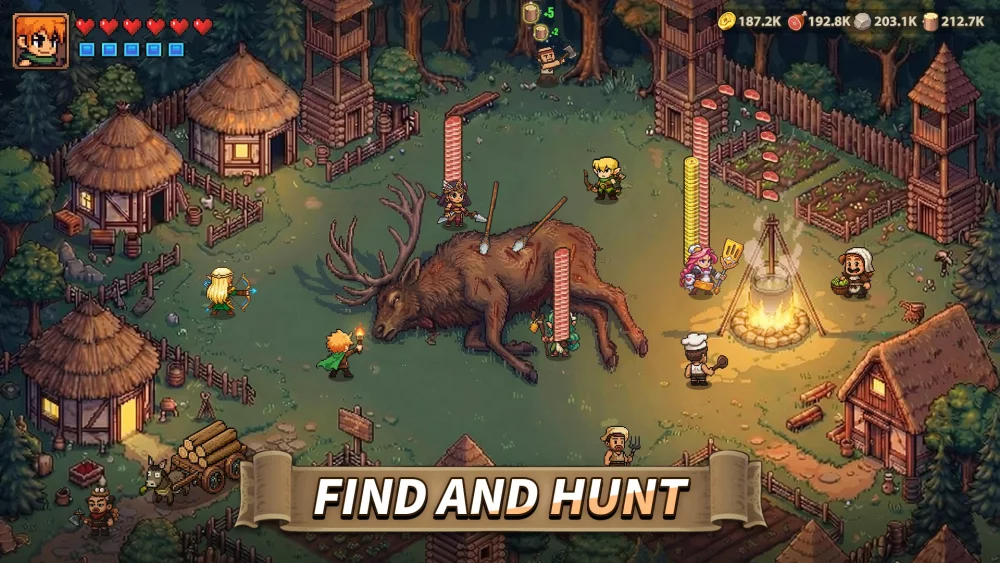
Staying ahead in Top Heroes often requires a steady influx of resources to upgrade your heroes and expand your kingdom. Gift codes are one of the most reliable ways to acquire free items, such as gems, speed-ups, and essential materials, without needing to spend real money.
This guide covers how to locate valid codes, the process for redeeming them, and how to troubleshoot common issues when codes fail to activate.
How to Redeem Codes in Top Heroes
The redemption process is straightforward, but it is important to follow the steps correctly to ensure the rewards are applied to your account.
- Launch Top Heroes and ensure you are logged into your primary account.
- Access your Profile: Tap on your character avatar located in the top-left corner of the main screen.
- Open Settings: Look for the "Settings" gear icon within the profile menu.
- Locate the Gift Code Option: Find the button labeled "Gift Code" or "Redeem."
- Enter the Code: Type or paste your code exactly as it appears. Codes are case-sensitive, so avoid adding extra spaces before or after the text.
- Claim Rewards: Tap the confirm button. If the code is valid, your rewards will typically be sent directly to your in-game mailbox.
Important Tips for Gift Code Usage
To maximize your chances of successfully redeeming codes, keep these factors in mind:
- Case Sensitivity: Always input the code exactly as provided. Capitalization matters for most active codes.
- Expiration Dates: Promotional codes are often time-limited. If a code returns an "invalid" or "expired" error, it has likely reached its usage limit or passed its expiration date.
- One-Time Use: Most codes can only be redeemed once per account. Attempting to use the same code on multiple characters on the same server will not work.
- Official Sources: Only use codes provided by verified social media channels, official community Discord servers, or authorized partner content creators. Avoid third-party websites that claim to offer "infinite resource" generators, as these are often fraudulent.
Troubleshooting Common Redemption Errors
If you encounter issues while trying to redeem a code, check the following common pitfalls:
| Issue | Potential Cause | Solution |
|---|---|---|
| "Invalid Code" | Typo or expired code | Double-check the spelling and ensure the code is still active. |
| "Code Already Used" | Previous redemption | You may have already claimed this specific reward on your account. |
| "Network Error" | Poor connection | Ensure you have a stable internet connection before attempting to redeem. |
| "System Maintenance" | Server-side issues | Wait for the game to finish any active updates or maintenance periods. |
Staying Updated
Because codes are updated frequently, the best way to stay informed is to follow the official Top Heroes social media pages on platforms like Facebook and X (formerly Twitter). Content creators also frequently receive exclusive codes to share with their communities. By staying active in the community, you ensure you never miss out on limited-time resource injections that can help you maintain a competitive edge in your kingdom.
Free Top Heroes Codes
Current active codes and how to redeem them.

Michael Smith
Michael covers live-service games, events, reward systems, and efficient daily routines, turning frequent updates into clear actions for players.
COMMUNITY
Player Comments
42 players commented on this guide.
This saved me time in the early game.
The explanation is clear, especially for beginners.
Can you add more details about heroes in a future update?
I tried this today and it worked better than my old setup.