
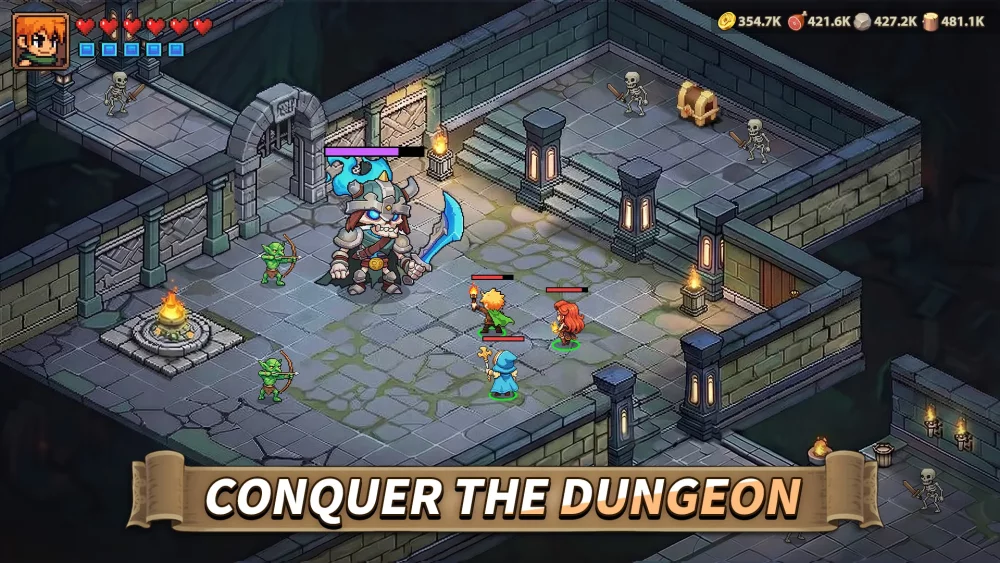
In Top Heroes, personalizing your profile and map presence goes beyond just hero selection and base layout. One of the more visually striking ways to distinguish your account is by customizing your teleportation effects. These animations play whenever you move your base or travel across the map, and they serve as a unique marker for your presence in the world.
What Are Teleportation Effects?
Teleportation effects are cosmetic skins that modify the visual animation displayed when you relocate your base or use teleport items. While these items do not provide direct combat statistics or power boosts, they are highly sought after by players who enjoy customizing their aesthetic in the game.
The "Vortex of Crimson Flames" (or Red Flame Vortex) is one such effect that adds a high-intensity, fiery visual overlay to your teleportation sequence.
How to Equip Your Teleportation Effects
If you have unlocked a new teleport effect, you can apply it through your player settings. Follow these steps to change your look:
- Access Your Profile: Tap your player avatar in the top-left corner of the main screen.
- Locate Customization Options: Look for the section related to "Effects," "Cosmetics," or "Decorations."
- Select Your Effect: Browse your available collection. If you have the Red Flame Vortex or other similar effects, select it to preview the animation.
- Confirm Selection: Once selected, the game will save this as your active teleportation animation.
Why Use Custom Teleportation Effects?
While these effects are purely cosmetic, they offer several subjective benefits for active players:
- Clan Identity: Many players choose specific color-coded effects (like the Red Flame Vortex) to match their alliance's branding or color scheme.
- Visual Distinction: In crowded zones or during high-activity events, a unique teleport animation makes it easier for you and your alliance members to track your movements on the world map.
- Prestige: Rare cosmetic effects are often tied to specific events or high-tier rewards, signaling to other players that you have participated in or completed certain milestones.
Managing Your Cosmetic Collection
| Feature | Function |
|---|---|
| Visual Customization | Changes the base relocation animation. |
| Impact on Stats | None (Purely cosmetic). |
| Visibility | Visible to all players viewing your base relocation. |
| Acquisition | Typically found in limited-time events or special rewards. |
Tips for Collecting Effects
To maximize your collection of visual enhancements, keep an eye on the following:
- Limited-Time Events: Most unique animations are released during seasonal events. Check the event calendar regularly to see if a new effect is available as a milestone reward.
- Alliance Shop/Rewards: Some cosmetic items may periodically appear in alliance-related stores or rewards for high-ranking league activities.
- Event Participation: Always check the "Rewards" tab in active events. Often, the highest-tier rewards include exclusive avatars, frames, or teleport effects that will not be available once the event concludes.
By focusing your efforts on these limited-time opportunities, you can curate a unique look for your account that stands out during your travels across the Top Heroes world.

Free Top Heroes Codes
Current active codes and how to redeem them.

Emily Johnson
Emily writes practical mobile strategy guides with a focus on resource planning, base progression, and the early decisions that shape a long-term account.
COMMUNITY
Player Comments
74 players commented on this guide.
This guide answered the exact question I had.
Nice guide. I am checking the other Top Heroes articles next.
The tips are practical and easy to follow.
I tried this today and it worked better than my old setup.