
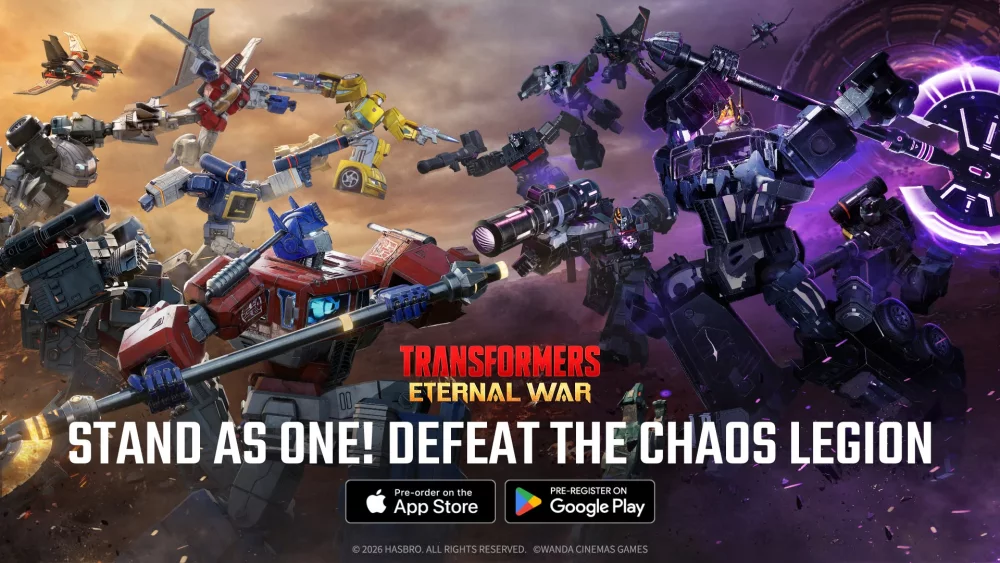
To maintain combat visibility in Transformers: Eternal War, switch from the default tracking view to the elevated strategic overhead mode using the UI toggle in the screen corner as soon as battle begins. Zoom out at the start of an encounter to monitor enemy spawn points, and manually pan the view by dragging across the screen to track flanking units.
Camera View Modes and Manual Zoom
Combat encounters can default to dynamic tracking and cinematic angles that highlight hero animations. While visually detailed, cinematic perspectives hide telegraphed enemy attacks, blind spots, and environmental hazards.
| View Mode | Primary Function | Best Used For |
|---|---|---|
| Overhead Strategic | Maximizes screen visibility and hazard tracking | Boss encounters, multi-lane waves, deployment positioning |
| Manual Zoom Out | Expands field of view across the arena | Wave entry, tracking flanking melee foes, line-of-sight checks |
| Manual Zoom In | Focuses screen detail on a specific target | Target-firing enemy heroes and focusing objectives |
Adjust zoom dynamically throughout a battle sequence:
- Wave Start: Zoom out completely to view enemy spawn directions and confirm lines of sight for long-range damage units.
- Engagement Phase: Drag across the screen to pan toward high-priority threats, such as backline healers or primary damage dealers.
- Target Phase: Zoom in briefly when concentrating squad fire or fine-tuning control during key ability windows.
Deployment Panning and Sightline Checks
When deploying units or triggering squad abilities, the camera often shifts focus toward the active unit. Pan immediately toward the area requiring reinforcements to maintain accurate placement.
- Prioritize Backline Targets: Pan behind enemy frontline units so squad focus remains on high-value damage dealers and support units.
- Check Vertical Line of Sight: Tilt the vertical angle if tall environmental obstacles obscure units or block projectile paths.
- Counter Telegraphed Attacks: When an enemy hero starts an attack animation, move the camera over that unit immediately to time your response.
Handling Input Latency and Cinematic Overrides
The camera control system in Transformers: Eternal War features built-in mechanics and timing limits that require intentional handling during chaotic fights:
- Input Pacing: Avoid rapid screen flicking. The camera tracking system has slight input latency, making steady, deliberate drag movements far more reliable for selecting individual units.
- Post-Cinematic Re-adjustment: High-tier hero abilities trigger forced cinematic sequences that override your manual camera settings. Prepare to manually re-adjust zoom and pan positioning the moment the skill animation ends.

Free Transformers: Eternal War Codes
Current active codes and how to redeem them.

Sarah Williams
Sarah specializes in RPG and collection games, explaining team building, character growth, and beginner-friendly ways to avoid expensive early mistakes.
COMMUNITY
Player Comments
56 players commented on this guide.
This saved me time in the early game.
I tried this today and it worked better than my old setup.
This guide answered the exact question I had.
The explanation is clear, especially for beginners.