
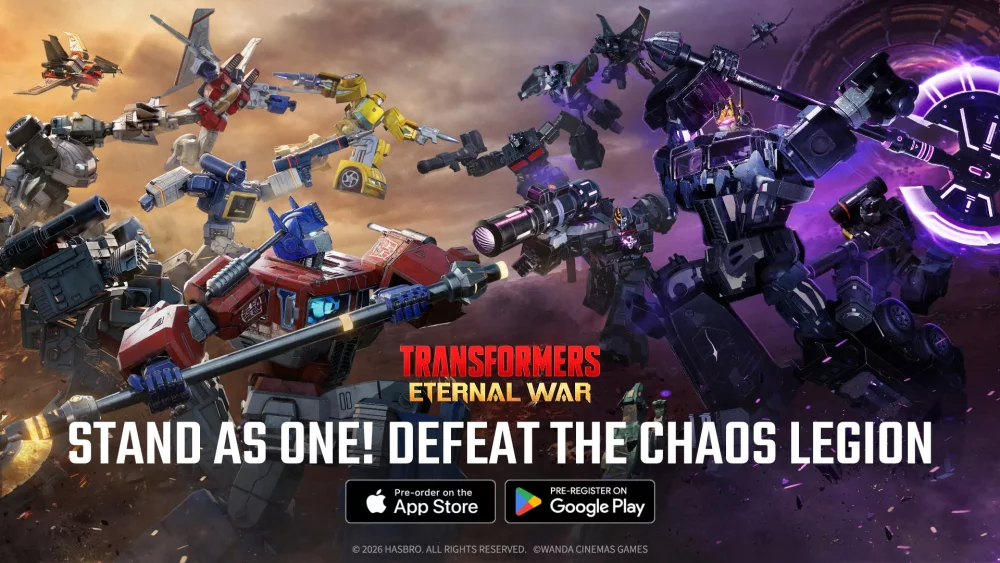
To track the release of Transformers: Eternal War accurately, treat calendar dates listed on digital storefronts as estimated target placeholders and rely on official studio announcements for confirmed server launch times. Preparing your account in advance requires maintaining verified store pre-registrations, planning your account binding method, and reserving sufficient device storage for initial asset downloads.
App Store Placeholders vs. Official Launch Announcements
Digital storefront listings often display shifting dates because platform distribution rules require publishers to specify a projected target when creating pre-order pages. If certification timelines, testing feedback, or deployment schedules change, publishers adjust this date to maintain an active listing. A revised store date confirms that Transformers: Eternal War remains active in the distribution pipeline, but it does not represent a locked global server opening.
To determine when servers will actually open, distinguish storefront indicators from developer-managed announcements:
| Release Indicator | Platform Source | Primary Function |
|---|---|---|
| Expected Release Date | iOS App Store / Google Play Store | Satisfies digital pre-order listing requirements |
| Server Launch Announcement | Official Studio Socials / Discord / Blogs | Confirms live server availability and exact opening hours |
| Version Metadata Update | Mobile App Stores | Indicates client build updates and pre-load availability |
Direct studio communications provide real-time updates if platform certification encounters last-minute delays, often alerting players hours before store metadata updates.
Risks of Regional Soft Launch Builds
When release dates shift, early client builds may appear in regional test markets. While accessing regional APKs or foreign storefront accounts allows players to test squad mechanics early, playing outside your home region introduces distinct technical and progression disadvantages:
- Account Wipes: Soft launch cycles frequently conclude with database resets, deleting squad rosters, gear, and campaign progress before the worldwide launch.
- Payment Restrictions: Regional storefront safeguards often block foreign billing methods, leading to failed transactions or locked premium currency.
- Combat Latency: Connecting to remote testing servers causes input delays during real-time tactical positioning and skill activations.
- Update Incompatibilities: Sideloaded installations frequently fail to patch properly through standard app stores once the global version deploys.
Waiting for the verified global release ensures stable network connectivity and permanent progression.
Essential Pre-Registration and Device Setup Steps
Completing technical preparations before launch prevents download bottlenecks and protects your data the day servers go live.
- Verify Official Pre-Registration: Confirm your pre-registration on the Apple App Store or Google Play Store using your primary account to enable automatic client downloads and secure community milestone rewards.
- Select an Account Binding Method: Prepare to link your profile to Apple Game Center, Google Play Games, or publisher credentials immediately upon first login. Using guest accounts risks permanent progress loss during client updates or device transfers.
- Clear Local Storage: High-fidelity 3D character models and tactical combat maps require storage beyond the initial installer file. Reserve several gigabytes of free internal storage for asset unpacks.
- Check Device Specifications: Review operating system requirements to ensure your device hardware can render real-time squad combat without severe frame drops.
Early Resource and Squad Deployment Strategy
Conserving scarce upgrade materials and focusing investment into a core squad yields more consistent campaign progression than spreading resources across multiple newly pulled units.
- Deploy a Balanced Core Squad: Anchor your starting lineup with a durable frontline tank, such as Optimus Prime, supported by ranged damage dealers and tactical support units to handle incoming enemy fire.
- Conserve Upgrade Currency: Direct Energon and primary skill modules exclusively into your main combat roster until your account level unlocks dedicated resource-farming stages.
- Evaluate Summon Banners Carefully: Distinguish between permanent recruit pools and limited launch rate-up banners before spending premium vouchers, conserving summon currency if you intend to target specific faction anchors like Megatron.
- Push Campaign Milestones: Clear main campaign stages as far as your squad power allows before pausing to farm repeatable battles, maximizing passive resource generation rates from the start.

Free Transformers: Eternal War Codes
Current active codes and how to redeem them.

James Brown
James focuses on Android gaming on PC, emulator setup, controls, performance tuning, and practical troubleshooting for longer play sessions.
COMMUNITY
Player Comments
103 players commented on this guide.
This saved me time in the early game.
Can you add more details about strategy in a future update?
This helped me understand strategy much better.
Good guide for Transformers: Eternal War players. The strategy part was useful.