
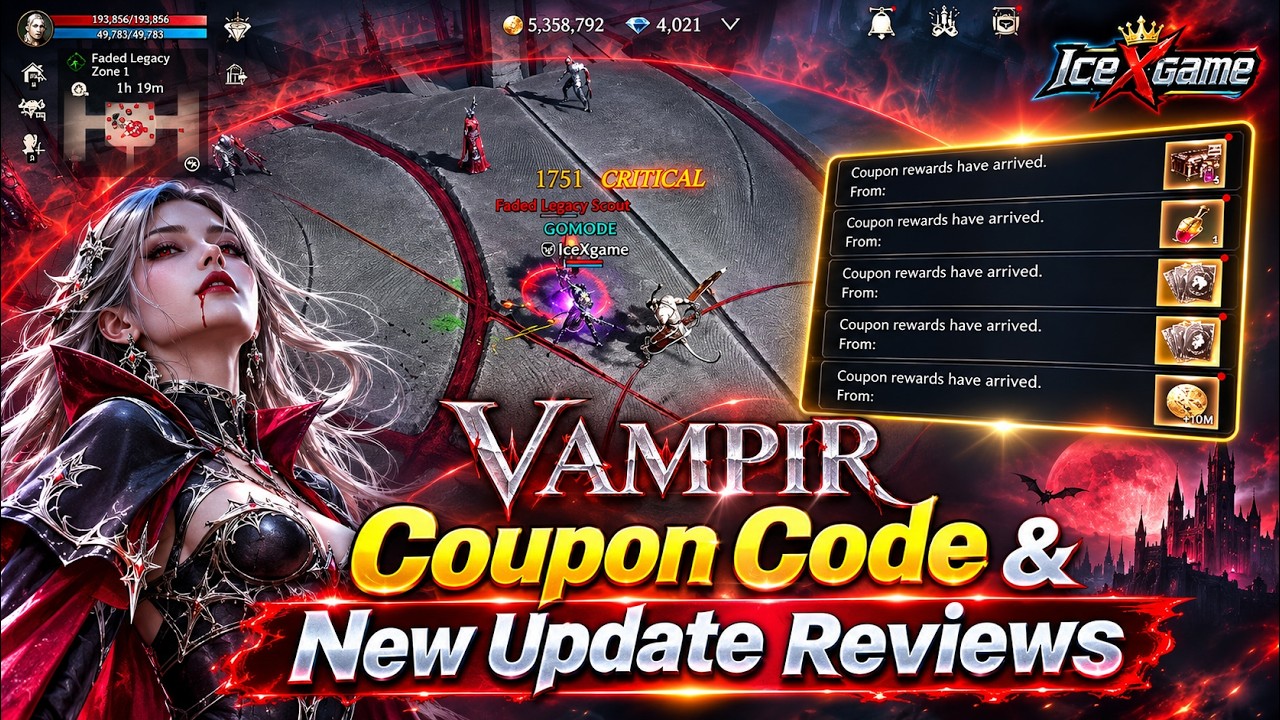
To redeem the promotional code KEYANSWER1117 in Vampir, enter the code through the in-game account settings or submit your account credentials on the official external web portal. Because rewards sent to your mailbox bind to the specific character that withdraws them, log in and collect the package on your primary progression character.
In-Game Redemption (PC and Android)
Players on PC and Android clients can register the code directly inside the game interface:
- Launch Vampir and log into the server where your main character resides.
- Open the main menu in the upper-right corner and select Settings.
- Select the Account tab from the top navigation menu.
- Select Register Coupon to open the text prompt.
- Enter
KEYANSWER1117exactly as written and confirm the submission.
Once verified, the game client confirms the submission and delivers the promotional package to your mailbox.
Web Portal Redemption (iOS, PC, and Android)
iOS players cannot redeem promo codes inside the app due to platform store restrictions and must use the external web redemption portal. PC and Android users can also use this method if they cannot access the in-game client.
To use the web portal:
- In Vampir, open Settings and go to the Account tab.
- Locate your CS Code (Member Account ID) and select Copy.
- Open the official Vampir redemption portal in a web browser.
- Select your target server, paste your CS Code, and enter
KEYANSWER1117. - Confirm the submission.
| Redemption Method | Supported Platforms | Required Information | Delivery Speed | Key Constraint |
|---|---|---|---|---|
| In-Game Client | PC, Android | Coupon Code | Immediate | Unavailable on iOS |
| Web Portal | iOS, PC, Android | Server, CS Code, Coupon Code | Under 5 minutes | Requires manual CS Code lookup |
Always verify your selected server before submitting on the web form. Submitting a code under the wrong server locks the single-use redemption to that profile, permanently forfeiting the rewards on your intended server.
Mailbox Retrieval and Character Binding
After successful redemption, items arrive in your account mailbox with an active retention countdown. Follow these rules to avoid losing or misplacing your items:
- Log into your primary character first: While the mailbox is accessible across characters on the server, progression materials and boosters bind to the inventory of the character that claims them. Claiming rewards on an alternate character prevents you from transferring those items to your main combatant.
- Check available bag space: Ensure your character has enough free inventory slots before opening the mail parcel so items do not get stuck or delayed.
- Monitor mail expiration timers: Promotional mail messages display a remaining duration. If you do not withdraw the contents before the timer reaches zero, the mail and its contents are automatically deleted.
Troubleshooting Common Code Errors
If the game rejects the coupon submission, verify the following failure points:
- Case Sensitivity and Spacing: The code must be entered in all capital letters as
KEYANSWER1117. Mobile auto-fill often inserts an extra space at the end of pasted text, which triggers an invalid code error. - Single-Use Limit: Each promotional coupon can be claimed only once per account. If you previously redeemed the code on another server using the same CS Code, subsequent attempts will fail.
- Expired Window: Update coupons operate on limited promotional lifespans. If the server marks the code as expired, the promotional window has permanently closed.

Free Vampir Codes
Current active codes and how to redeem them.

Sarah Williams
Sarah specializes in RPG and collection games, explaining team building, character growth, and beginner-friendly ways to avoid expensive early mistakes.
COMMUNITY
Player Comments
82 players commented on this guide.
The tips are practical and easy to follow.
This helped me understand heroes much better.
This guide answered the exact question I had.
Nice guide. I am checking the other Vampir articles next.