
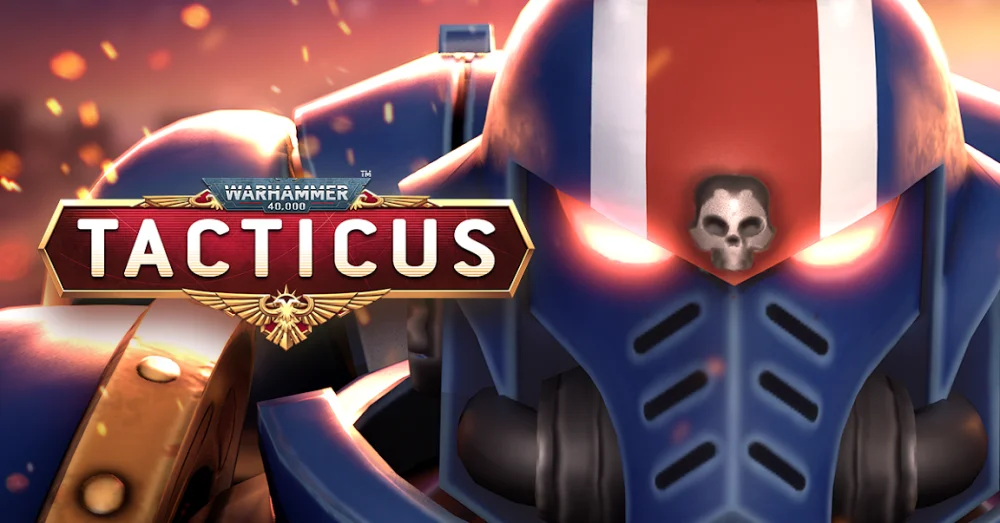
If you are experiencing frequent crashes or performance stutters while playing Warhammer 40,000: Tacticus on your Android device, the most effective solution is to clear the application’s cache and data. Often, corrupted temporary files or insufficient storage space prevent the game from loading assets correctly. By resetting these local files and ensuring your system has enough overhead, you can frequently restore stability without needing to perform a full reinstallation of the game client.
Clear Cache and Data to Restore Stability
The most reliable way to fix unresponsive behavior in Warhammer 40,000: Tacticus is to clear the local application data through your Android settings. Over time, cached files can become corrupted, leading to launch failures or sudden freezes during matches.
- Navigate to your device Settings.
- Select Apps or Application Manager.
- Locate Warhammer 40,000: Tacticus in the list.
- Tap on Storage.
- Select Clear Cache first to see if the issue persists.
- If problems remain, select Clear Data (ensure your account is linked to a social platform or email first).
Verify Available Storage Space
Insufficient storage space is a leading cause of performance degradation in Warhammer 40,000: Tacticus. When your internal memory is near capacity, the operating system struggles to allocate the necessary resources to load high-resolution textures and data packets, resulting in application crashes.
| Storage Status | Recommended Action |
|---|---|
| Below 1GB Free | Delete unused apps or move media files to external storage. |
| Near Capacity | Clear system junk files and unused app caches. |
| Sufficient (>2GB) | Confirm that the game is updated to the latest version. |
Essential Troubleshooting Checklist
If the steps above do not immediately resolve your technical issues, perform these final checks to ensure your device environment is optimized for the game:
- Check for System Updates: Ensure your Android OS is fully updated, as outdated software can cause compatibility issues with the latest game patches.
- Restart Your Device: A simple power cycle clears background processes that might be conflicting with the game's memory requirements.
- Check Network Stability: Switch between Wi-Fi and mobile data to determine if a weak internet connection is triggering a timeout or "not working" error.
- Reinstall the Client: If all else fails, uninstalling and performing a fresh install of Warhammer 40,000: Tacticus will force the game to download a clean version of all required assets.
Free Warhammer 40,000: Tacticus ™ Codes
Current active codes and how to redeem them.

Sarah Williams
Sarah specializes in RPG and collection games, explaining team building, character growth, and beginner-friendly ways to avoid expensive early mistakes.
COMMUNITY
Player Comments
143 players commented on this guide.
This helped me understand strategy much better.
I wish I had read this before upgrading the wrong thing.
This guide answered the exact question I had.
This saved me time in the early game.