
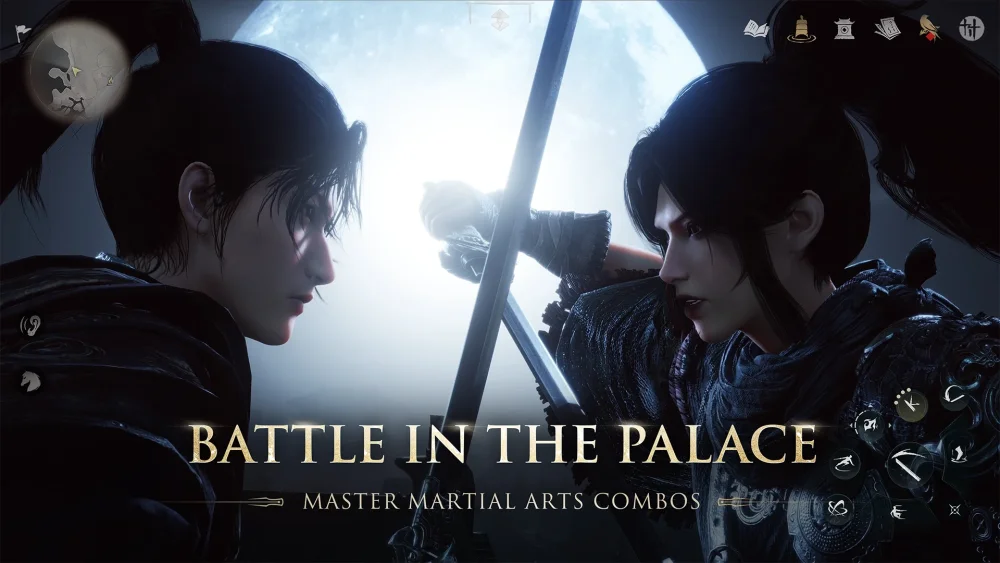
To stabilize frame rate and maintain input precision in Where Winds Meet, start by setting DLSS to the Quality preset and lowering hardware-intensive post-processing options like motion blur, depth of field, shadows, and volumetric lighting.
Selecting the Right DLSS Profile
DLSS uses AI upscaling to render the game internally at a lower resolution before reconstructing the image to match your display output. Choosing the correct preset depends on your display resolution and current frame rate bottlenecks.
| DLSS Profile | Target Resolution Benefit | Ideal Scenario | Potential Trade-off |
|---|---|---|---|
| Quality | High gains at 4K; moderate at 1440p | Default baseline for open-world traversal and boss fights | Diminishing performance returns at 1080p |
| Balanced | High gains across 1440p and 4K | Moderately dense areas or mid-tier hardware setups | Slight softening on fine geometric details |
| Performance | Maximum hardware overhead recovery | High-density urban hubs like Kaifeng or large group raids | Visible ghosting or shimmering on fast-moving foliage and character edges |
Setting DLSS to Quality preserves visual details needed for combat readability, such as enemy telegraphs and combat animations, while reducing GPU load. If you experience frame drops in high-density areas or large battles, shift down to Balanced or Performance to regain input responsiveness.
Step-by-Step DLSS Optimization Setup
- Establish a Baseline: Navigate to your graphics settings and select Quality under the DLSS profile menu.
- Disable Motion Blur and Depth of Field: Turn off these visual effects to keep enemy animations sharp and clear, preventing upscaling artifacts from compounding with blur filters.
- Adjust Secondary Post-Processing: Reduce shadow quality and volumetric lighting to medium or low to free up GPU resources.
- Monitor Frame Pacing: Evaluate your gameplay based on frame time stability rather than average FPS. Consistent frame pacing ensures dodge and parry timings remain reliable.
- Fine-Tune Scaling: If stuttering continues, reduce your resolution scale slightly before dropping to a lower DLSS preset to retain a clearer image.
Managing Visual Artifacts and Limitations
Upscaling image reconstruction scales differently depending on native resolution. Playing at 4K yields significant frame rate gains, while running at 1080p produces smaller improvements.
At lower DLSS presets or lower native resolutions, AI reconstruction can introduce ghosting or visual artifacts around fast-moving objects, character silhouettes, and thin geometry like grass. If these artifacts obscure visual clarity during combat, raise your sharpening filter or revert to a higher quality profile. Always test configuration changes in a quiet location before joining group encounters or high-level fights.

Free Where Winds Meet Codes
Current active codes and how to redeem them.

Emily Johnson
Emily writes practical mobile strategy guides with a focus on resource planning, base progression, and the early decisions that shape a long-term account.
COMMUNITY
Player Comments
77 players commented on this guide.
Nice guide. I am checking the other Where Winds Meet articles next.
The explanation is clear, especially for beginners.
The tips are practical and easy to follow.
Good guide for Where Winds Meet players. The strategy part was useful.