
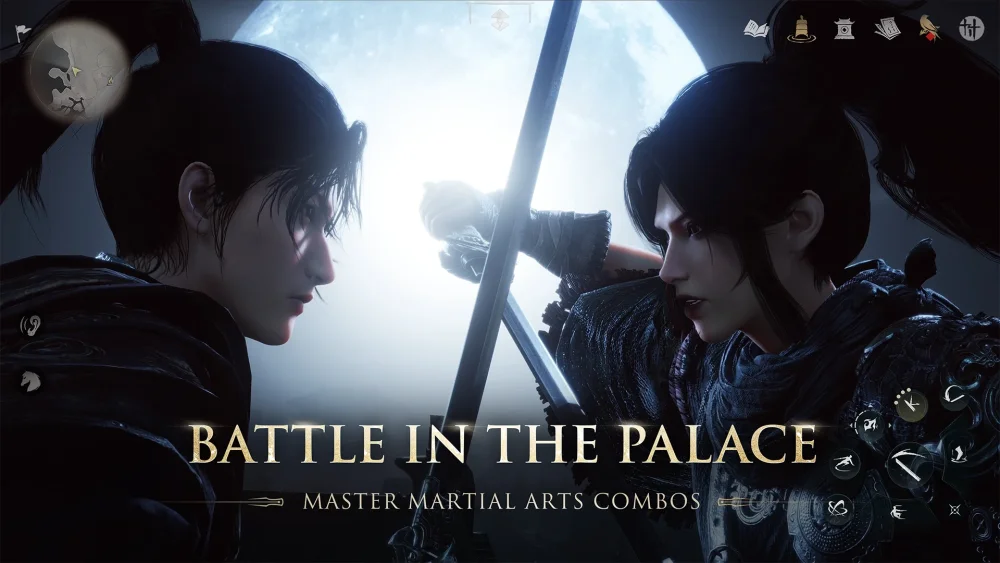
To prevent frame drops and input lag during 5-player and 10-player raids in Where Winds Meet, set DLSS upscaling to either the Quality or Balanced preset and turn off post-processing effects like motion blur and depth of field.
Heavy particle density and simultaneous player actions in group dungeons strain client performance. Lowering input latency through stable frame rates is critical for reading boss attack wind-ups and executing precise parries or dodges.
Recommended Raid Graphics Settings
Choosing the right graphics configuration balances visual clarity against reaction speed. For group encounters, prioritize frame-pacing stability over high resolution.
| Setting | Recommendation | Primary Benefit |
|---|---|---|
| DLSS Preset | Balanced (or Quality) | Maintains a target of 60 FPS in 10-player raids while keeping visual cues sharp. |
| Motion Blur | Off | Reduces micro-stuttering and keeps camera movement responsive. |
| Depth of Field | Off | Frees GPU resources to avoid frame dips during heavy particle effects. |
Step-by-Step Graphics Setup
- Open the settings menu in Where Winds Meet and navigate to the Graphics tab.
- Enable DLSS (DLSS 5 feature set where supported by hardware).
- Set the upscaling mode to Balanced if aiming for a stable 60 FPS in 10-player raids, or Quality if your hardware handles high-density fights cleanly.
- Locate post-processing toggles and disable both Motion Blur and high-intensity Depth of Field.
- Save your settings and enter a 5-player or 10-player encounter to test frame stability during active combat.
How Frame Stability Affects Boss Mechanics
Raid bosses rely on distinct visual wind-up stances and area-of-effect indicators. Fluctuating frame rates introduce input delay, which disrupts defensive timing:
- Parry Timing: Stable frame delivery keeps character recovery frames predictable, allowing accurate parry windows against incoming strikes.
- Hitbox Feedback: Eliminating frame hitches ensures hit registration aligns visually with dodge animations.
- Camera Tracking: Disabling motion blur keeps boss stances legible when sweeping the camera across large arenas.
Visual Trade-Offs vs. Network Latency
Using AI-driven upscaling and frame generation introduces specific performance characteristics you should distinguish from network issues:
- Ghosting Artifacts: Fast camera movements may produce slight blur or ghosting around character models. This visual trade-off is normal for frame generation upscaling and is worth the gained frame stability.
- Client Performance vs. Network Lag: DLSS resolves client-side rendering bottlenecks (such as low FPS or input delay from GPU load). It does not resolve server-side rubber-banding or delayed skill activation caused by high network ping. If skill delays persist despite high frame rates, check your network connection.

Free Where Winds Meet Codes
Current active codes and how to redeem them.

Sarah Williams
Sarah specializes in RPG and collection games, explaining team building, character growth, and beginner-friendly ways to avoid expensive early mistakes.
COMMUNITY
Player Comments
85 players commented on this guide.
Nice guide. I am checking the other Where Winds Meet articles next.
I wish I had read this before upgrading the wrong thing.
I tried this today and it worked better than my old setup.
The explanation is clear, especially for beginners.