
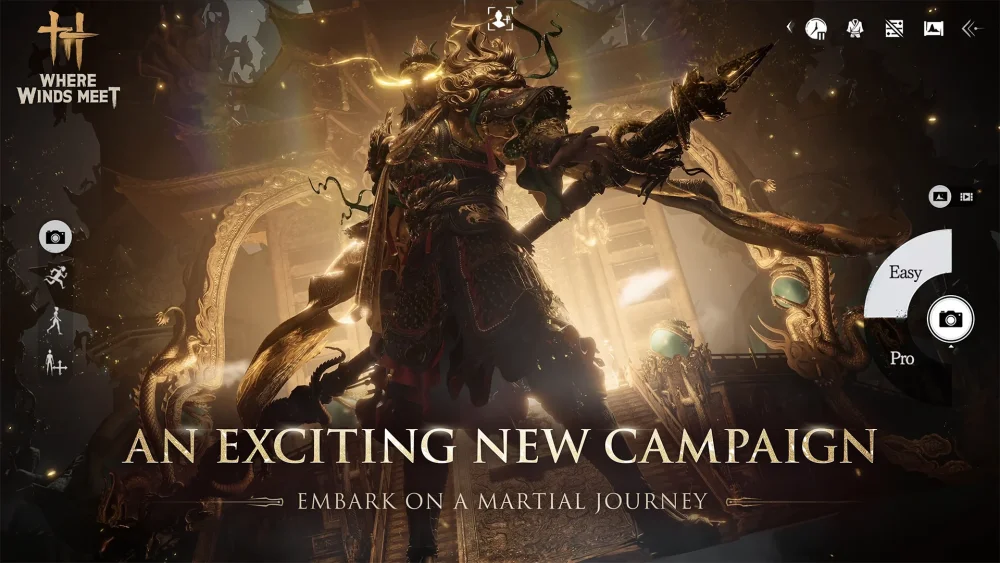
To display the full Wusheng Gu hairstyle in Where Winds Meet without visual obstruction, hide your headgear through the cosmetic menu. Toggling headgear visibility reveals the complete hair model while retaining all combat stats and armor bonuses granted by your equipped headwear.
Hiding Headgear to Reveal the Hairstyle
Standard helmets and hats obscure the top volume and hairline details of the Wusheng Gu hair mesh.
- Open the cosmetic customization menu.
- Navigate to the headwear slot.
- Select the toggle option to hide headgear visibility.
This toggle is cosmetic only. Your equipped helmet remains active in your gear loadout, so defense and stats are not affected when the hair is visible.
Managing Mesh Clipping and Garment Synergy
Because the Wusheng Gu hairstyle features extended length and pronounced layering, certain outfit combinations can cause visual issues during combat and character movement.
- High Collars and Scarves: Bulky necklines or raised collars frequently intersect with the lower hair mesh. If clipping occurs, swap to flat-collared robes or enter the character re-customization menu to adjust your character's neck length and shoulder width sliders.
- Flowing Garments: The hair model uses fluid physics designed to match long-sleeved martial arts robes. Equipping lightweight, flowing chest armor keeps movement animations cohesive during combat maneuvers.
- Environment Previewing: Preview the hair under both outdoor sunlight and low-light indoor environments before finalizing your appearance, as lighting conditions change how hair dye highlights and texture layers appear.

Free Where Winds Meet Codes
Current active codes and how to redeem them.

James Brown
James focuses on Android gaming on PC, emulator setup, controls, performance tuning, and practical troubleshooting for longer play sessions.
COMMUNITY
Player Comments
35 players commented on this guide.
This helped me understand strategy much better.
Can you add more details about strategy in a future update?
Good guide for Where Winds Meet players. The strategy part was useful.
This saved me time in the early game.