
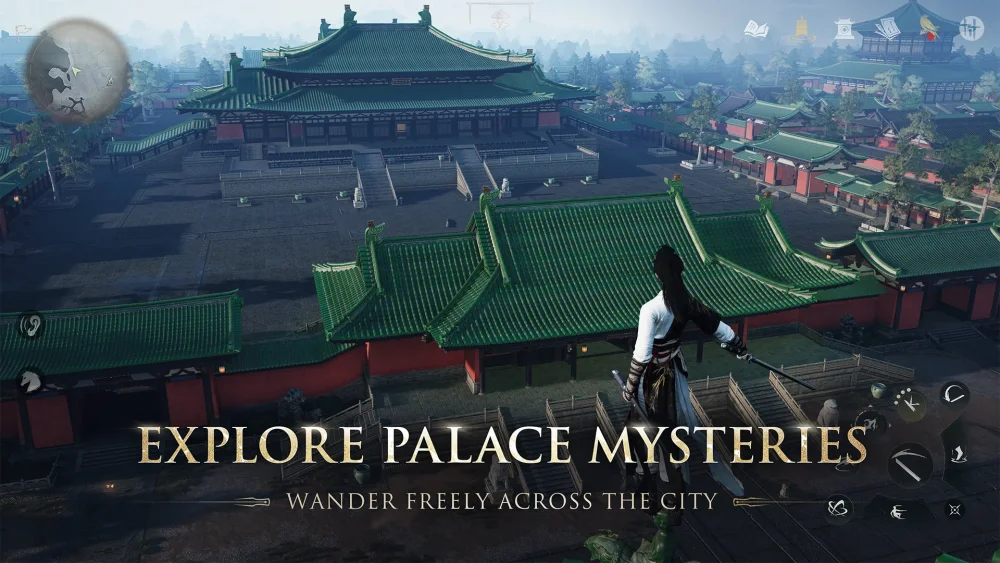
To create a custom dance in Where Winds Meet, open the main navigation wheel, navigate to the lifestyle or recreational activities tab, and enter the performance studio interface under leisure arts. This staging environment detaches your character from open-world combat, pauses world timers and aggro ranges, and provides timeline editing tools to sequence motion clips, match choreography to musical beats, and assign the finished routine to your social wheel.
Before entering the studio, equip your intended cosmetic outfit. Large back accessories and bulky weapons can block limb visibility during timeline scrubbing and animation previews.
Motion Generation Parameters
The performance editor allows you to assemble routines by stringing together preset motion templates or generating sequenced movement paths. You can modify each clip using several primary parameters:
| Motion Parameter | Configuration Options | In-Game Performance Impact |
|---|---|---|
| Pacing & Tempo | 60 BPM to 140+ BPM adjustments | Controls animation playback rate and rhythm alignment. |
| Motion Style | Classical, folk, energetic, acrobatic | Sets baseline posture, hand positioning, and footwork patterns. |
| Transition Smoothing | 0.1s to 0.8s blend windows | Prevents visual snapping between consecutive movement clips. |
| Prop Integration | Fans, ribbons, umbrellas, instruments | Enables secondary motion physics on equipped performance items. |
When sequencing high-velocity spins and rapid direction changes, set transition smoothing toward the higher end of the 0.1s to 0.8s window. Abrupt transitions without blend frames cause cloth models on wide sleeves, long robes, and hair accessories to clip through character models. Adding a brief deceleration segment before sharp turns preserves clean physics simulation.
How to Synchronize Dance Moves to Music
Precise timing requires aligning movement peaks with downbeats on the timeline track. Follow these steps to sync a routine:
- Load a background track: Open the audio tab and select a music preset from the available Jianghu melody library.
- Place keyframe markers: Scrub along the timeline and drop anchor pins on distinct percussion downbeats or tempo markers.
- Align movement peaks: Position movement clips so that high-impact poses, such as full leg extensions or spins, hit directly on your anchor pins.
- Test timing at reduced speed: Switch playback speed to 0.5x to verify that footfalls and gestures land exactly on the beat without input drift.
If you change the overall song tempo after placing clips, enable the global beat-lock toggle first. This preserves the relative spacing between your markers and motion nodes during tempo shifts.
Setting Camera Angles and Lighting
The studio includes a director camera tool to frame performances:
- Camera tracking: Map at least two to three camera transitions along the timeline. Low-angle tracking shots emphasize elevation during leaps, while tighter framing captures detailed hand gestures and facial poses.
- Depth of field: Adjust the camera aperture slider to soften the background, keeping visual focus squarely on your character.
- Lighting rigs: Use warm lantern tones or adjustable rim lights to maintain character clarity when performing in dark settings.
Saving and Performing Routines
Once your choreography is finished, save the routine into your personal performance library. The system assigns the choreography to a preset slot, which can be linked directly to your social action wheel.
When executing routines in public multiplayer areas:
- Select even terrain: Perform on flat stone terraces, wooden docks, or designated stage platforms. Uneven ground, rocky inclines, and stairs can cause character feet to clip into the environment.
- Hub interactions: Other players nearby can applaud, offer currency tips, or trigger synchronized group emote prompts to participate in the performance perimeter.

Free Where Winds Meet Codes
Current active codes and how to redeem them.

James Brown
James focuses on Android gaming on PC, emulator setup, controls, performance tuning, and practical troubleshooting for longer play sessions.
COMMUNITY
Player Comments
80 players commented on this guide.
Can you add more details about strategy in a future update?
The tips are practical and easy to follow.
This saved me time in the early game.
I tried this today and it worked better than my old setup.