
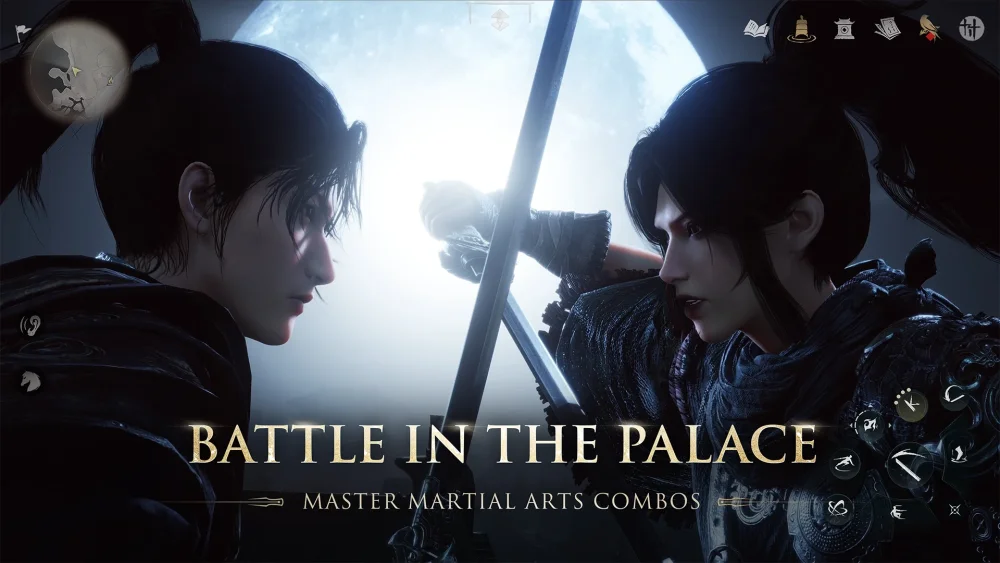
Following the major martial arts balance pass and performance update in Where Winds Meet, players should immediately audit their skill rotations in the training hall, update graphics drivers, and re-evaluate equipment attributes. Because damage scaling, stamina costs, and visual performance options have changed, updating your combat rotation and display settings is essential for maintaining smooth gameplay and consistent damage output.
Re-Testing Martial Arts Rotations
The recent balancing pass recalibrates damage scaling across several top-tier martial arts techniques. If your loadout relied on previously dominant combat styles, your time-to-kill (TTK) may increase until you adjust your ability sequences.
To adapt your combat setup:
- Test Combos in the Training Hall: Run controlled rotations to observe sustained damage output and utility under updated scaling rules.
- Audit Cooldowns and Stamina: Inspect your primary skills for unlisted changes to stamina consumption or skill cooldown timing.
- Consider Secondary Style Swaps: If your primary setup feels less responsive or loses fluid animation cancels, substitute a secondary martial art style that complements your core skills.
Optimizing DLSS Display Settings
The patch also introduces updated DLSS settings to improve frame pacing and reduce input latency during intensive encounters, such as crowded alliance events and multi-effect boss battles.
To configure performance options:
- Ensure your PC display drivers are updated to the latest available software release.
- Open the in-game display settings menu and toggle DLSS to active.
- Select a preset based on your hardware target and visual priority.
| DLSS Preset | Priority Focus | Recommended Use Case |
|---|---|---|
| Quality | Image sharpness | High-refresh-rate displays in solo exploration or light combat |
| Balanced | Frame rate stability | Large-scale alliance battles, raids, and high-density zones |
Post-Patch Progression Workflow
To restore your character's combat efficiency after the update, follow a structured progression workflow:
- Audit Active Abilities: Verify that your core skill rotations maintain effective combo transitions and resource management.
- Benchmark Combat Performance: Monitor frame rates and input responsiveness in dense regions to confirm your DLSS preset prevents micro-stuttering.
- Re-evaluate Gear Attributes: Check your equipment bonuses. If previous gear buffed specific abilities that were rebalanced, shift your gear prioritization toward flat attribute scaling for broader effectiveness.

Free Where Winds Meet Codes
Current active codes and how to redeem them.

James Brown
James focuses on Android gaming on PC, emulator setup, controls, performance tuning, and practical troubleshooting for longer play sessions.
COMMUNITY
Player Comments
58 players commented on this guide.
The explanation is clear, especially for beginners.
Good guide for Where Winds Meet players. The updates part was useful.
Can you add more details about updates in a future update?
This guide answered the exact question I had.