
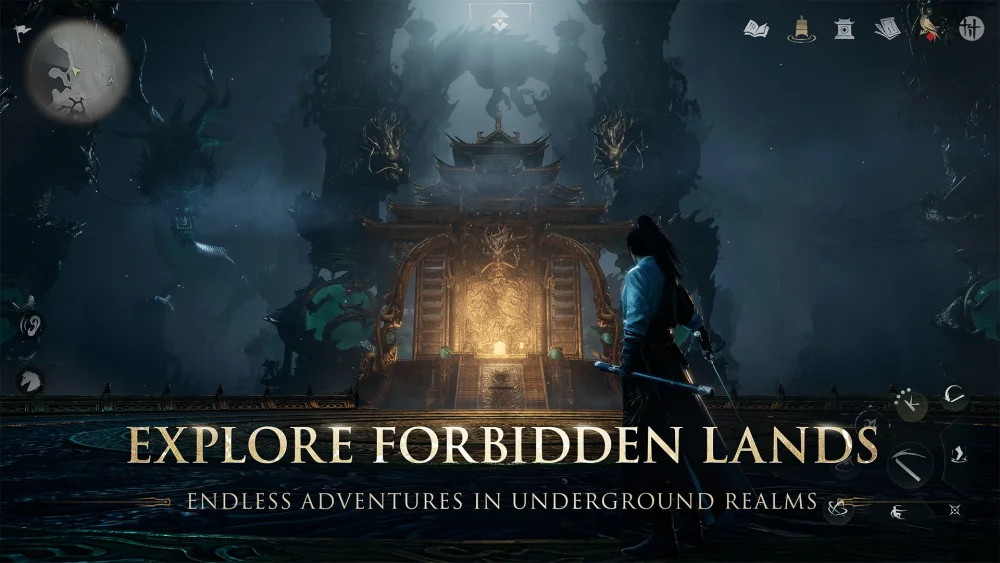
Engaging with the social landscape of Where Winds Meet requires more than just combat proficiency; mastering the emote and dance systems allows players to communicate and perform within the game's expansive world. By accessing the social interaction menu, you can trigger specific character animations that serve as essential tools for roleplay, community interaction, and capturing high-quality cinematic moments during your travels through the game's historically inspired landscapes.
Navigating the Social Interaction Menu
The primary method for performing dances and emotes in Where Winds Meet involves accessing the dedicated social interaction interface. This menu is designed to be intuitive, housing a library of character gestures and synchronized movements that can be deployed at any time.
- Accessing the Menu: Open your radial or action menu to locate the social/emote tab.
- Assigning Hotkeys: For frequent performers, assign your favorite dances to your quick-access bar to ensure you can initiate them without navigating through menus during intense moments.
- Animation Cycling: Many social animations feature looping cycles, allowing you to maintain a performance for an extended period for screenshots or group gatherings.
Utilizing Dances for Community Building
Beyond simple gestures, the dance animations in Where Winds Meet provide a unique layer of player-to-player engagement. These movements are often used to celebrate successful raids, coordinate group photos, or simply pass the time in player hubs.
- Group Coordination: If you are playing with friends, use the social menu to synchronize start times for your dances. This creates a more cohesive visual effect for recordings or social media clips.
- Environmental Context: Consider performing dance animations in scenic locations like the Kaifeng city center or mountain peaks. The game's physics engine interacts with character movements, making these performances look particularly dynamic against the backdrop of the world's varying terrain.
Best Practices for Cinematic Recording
If you are looking to showcase your character's flair, the interaction between the camera and your character's dance movements is vital.
| Feature | Tip for Success |
|---|---|
| Camera Angle | Use the photo mode or free-cam settings to frame the character from a low angle to emphasize the scale of the environment. |
| Lighting | Perform dance routines during dusk or dawn in-game to utilize the soft, atmospheric lighting for better visual quality. |
| HUD Management | Remember to toggle off your user interface (UI) before recording or snapping screenshots to ensure a clean, cinematic result. |
By effectively combining these emote tools with the game's visual fidelity, you can elevate your social presence in Where Winds Meet and foster a more immersive experience for yourself and those around you.

Free Where Winds Meet Codes
Current active codes and how to redeem them.

James Brown
James focuses on Android gaming on PC, emulator setup, controls, performance tuning, and practical troubleshooting for longer play sessions.
COMMUNITY
Player Comments
94 players commented on this guide.
The explanation is clear, especially for beginners.
Good guide for Where Winds Meet players. The heroes part was useful.
This saved me time in the early game.
I tried this today and it worked better than my old setup.