
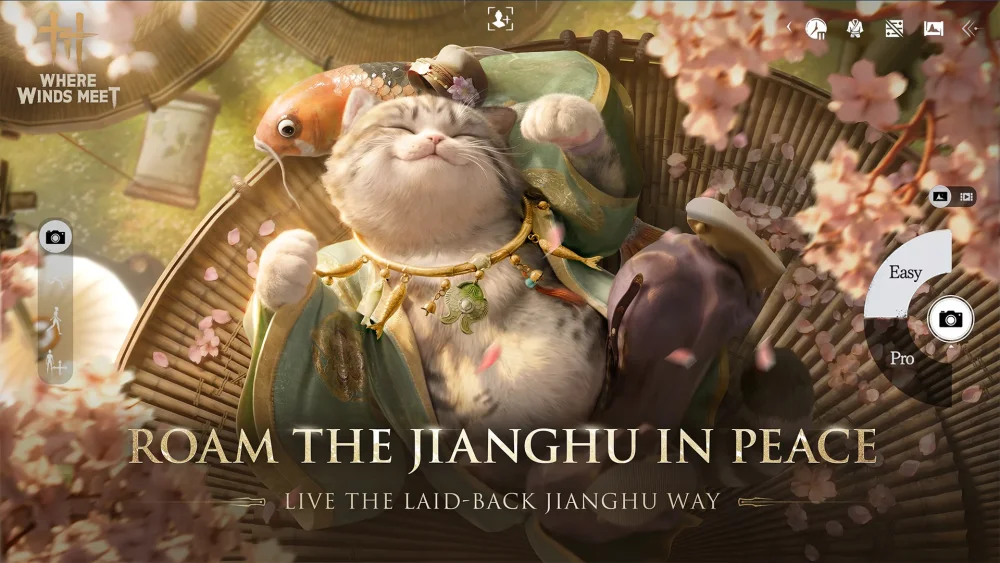
The rope dart execution bug in Where Winds Meet currently causes unintended character immobilization or visual glitches when specific finishing moves are triggered against certain enemies. Players often find themselves stuck in an animation loop or unable to move after initiating this attack. By understanding the specific interaction triggers, you can adjust your combat flow to prevent the game engine from stalling, ensuring your martial arts sequences remain fluid and uninterrupted during intense encounters.
Identifying the Rope Dart Bug Triggers
The primary issue stems from how the game calculates the collision and distance requirements for the rope dart execution animation. When a player attempts to execute an enemy near environmental objects or on uneven terrain, the animation engine sometimes fails to resolve the character's final position. This results in the "stuck" state where the player character remains suspended in the finisher posture without completing the damage sequence.
- Environmental Obstacles: Attempting a rope dart finisher near walls or tight corners significantly increases the risk of the bug.
- Verticality: Executing the move on slopes or stairs often causes the character model to clip, leading to the lock-up.
- Target State: Using the execution while the enemy is currently clipping into other world objects can cause the animation to desync.
Strategies to Avoid Execution Glitches
To maintain combat momentum, you should focus on spatial awareness before committing to the finisher. While developers continue to optimize these interactions, these preventative measures will keep you from needing to reload your save or restart the encounter.
| Action | Strategy |
|---|---|
| Positioning | Ensure you and your target are on flat, unobstructed ground before initiating. |
| Clearance | Maintain at least a character-length of distance from walls or large static props. |
| Timing | Wait for the enemy to recover from being staggered slightly before inputting the execution command. |
Troubleshooting Stuck Character States
If you find yourself trapped in the animation, there are a few manual techniques to attempt to force a reset before force-closing the application.
- Input Spam: Rapidly pressing the dodge or jump command can occasionally force the character model to break the animation lock.
- Weapon Swapping: Quickly switching your active weapon set can sometimes interrupt the execution state by forcing a new character animation frame.
- Camera Adjustments: Moving your camera view to point away from the collision source might allow the game to recalculate your position and release the lock.
If these methods fail, the most reliable recovery is to utilize the game's unstuck feature if available in your current region's build, or revert to the most recent autosave. Always prioritize open-area combat when utilizing the rope dart to minimize the chance of triggering this specific animation bug.
Free Where Winds Meet Codes
Current active codes and how to redeem them.

Sarah Williams
Sarah specializes in RPG and collection games, explaining team building, character growth, and beginner-friendly ways to avoid expensive early mistakes.
COMMUNITY
Player Comments
44 players commented on this guide.
I tried this today and it worked better than my old setup.
The explanation is clear, especially for beginners.
The tips are practical and easy to follow.
I wish I had read this before upgrading the wrong thing.