
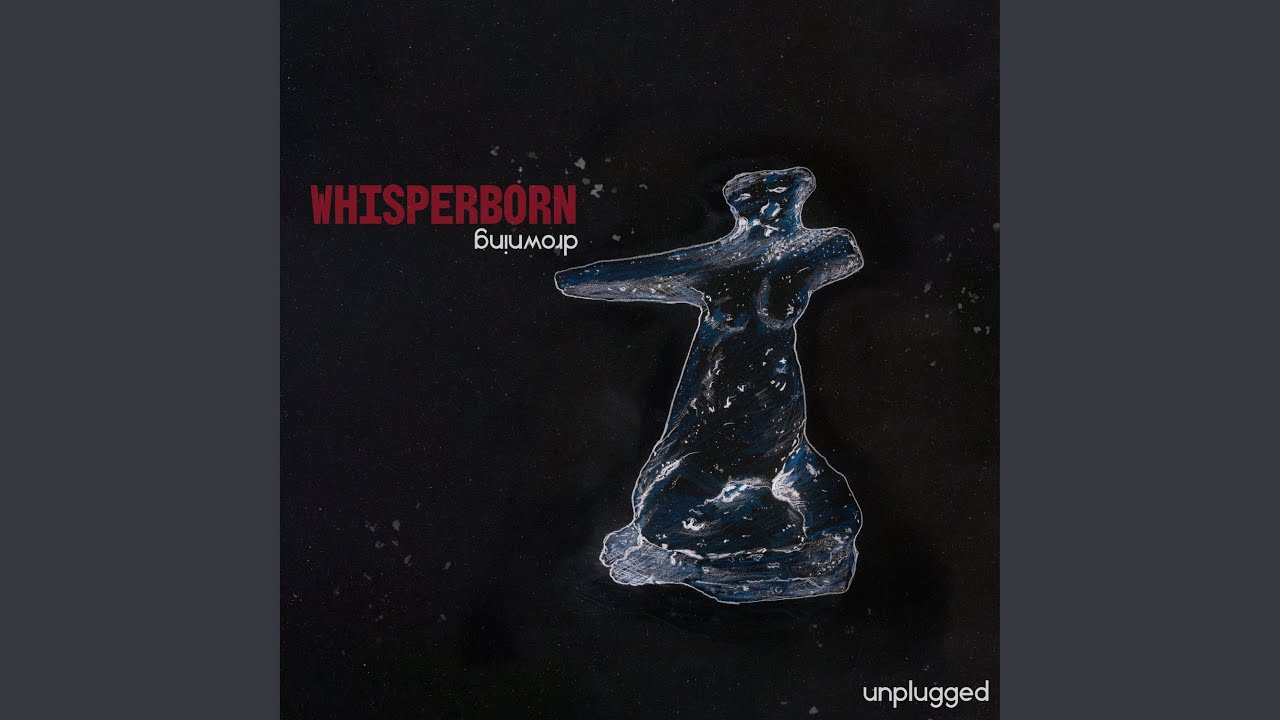
Integrating the Drowning Unplugged collection into Whisperborne is the most effective way to deepen your immersion during long-distance exploration and somber narrative beats. Because Whisperborne relies heavily on precise, binaural audio to alert players to the presence of the Shapeless, the integration of custom music requires a strategic balance between aesthetic enhancement and tactical utility. This guide explains how to properly import, configure, and manage your Scrapbook audio to ensure you never miss a critical sound cue while enjoying the game’s haunting acoustic soundscapes.
The Role of the Scrapbook in Whisperborne
The Scrapbook serves as the internal media manager for Whisperborne. It is not merely a collection of lore; it is a functional audio player designed to host supplemental soundtracks. By importing the Drowning Unplugged tracks into this system, you allow the game engine to treat the music as a secondary audio stream that is aware of the game’s master state.
When you import these assets, the game indexes them to your current region. This means you can create playlists that trigger specific melodies based on the environmental tone of your current biome. Using the Scrapbook ensures that the music is tied to the game’s internal clock and location triggers, preventing the tracks from playing during cutscenes or high-stakes dialogue sequences where silence is required for narrative clarity.
Step-by-Step: Importing Your Assets
To successfully integrate the Drowning Unplugged files, follow these technical steps:
- File Verification: Ensure your files are in the
.oggor.wavformat. Whisperborne struggles with high-bitrate.mp3files, which may cause stuttering during intense loading sequences. - Directory Mapping: Navigate to your Whisperborne local game folder and locate the
/User/Audio/Scrapbook/directory. Place your Drowning Unplugged files here. - In-Game Sync: Launch Whisperborne and open the Scrapbook menu from your pause screen. Select "Refresh Media" to allow the game to index the new files.
- Categorization: Tag your tracks as "Exploration" or "Safehouse." This tagging system is vital for the auto-shuffle feature, which prevents the music from playing during high-threat scenarios.
Configuring Audio Levels for Spatial Awareness
The biggest mistake players make is allowing the music to overpower the game’s environmental sound design. Whisperborne uses a high-fidelity binaural engine to simulate footsteps and enemy whispers. If your music slider is too high, you will lose the ability to detect enemy proximity.
To maintain the perfect balance, access your Audio Settings and apply the following configuration:
- Master Volume: 100% (This maintains the dynamic range of the game engine).
- Music/Scrapbook Slider: 60% (Set this no higher to ensure the acoustic guitar and vocal tracks do not mask high-frequency clicks).
- Environmental/Binaural Slider: 95% (Keep this at the top tier; these are your primary survival cues).
- Dynamic Range: Select "Wide." This setting forces the game to prioritize game-world sounds over any external audio input from the Scrapbook during sudden, loud audio events (like a jump scare or enemy alert).
Strategic Timing: When to Play and When to Silence
The Drowning Unplugged tracks are best used during the "Drowning Phase"—the stretches of the game where you are traveling through vast, desolate environments with no active combat. The acoustic nature of the music complements the melancholic isolation of the protagonist, creating a cinematic flow to your traversal.
When to use the Scrapbook:
- Safehouse Maintenance: Use the music here to ground your character while you manage your inventory or read lore logs.
- Low-Visibility Zones: During fog-heavy traversal where you are not actively hunting, the music can fill the silence without masking essential audio.
When to silence the Scrapbook:
- Shapeless Encounters: If your screen begins to desaturate or you hear faint, unnatural whispers, immediately trigger the Scrapbook "Quick-Stop" hotkey.
- Puzzle Rooms: Many puzzles in Whisperborne rely on audio echoes. You must disable all music to identify the correct sequence of sound cues.
Preventing Audio Fatigue
Long-term sessions in Whisperborne can lead to "sound fatigue," where the repetitive ambient drones of the game world begin to blur together, causing you to miss subtle audio shifts. Rotating your Drowning Unplugged tracks every hour is a legitimate survival strategy. By introducing a new frequency profile (the acoustic strings and vocals) into your ears, you "reset" your auditory focus.
However, avoid keeping the music on for more than 60 minutes at a time. The human brain tends to filter out constant music as background noise, which can cause you to stop paying attention to the game's critical environmental shifts. Treat the music as a tool to keep your focus sharp, not as a permanent soundtrack.
Common Mistakes to Avoid
- Ignoring the "Quick-Stop" Hotkey: Always bind the Scrapbook silence function to an easily accessible key on your mouse or controller. Relying on the pause menu will get you killed during an ambush.
- Using High-Compression Formats: Avoid low-quality files. In a game with such detailed sound design, low-quality audio will feel "muddy" and clash with the crispness of the game's binaural environment.
- Mixing Tracks: Don't mix upbeat tracks with the Drowning Unplugged collection. Keep your Scrapbook playlist thematically consistent to maintain the intended somber mood of Whisperborne.
By following these guidelines, you can effectively enhance your Whisperborne experience. The Drowning Unplugged tracks, when managed correctly, do not detract from the game's difficulty; rather, they turn the exploration of its desolate world into a more personal and rewarding cinematic journey.

Free Whisperborne Codes
Current active codes and how to redeem them.

Sarah Williams
Sarah specializes in RPG and collection games, explaining team building, character growth, and beginner-friendly ways to avoid expensive early mistakes.
COMMUNITY
Player Comments
115 players commented on this guide.
I wish I had read this before upgrading the wrong thing.
I tried this today and it worked better than my old setup.
The tips are practical and easy to follow.
The explanation is clear, especially for beginners.