
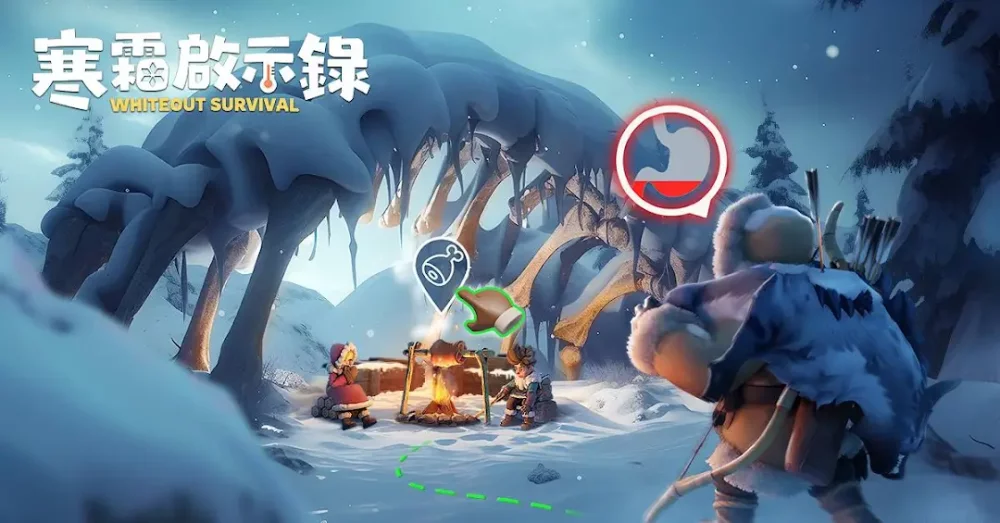
Redeeming gift codes in Whiteout Survival is the fastest way for players to claim complimentary rewards, including essential resources, speedups, and premium items. These codes are released periodically by the developers and provide a significant boost to your progression, especially for free-to-play users looking to maximize their efficiency. By entering these codes into the game’s redemption menu, you can instantly claim items that would otherwise take hours or days to accumulate through standard progression.
How to Find and Redeem Gift Codes
Staying updated on the latest codes is critical, as many promotions have expiration dates or limited redemption counts. Most codes are distributed through official social media channels, community newsletters, or partner events.
Step-by-Step Redemption Process
- Access Your Profile: Open Whiteout Survival and tap on your Avatar icon located in the top-left corner of the main screen.
- Open Settings: Navigate to the "Settings" menu (usually represented by a gear icon) within your profile overview.
- Locate Redemption: Find the "Gift Code" button. If this button is missing, ensure your account is fully linked, as some platforms require account binding before codes can be entered.
- Enter the Code: Carefully type or paste the active code into the text box. Note that codes are case-sensitive.
- Claim Rewards: Tap the "Confirm" or "Redeem" button. Your rewards will be sent directly to your in-game mailbox.
Managing Your Gift Code Rewards
Once you have successfully redeemed a code, always check your in-game mailbox to collect the items. Many rewards, such as speedups or resource chests, are sent as attachments.
- Check the Mailbox: Rewards do not always appear in your inventory automatically; you must manually claim them from the mail interface.
- Prioritize Usage: Use resource boosters during high-demand events like "King of Icefield" or "Brother in Arms" to maximize the value of the materials you received from the codes.
- Watch for Expirations: If a code returns an "Invalid" or "Expired" error, it means the redemption window has closed. Always prioritize using new codes as soon as they are announced to avoid missing out on limited-time supplies.

Free Whiteout Survival Codes
Current active codes and how to redeem them.

Emily Johnson
Emily writes practical mobile strategy guides with a focus on resource planning, base progression, and the early decisions that shape a long-term account.
COMMUNITY
Player Comments
30 players commented on this guide.
The explanation is clear, especially for beginners.
Good guide for Whiteout Survival players. The resources part was useful.
This helped me understand resources much better.
I wish I had read this before upgrading the wrong thing.