
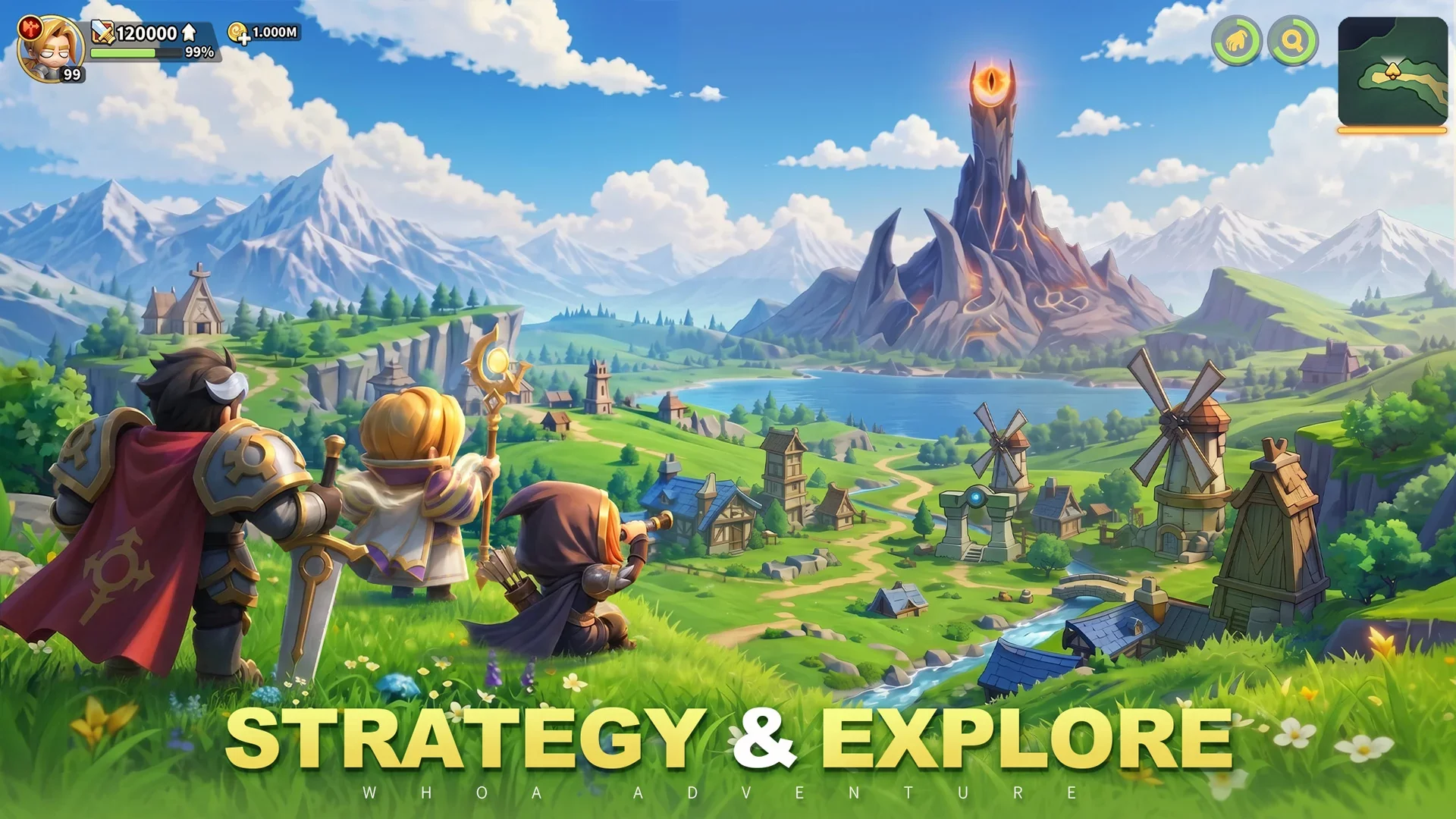
Building a strong foundation in Whoa Adventure often extends beyond individual character stats and gear optimization. For players looking to maximize their progression, engaging with the game's external community channels—specifically Discord—is a vital, often overlooked strategy. This guide focuses on why social integration is essential for long-term success and how it impacts your tactical approach to the game.
The Importance of Community Hubs
While in-game mechanics provide the framework for your progress, the real-time knowledge shared by the community is what often distinguishes top-tier players from the rest. Joining official or community-run Discord servers serves several practical purposes:
- Real-Time Meta Analysis: Strategies for difficult stages or boss encounters shift rapidly as new updates are released. Discord allows you to see what high-level players are currently using for specific challenges.
- Resource Coordination: Many collaborative events or alliance-based activities require communication that the in-game UI may not fully facilitate. Being in a coordinated group helps in planning resource usage during limited-time events.
- Direct Feedback Loops: Engaging with the community provides a platform to discuss current character builds and receive feedback on your stat allocations, helping you avoid common pitfalls before you invest heavy resources into the wrong gear.
Integrating Social Tools into Your Routine
To make the most of your Whoa Adventure journey, consider treating your social engagement as a daily "maintenance" task. Much like your daily dungeon clears or relic management, keeping an eye on community discussions can prevent you from wasting time on inefficient builds.
| Strategy Component | Benefit | Action Item |
|---|---|---|
| Meta Tracking | Stay ahead of balance changes | Check community guides weekly |
| Build Discussion | Optimize stats and gear | Share your current loadout for feedback |
| Event Planning | Maximize reward efficiency | Coordinate with peers for group events |
Leveraging External Resources for Progression
Beyond simple chat functions, community hubs often host repositories of data that are not always immediately obvious in the game client. This includes:
- Compiled Tier Lists: Access community-maintained spreadsheets that track the most effective heroes and pets for the current patch cycle.
- Secret Realm Solutions: When you hit a progress wall, community members often post specific party compositions and skill timings used to clear that exact stage.
- Update Early Warnings: Get a heads-up on incoming patches or maintenance schedules, allowing you to spend your stamina or currency before the game goes offline.
Final Tips for Social Progression
- Be Proactive: Don't just lurk. If you are struggling with a specific boss in the Secret Realm, provide your current Combat Power (CP) and class, and ask for specific positioning advice.
- Verify Information: Always double-check community advice against your own in-game testing. Meta trends can sometimes be subjective or biased toward high-spend players.
- Maintain Etiquette: Keep your questions focused on game mechanics. Using the community effectively requires clear communication, so provide context (like your current level or build focus) when asking for help.
By treating community resources as an extension of your Whoa Adventure toolkit, you gain access to a wealth of knowledge that can significantly accelerate your progression and help you navigate the complexities of the late-game environment.

Free Whoa Adventure Codes
Current active codes and how to redeem them.

Sarah Williams
Sarah specializes in RPG and collection games, explaining team building, character growth, and beginner-friendly ways to avoid expensive early mistakes.
COMMUNITY
Player Comments
61 players commented on this guide.
The tips are practical and easy to follow.
This saved me time in the early game.
This helped me understand heroes much better.
I wish I had read this before upgrading the wrong thing.