
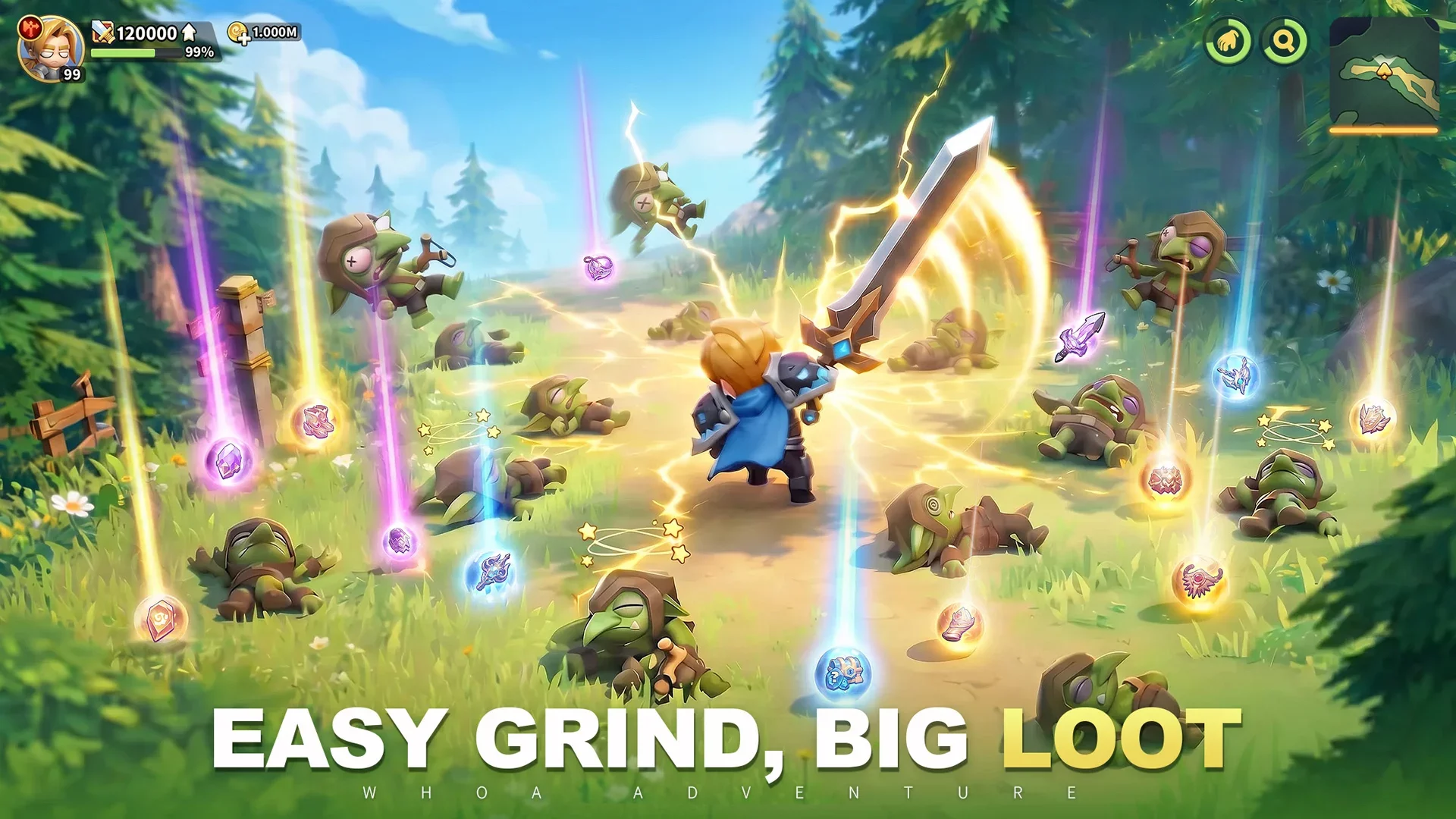
For players looking to jumpstart their progress in Whoa Adventure, utilizing promotional gift codes is a standard method to secure bonus resources early on. If you are new to the game or looking to ensure you haven’t missed any current reward opportunities, this guide outlines the exact steps to locate the redemption menu and activate your codes.
Locating the Redemption Menu
Whoa Adventure houses its code activation feature within the character settings. Follow these steps to navigate to the correct interface:
- Open the Avatar Menu: From the main screen, tap on your player profile or Avatar icon to open your account details.
- Access Settings: Look for the "Settings" button, usually represented by a gear icon or a dedicated tab within the account information window.
- Find Activation/Gift Codes: Within the Settings menu, locate the field labeled "Activation Code" or "Gift Code."
How to Redeem Codes Successfully
Once you have located the text box, enter your codes carefully. Note the following best practices for a smooth redemption process:
- Case Sensitivity: Most codes are case-sensitive. Ensure you are entering the letters exactly as they appear (including capitalization) to avoid "Invalid Code" errors.
- One-Time Use: Gift codes are typically restricted to one redemption per account. If you have already claimed a specific code, you will receive a notification that it has already been used.
- Expiration Dates: Promotional codes often have a limited lifespan. If a code returns an error stating it is invalid or expired, it is likely no longer active for new players.
- Character Limits: Ensure there are no accidental spaces before or after the code string, as these can interfere with the verification process.
Why Use Gift Codes?
In Whoa Adventure, these codes are frequently distributed by the developers to provide players with a head start. Rewards typically include currencies or basic resource packs that help reduce the initial grind. Keeping an eye on community channels and official social media pages is the best way to stay updated on when new codes are released.
Troubleshooting Common Issues
If you encounter issues while trying to redeem your codes:
- Verify Connectivity: Ensure your device has a stable internet connection, as the game needs to communicate with the server to validate the code.
- Check Game Version: Ensure your game is updated to the latest version via the App Store or Google Play Store, as older versions may not support newer code systems.
- Restart the App: If the input field appears unresponsive, a quick restart of the game client often resolves temporary interface glitches.

Free Whoa Adventure Codes
Current active codes and how to redeem them.

Michael Smith
Michael covers live-service games, events, reward systems, and efficient daily routines, turning frequent updates into clear actions for players.
COMMUNITY
Player Comments
38 players commented on this guide.
Good guide for Whoa Adventure players. The early game part was useful.
This saved me time in the early game.
Nice guide. I am checking the other Whoa Adventure articles next.
I tried this today and it worked better than my old setup.