
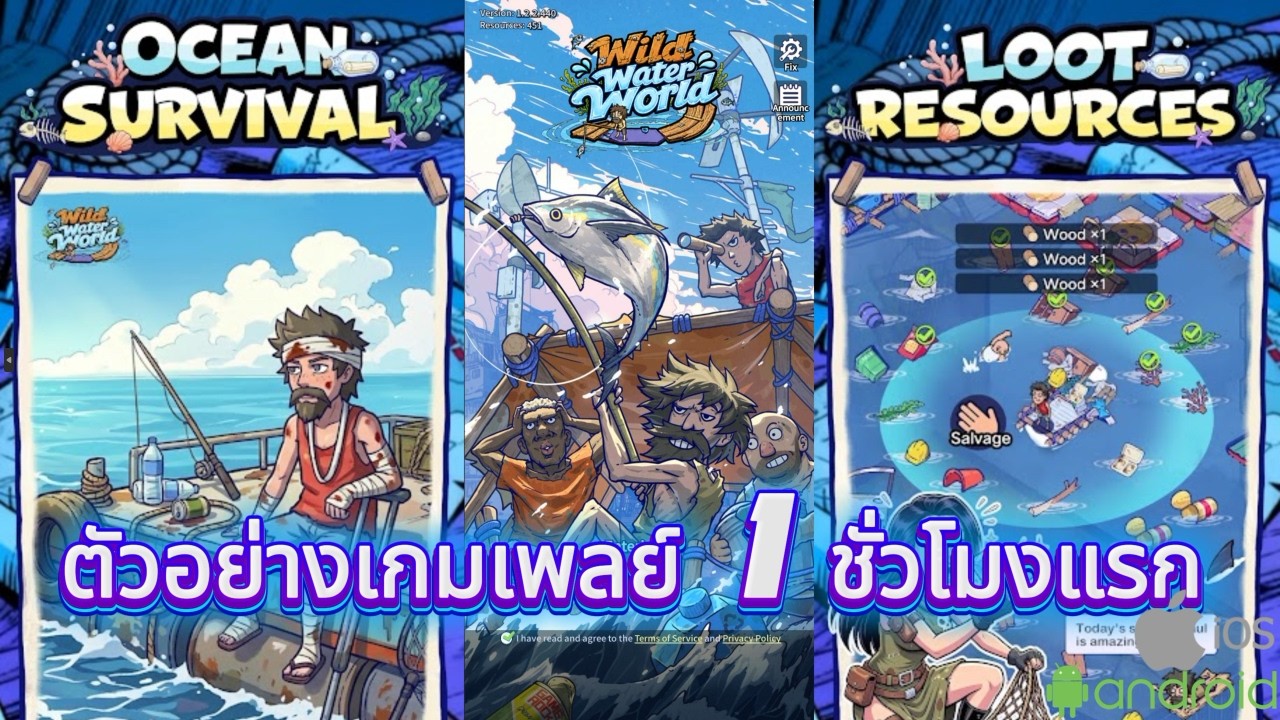
To progress efficiently through your first hour in Wild Water World, follow the prompts in the center-bottom task bar to build required raft facilities and reach the automated collection milestone. Ignoring tutorial tasks to manually explore menus will delay basic feature unlocks and cause progression bottlenecks.
Task Log and Raft Building
The opening hour uses a linear, guided tutorial to unlock essential facilities and combat stages. Focus exclusively on the primary objective prompts to secure early construction materials and learn the interface.
- Follow the primary task bar: Tap the highlighted objectives in the center-bottom of the screen to trigger guided building prompts.
- Accept fixed layouts: Early raft layouts are restricted to a preset path. Focus entirely on structural upgrades rather than base customization.
- Ignore secondary menus: Skip shop tabs, event banners, and promotional pop-ups until you complete the main tutorial sequence.
Hero Upgrades and Combat Preparation
Combat difficulty increases with every wave of enemies attacking your raft. To keep pace with incoming waves, split your starting resources between base expansion and unit upgrades rather than dumping currency into a single facility.
- Open the hero menu whenever red notification dots appear over the icon.
- Apply available character stat upgrades immediately using your starting materials.
- Deploy your updated squad to complete combat stages without repeating cleared waves.
UI Stability and Automated Collection
Unlocking automated collection is the main goal of the first hour. This feature shifts the gameplay from manual screen tapping to idle resource management.
If you encounter menu stuttering or lag during combat transitions, adjust your setup to maintain smooth input response:
- Lower graphics settings: Reduce visual quality in the main menu to smooth out transitions between base building and tactical combat stages.
- Adjust input methods: If tiny hitboxes cause misclicks on mobile screens, switch to a tablet display or the Windows PC client for better tap precision.

Free Wild Water World Codes
Current active codes and how to redeem them.

James Brown
James focuses on Android gaming on PC, emulator setup, controls, performance tuning, and practical troubleshooting for longer play sessions.
COMMUNITY
Player Comments
66 players commented on this guide.
I tried this today and it worked better than my old setup.
Nice guide. I am checking the other Wild Water World articles next.
This guide answered the exact question I had.
Good guide for Wild Water World players. The strategy part was useful.