
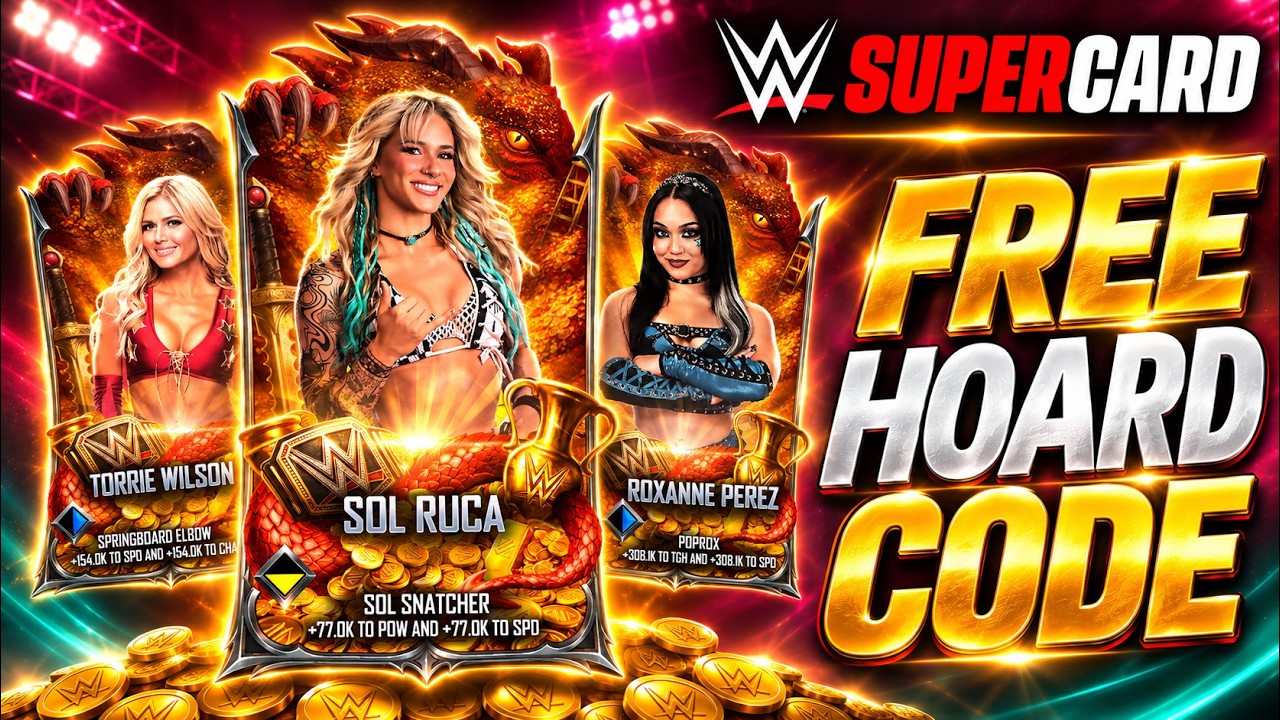
To redeem a promotional code in WWE SuperCard - Wrestling Game, open the options menu using the gear icon from the main lobby, scroll to the "QR & Redeem Code" entry, and submit the voucher text. Rewards are dispatched directly to your in-game mailbox or card inventory upon server validation. Promotional codes are offered for limited windows and expire once their seasonal promotion concludes.
Step-by-Step Code Redemption
Promotional codes must be redeemed directly within the game client. Complete the following sequence to claim rewards:
- Launch WWE SuperCard - Wrestling Game and allow the title to complete all initial data loading.
- Tap the gear icon located on the main lobby screen to open the Options menu.
- Scroll down until you see the QR & Redeem Code button, then select it to bring up the text entry field.
- Type the promotional voucher code exactly as formatted, ensuring no accidental spaces are added, and press confirm.
- Return to the main screen and check your in-game mailbox or unopened card inventory to collect the rewards.
If the drop does not appear immediately, close and restart the application to force a refresh with the game servers.
Season 13 Hoard Codes
Promotional vouchers are single-use per account and function only while the specific promotional window remains open on active servers.
| Code Input | Reported Reward | Eligibility | Limit |
|---|---|---|---|
| HOARD | Card Hoard Pack | Season 13 active promotional period | Single redemption per account |
| FREEHOARD | Alternate Hoard Entry | Season 13 active promotional period | Single redemption per account |
Because promotional drops do not remain active indefinitely, input these entries promptly. If a code returns an invalid message despite proper spelling, the promotional window has expired.
Maximizing Hoard Pack Value
Free promotional card packs dynamically adjust their highest attainable card rarities based on your active Top 8 deck tier. Taking specific preparation steps before claiming or opening your pack will maximize the impact on your roster:
- Check Your Deck Tier Threshold: If your current Top 8 deck is close to the threshold of a higher tier, upgrade your current active cards or complete existing Pros before opening the hoard pack. Reaching the next tier bracket increases the rarity ceiling of the pack rewards.
- Clear Roster Space: Ensure your card inventory has empty slots before submitting the code. Insufficient storage can delay receipt of rewards until excess cards are trained, fused, or cataloged.
- Inspect Alignment and Duplicates: Review the alignment arrows and base stats of newly pulled cards to determine placement in your primary exhibition or campaign decks. If the pack yields duplicates of cards you already possess, train both base copies to their maximum level before combining them to create a Perfect Pro.
- Preserve Unused Cards for Fusion: Cards that do not qualify for your Top 8 deck can be saved as training fodder or used in the Fusion Chamber rather than discarded immediately.
Troubleshooting Failed Redemptions
If the game returns an error or fails to grant the rewards, verify the following conditions:
- Case Sensitivity and Spacing: The entry field requires exact capitalization. Mobile keyboards frequently insert an automated trailing space after entering a word; remove any leading or trailing spaces before hitting confirm.
- Prior Redemption: Codes are locked to one redemption per account. Submitting a code on a second device linked to the same account will fail if it has already been claimed.
- Server Traffic and Maintenance: Network timeouts during high-traffic updates can interrupt code processing. If your connection drops, wait a short period before re-attempting the entry.

Free WWE SuperCard - Wrestling Game Codes
Current active codes and how to redeem them.

Emily Johnson
Emily writes practical mobile strategy guides with a focus on resource planning, base progression, and the early decisions that shape a long-term account.
COMMUNITY
Player Comments
131 players commented on this guide.
This helped me understand redeem codes much better.
The tips are practical and easy to follow.
The explanation is clear, especially for beginners.
This guide answered the exact question I had.