
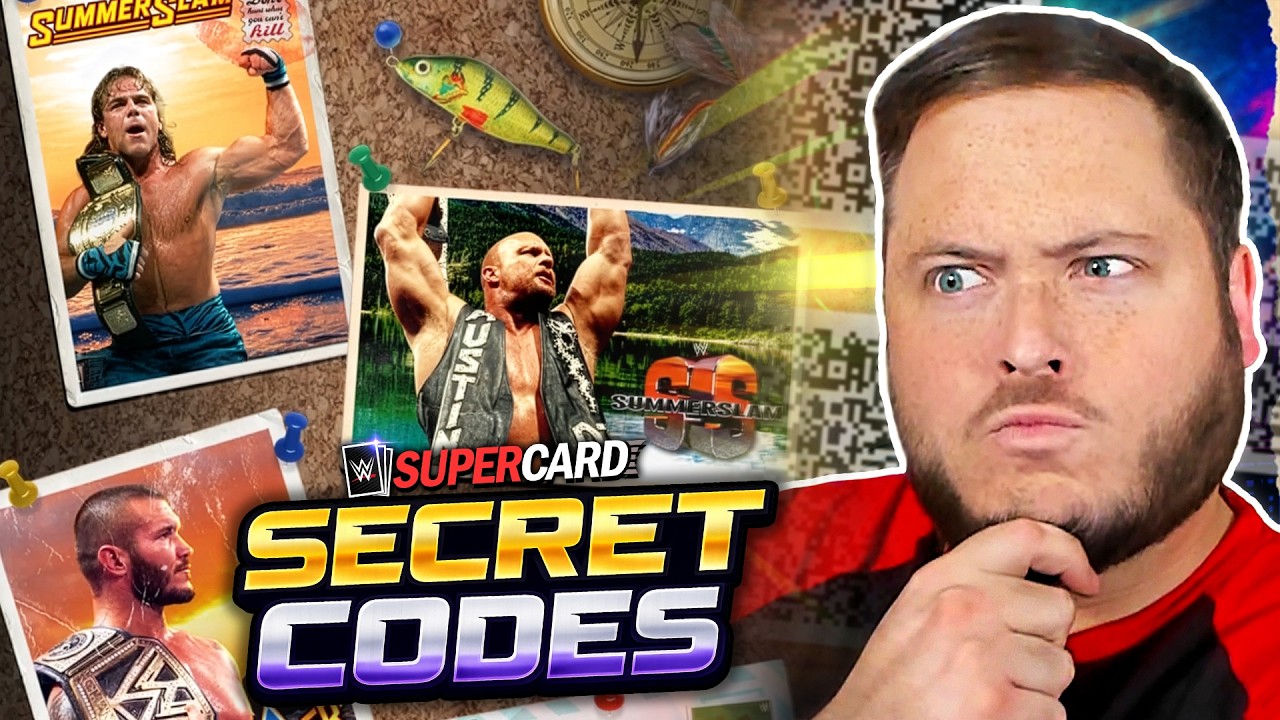
To redeem QR codes and secret text codes in WWE SuperCard - Wrestling Game, open the main menu, navigate to the Redeem section, and either scan the QR code image or enter the text code string. Valid rewards, including event card packs and progression items, transfer directly to your inventory or the "My Cards" menu upon server verification.
How to Redeem Promotional Codes
WWE SuperCard - Wrestling Game supports two distinct code formats during major promotional events such as SummerSlam.
Scanning QR Codes
- Ensure your game client is updated to the latest app version so the scanner recognizes current promotional data packets.
- Open the main menu and select Redeem.
- Use the in-game QR scanner to read an image displayed on a secondary screen or saved on your device.
- Confirm the server verification message once the reward package is validated.
Scanning bypasses manual typing, eliminating character entry errors and instantly checking your account eligibility against active server promotions.
Entering Secret Text Codes
- Access the Redeem portal from the main menu.
- Type or paste the text string directly into the entry field. Copying and pasting is recommended to avoid formatting mistakes.
- Select the submission button to claim your items.
Secret codes distributed via social media and video updates are case-sensitive. Any discrepancy in capitalization, character order, or spacing causes the server to reject the code.
Managing Claimed Rewards and Storage
Once a redemption succeeds, rewards populate your account automatically:
- Card Packs: Stored as unopened packs in the "My Cards" screen.
- Direct Items: Added directly to your active roster or asset collection.
Review your card storage limit before opening new promotional packs. If your storage is near capacity, trim lower-tier cards to ensure you have space for incoming event-tier assets. Integrating newly acquired event cards can provide an immediate deck rating boost for solo and PvP modes.
Troubleshooting Redemption Errors
If a code does not grant rewards, review the following common issues:
| Issue | Cause | Solution |
|---|---|---|
| Code Expired | Exceeded time window or global redemption limit. | Check the official release source for active dates; event codes deactivate after campaigns end. |
| Invalid Code | Typing error or improper capitalization. | Copy and paste the text code directly, making sure no trailing spaces are included. |
| Scanner Error | Outdated game version. | Update WWE SuperCard - Wrestling Game through your device's official app store. |
| Regional Restriction | Code locked to specific territory licenses. | Verify regional eligibility limits on official announcements. |
| Server Timeout | Unstable internet connection during claim attempt. | Re-establish a stable network connection before trying the redemption process again. |
Free WWE SuperCard - Wrestling Game Codes
Current active codes and how to redeem them.

Emily Johnson
Emily writes practical mobile strategy guides with a focus on resource planning, base progression, and the early decisions that shape a long-term account.
COMMUNITY
Player Comments
131 players commented on this guide.
This guide answered the exact question I had.
The tips are practical and easy to follow.
This helped me understand redeem codes much better.
I tried this today and it worked better than my old setup.