
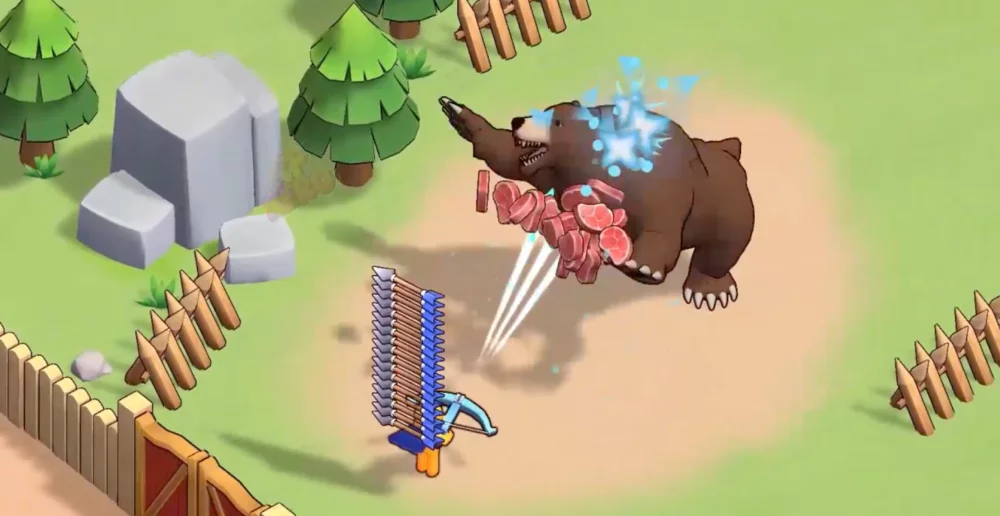
Navigating the menus in XP Hero can be overwhelming for players just starting their journey. Understanding where your resources are located and how to interpret the tutorial prompts is essential for maintaining momentum during the early stages of the game. This guide highlights the key interface elements and tutorial interactions you will encounter during your first sessions.
Understanding the Main Menu Layout
When you first enter the game, the home screen serves as your central hub. Familiarizing yourself with these UI elements will save you time when upgrading your hero or claiming rewards.
| Interface Element | Primary Function |
|---|---|
| Hero Profile | View current stats, equipment, and level progress. |
| Summoning Portal | Access the menu to unlock new heroes and gear. |
| Inventory/Bag | Manage your collected resources, shards, and items. |
| Quest Log | Track active objectives and milestone progression. |
| Top-up/Shop | Access premium currency purchases and resource bundles. |
Tutorial Navigation Tips
The tutorial in XP Hero is designed to introduce mechanics progressively. To ensure you do not miss critical information, follow these steps:
- Follow the Highlighted Prompts: The game often uses visual cues to point toward the next required action. Do not rush through these, as they often dictate the path to unlocking secondary features.
- Check the Quest Log Frequently: Even during the tutorial, your primary source of progression is the quest log. If you feel stuck, check your active quests to see if there is a specific task required to unlock the next area.
- Monitor Resource Indicators: Keep an eye on the top bar of your screen. This displays your current gold, gems, and energy. Understanding your resource caps early on helps in planning your leveling sessions.
Managing Early Progression Milestones
As you complete the initial tutorial stages, you will be prompted to interact with various game modes. Use these tips to optimize your early path:
- Prioritize Tutorial Rewards: Ensure you claim all rewards presented during the tutorial phases. These items are specifically balanced to help you reach the power levels required for the first major boss encounter.
- Navigate Equipment Menus: Don't wait for a prompt to check your gear. Once the equipment slot opens, frequently inspect your items to see if you have higher-tier gear available to equip.
- Utilize Hero Skill Previews: When the skill menu becomes available, take a moment to read the tooltips. Knowing how your abilities interact with enemy waves early on will make your transition into later stages much smoother.
By focusing on these interface basics, you can avoid common pitfalls that slow down early-game growth and ensure that your hero is fully prepared for the challenges that lie ahead in the campaign.

Free XP Hero Codes
Current active codes and how to redeem them.

Michael Smith
Michael covers live-service games, events, reward systems, and efficient daily routines, turning frequent updates into clear actions for players.
COMMUNITY
Player Comments
57 players commented on this guide.
I wish I had read this before upgrading the wrong thing.
This guide answered the exact question I had.
Can you add more details about early game in a future update?
The explanation is clear, especially for beginners.