
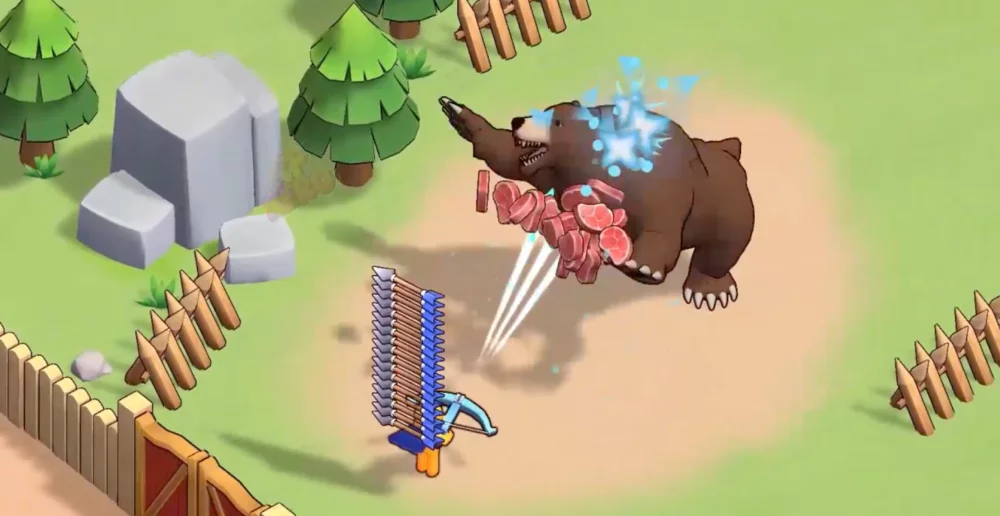
Navigating the interface effectively is critical for new players in XP Hero to avoid wasting resources and time during the initial stages. By prioritizing the completion of tutorial-led milestones, you can unlock essential combat features and secondary systems that accelerate your early-game power. This guide focuses on identifying the most important menu segments and how to efficiently clear the instructional objectives presented during your first sessions to establish a solid foundation for your hero's growth.
Understanding the Interface Layout
The interface in XP Hero is designed to guide you through various systems sequentially. Recognizing where to find your hero stats, inventory, and mission objectives is the first step toward efficiency.
- Mission Tracker: Always keep an eye on the side-panel objectives. These are your primary source of early-game experience and currency.
- Hero Profile: Access this to view current stat distributions and verify if your equipped gear is providing the necessary bonuses for your level.
- Inventory Management: Regularly clean out your inventory to prevent clutter, which can slow down your ability to quickly equip better drops during intense combat scenarios.
Executing Tutorial Milestones Efficiently
Tutorial milestones are not just for learning; they act as a progression gate that rewards you with necessary items for early advancement. Following the prompts provided by the tutorial system ensures you do not miss out on vital rewards.
| Milestone Type | Benefit | Priority |
|---|---|---|
| Combat Drills | Unlocks advanced skill slots | High |
| Equipment Upgrade | Increases base hero survivability | High |
| Currency Collection | Enables shop/summoning access | Medium |
Sequencing Your Objectives
When starting, prioritize objective completion over free-roaming exploration. The game is structured to reward you for interacting with specific menu elements in a certain order. If you find yourself stuck, check the notification icons on the main menu—these often highlight the next mandatory step in the tutorial progression.
Focusing on these early indicators allows you to bypass common beginner pitfalls, such as failing to upgrade weapons before engaging with early-map boss encounters. Always ensure you are checking the "Tasks" or "Events" tab, as these often contain hidden instructions that are not explicitly stated in the main HUD but are required to unlock subsequent content.

Free XP Hero Codes
Current active codes and how to redeem them.

Emily Johnson
Emily writes practical mobile strategy guides with a focus on resource planning, base progression, and the early decisions that shape a long-term account.
COMMUNITY
Player Comments
78 players commented on this guide.
This saved me time in the early game.
This guide answered the exact question I had.
The explanation is clear, especially for beginners.
Can you add more details about heroes in a future update?