
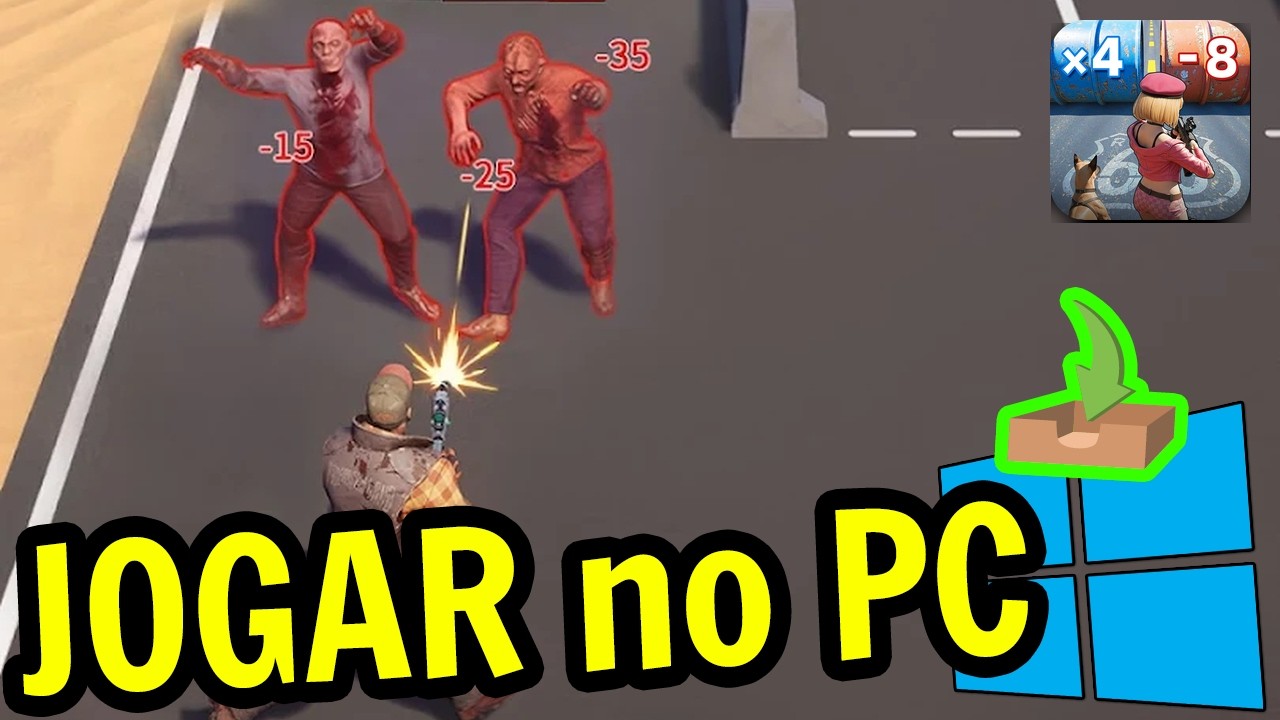
Transitioning Z Route: Redemption from mobile to a PC environment is the ultimate way to overcome the limitations of touch controls during high-intensity zombie hordes. By utilizing a high-performance Android emulator, you gain the ability to use precise keyboard-and-mouse inputs, map complex tactical abilities to specific keys, and enjoy the game on a larger display. This guide covers everything you need to successfully install, configure, and optimize your experience to ensure your survival in the wasteland.
Preparing Your PC for Z Route: Redemption
The foundation of a smooth experience lies in selecting a stable, reputable Android emulator. Because Z Route: Redemption requires quick reflexes to navigate gate choices and manage resource-heavy combat, your PC must be properly prepared.
System Requirements for Performance:
- Operating System: Windows 10 or 11 (64-bit recommended).
- RAM: Minimum 4GB (8GB+ preferred for multitasking).
- Graphics: Updated drivers for your NVIDIA, AMD, or Intel GPU.
- Virtualization: Ensure "Virtualization Technology" (VT) is enabled in your PC’s BIOS. This is critical for the emulator to run at native hardware speeds; without it, the game will stutter and suffer from severe input lag.
When downloading, always obtain your emulator from the official developer website. Avoid "pre-modded" versions found on third-party file-sharing sites, as these often contain bloatware that can trigger anti-cheat software in Z Route: Redemption or jeopardize your account security.
Step-by-Step Installation Process
Once your environment is ready, follow these steps to secure your installation:
- Install the Emulator: Run the installer as an Administrator. This grants the software the necessary permissions to access your GPU and allocate system resources effectively.
- Initialize the Engine: Upon the first launch, the emulator will prompt you to sign in to a Google Play account. Use a primary account to ensure you have full access to the official Z Route: Redemption store listing.
- Download via Official Channels: Search for Z Route: Redemption within the emulator’s integrated Play Store. Avoid sideloading APK files unless you are an advanced user, as official store updates ensure you receive the latest patches for game-breaking bugs or balance adjustments.
- First-Run Optimization: Let the game download all additional assets before attempting to play. Running the game while the background manager is still downloading textures often leads to "black screen" errors or frame-rate drops.
Configuring Emulator Settings for Survival
Z Route: Redemption features fast-paced, action-oriented gameplay. If the game feels sluggish, you must adjust the emulator’s internal settings to match your hardware capabilities.
- CPU/RAM Allocation: In the emulator’s "Performance" or "Engine" tab, assign at least 2 CPU cores and 2GB of RAM. If you have a multi-core processor, assigning 4 cores will significantly improve stability during intense horde encounters.
- Graphics Engine Mode: This is the most important setting for visual clarity. If you experience graphical artifacts (flickering textures or transparent zombies), toggle between DirectX and OpenGL. Generally, DirectX provides superior performance on Windows-based machines, while OpenGL is often better for specific dedicated graphics cards.
- Frame Rate Limits: Enable "High Frame Rate" modes if your monitor supports it. Z Route: Redemption requires split-second reactions; a higher refresh rate gives you a distinct tactical advantage when choosing the safest gate under pressure.
Mapping Controls for Tactical Advantage
The greatest strength of the PC version is custom keymapping. Touch controls often fail during the chaotic, high-speed segments of Z Route: Redemption, where you must simultaneously steer your vehicle, trigger hero abilities, and make rapid-fire decisions at intersection gates.
Recommended Mapping Strategy:
- WASD Movement: Map your primary directional inputs to WASD for intuitive steering.
- Ability Hotkeys: Assign your squad’s ultimate abilities to keys like Q, E, R, and F. This allows you to deploy specialized warrior skills without lifting your hand from the movement keys.
- Gate Selection: Map the left and right gate options to the Arrow Keys or Side Mouse Buttons. This minimizes the "input distance" your fingers must travel, allowing you to react to changing road conditions in milliseconds.
- Click-to-Action: For base-building and weapon development menus, ensure your mouse sensitivity is tuned correctly. You want precise clicks when navigating complex upgrade trees to avoid accidental resource spending.
Syncing Progress and Account Security
Cross-platform play is standard for Z Route: Redemption, but you must link your account correctly to prevent progress loss.
- Link Immediately: Upon entering the game on PC, head to the "Settings" menu and link your profile to a permanent account (Google Play Games, Facebook, or the game’s official ID system).
- Avoid Third-Party "Boosters": Never use external "account boosters" or "currency generators" that claim to work with emulators. These services are almost universally scams designed to steal your credentials or lead to a permanent developer ban.
- Update Regularly: Emulator developers frequently push updates to improve compatibility with major game patches. If Z Route: Redemption receives a major update that causes it to crash on launch, check the emulator’s official site for a "Compatibility Patch" or a newer version of the software.
By moving your session to PC, you are not just playing Z Route: Redemption—you are optimizing your survival potential. With the precision of a mouse and the reliability of a keyboard, you can navigate the game's most difficult stages and manage your alliance with a level of control that mobile players simply cannot match.
Free Z Route: Redemption Codes
Current active codes and how to redeem them.

Emily Johnson
Emily writes practical mobile strategy guides with a focus on resource planning, base progression, and the early decisions that shape a long-term account.
COMMUNITY
Player Comments
160 players commented on this guide.
I tried this today and it worked better than my old setup.
Good guide for Z Route: Redemption players. The strategy part was useful.
The explanation is clear, especially for beginners.
Can you add more details about strategy in a future update?