
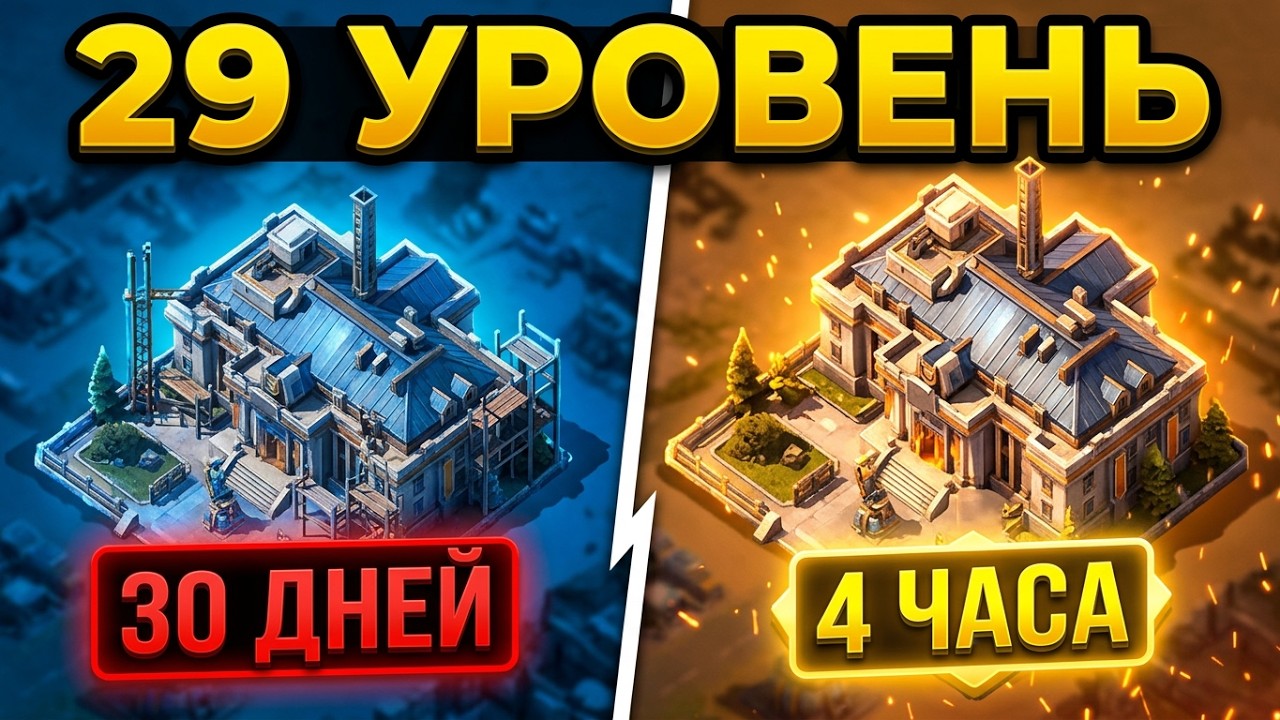
To rapidly upgrade your Headquarters to Level 29 in Z Route: Redemption, you must clear two mandatory structural prerequisites—the Level 28 Defense Wall and the Level 28 Tech Center—using dual building queues, wait for full alliance assists on each build, and spend dedicated construction speedups directly from your inventory. Funding this push requires opening stored resource chests only when initiating each build to prevent warehouse storage limits from halting passive generation or exposing materials to enemy raids.
Structural Prerequisites for Headquarters 29
Advancing Headquarters to Level 29 requires strictly gating your progression behind two primary infrastructure upgrades. Upgrading unrelated facilities like Barracks or Hospitals wastes speedups and construction queue availability.
| Structure | Prerequisite Role | Required Level | Resource Focus |
|---|---|---|---|
| Tech Center | Technology gate | Level 28 | Zinc and Steel |
| Defense Wall | Mandatory Headquarters prerequisite | Level 28 | Steel and Food |
| Headquarters | Target progression milestone | Level 29 | Balanced high-tier outlay |
| Subordinate Barracks | Secondary military support (postpone) | Level 27 or lower | Conserve resources for tier unlocks |
Focus both construction queues exclusively on the Tech Center and Defense Wall until both reach Level 28. Constructing non-essential buildings splits your resource inventory and delays your Headquarters timer.
Inventory Preparation: Resources and Speedup Allocation
Executing an accelerated progression push requires preparing your item bag in advance rather than relying on loose base resources.
- Sealed Resource Chests: Never open resource crates ahead of time. Holding loose Food, Steel, and Zinc above your warehouse protection cap halts natural generation from internal resource tiles and makes your base a high-value target for player raids. Open only the exact quantity needed to start each structure.
- Building vs. Universal Speedups: Audit your total speedup inventory before starting. Burn dedicated Building Speedups first on the Wall, Tech Center, and Headquarters queues. Reserve Universal Speedups for technological research or emergency military queues after the Headquarters upgrade finishes.
Buff Stacking and Alliance Assist Timing
Construction timers are calculated at the exact moment a build begins. Before confirming an upgrade, activate all available passive bonuses:
- Confirm that your VIP tier benefits are active.
- Verify active alliance territory construction bonuses and temporary development titles.
- Finish development-focused construction research nodes in the Tech Center.
Once an upgrade is underway, request alliance help immediately and wait for the assist bar to fill completely before applying any speedup items. Each alliance assist reduces the build timer by a flat duration or a percentage of the total time. Applying speedups before the assist bar fills reduces the baseline timer, diminishing the value of each subsequent member assist.
Step-by-Step Rush Execution
Follow this operational sequence to advance from late Level 28 structures to Level 29 Headquarters without downtime:
- Activate Development Multipliers: Turn on active VIP bonuses, verify alliance territory buffs, and apply construction titles.
- Start Prerequisite Structures: Assign Builder 1 to the Level 28 Defense Wall and Builder 2 to the Level 28 Tech Center. Open only enough resource chests to cover the build costs.
- Fill Assist Counters: Request alliance help and monitor alliance chat until both prerequisite buildings reach their maximum assist capacity.
- Apply Construction Speedups: Use Building Speedups to finish both prerequisite buildings instantly, freeing both queues.
- Start Headquarters Level 29: Open the required material crates for Base Level 29 and initiate the upgrade.
- Max Assists and Finalize: Allow your alliance to cap out their assist clicks on the Headquarters, then chain remaining Building and Universal Speedups to complete the upgrade to Level 29.
Post-Rush Recovery
Rushing Headquarters Level 29 consumes vast amounts of stored inventory and temporarily leaves your secondary infrastructure under-leveled. With your wall durability, hospital capacity, and military recruitment buildings lagging behind your base tier, avoid initiating aggressive player-versus-player combat.
Shift your immediate focus toward economic recovery: gather from high-level map nodes, participate in cooperative alliance events, and use your newly upgraded Tech Center to advance military research to match your higher base tier.

Free Z Route: Redemption Codes
Current active codes and how to redeem them.

James Brown
James focuses on Android gaming on PC, emulator setup, controls, performance tuning, and practical troubleshooting for longer play sessions.
COMMUNITY
Player Comments
109 players commented on this guide.
This guide answered the exact question I had.
I tried this today and it worked better than my old setup.
Good guide for Z Route: Redemption players. The base building part was useful.
The tips are practical and easy to follow.