
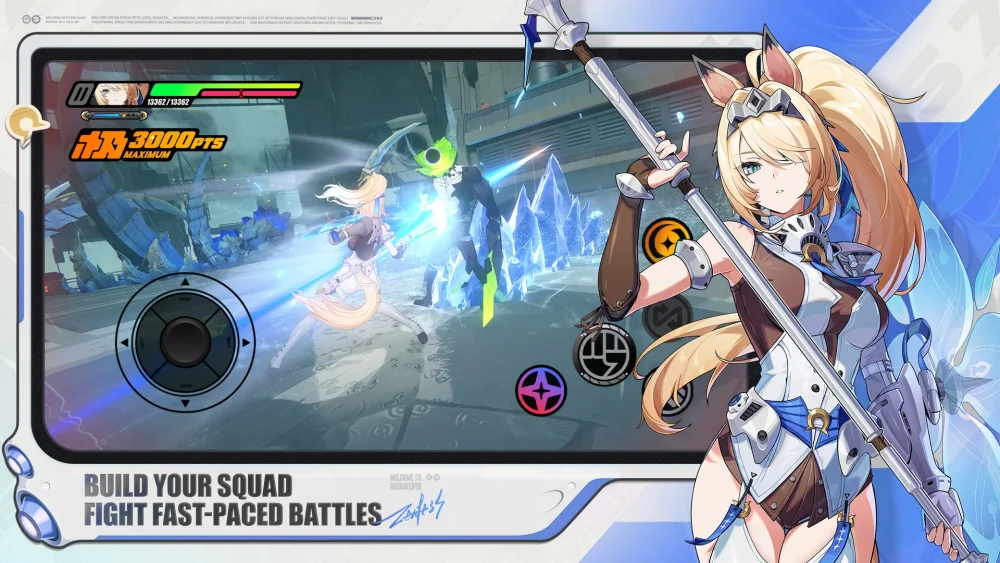
To rewatch story cutscenes from the Version 3.2 "Secrets, Past, and Them" update in Zenless Zone Zero, visit the Random Play video store and open the Inter-Knot database terminal. Select the Archive tab to browse completed chapters from the "Phaethon's Path" narrative. A cutscene only appears in the menu after you clear its matching story mission in the campaign.
How to Access the Cutscene Archive
Players who skipped story dialogue during combat commissions or want to review lore details regarding the Phaethon legacy, Loscalifa's background, and active faction storylines can access the in-game database at any time.
- Go to the Random Play video store in New Eridu.
- Interact with the Inter-Knot database terminal.
- Open the Archive tab.
- Filter by Version 3.2 story chapters to select and play completed cutscenes.
Archive Unlock Limits and Event Requirements
The Archive serves purely as a cinematic library rather than a shortcut for quest completion or reward collection.
- Quest Completion Requirement: Video entries remain locked until you successfully clear the associated main campaign stage. If a chapter is unplayed, its cutscenes will not be selectable in the database menu.
- No Event Resource Rewards: Replay cinematics to review non-verbal character cues, background details, or faction interactions. Rewatching past scenes does not grant currency or items linked to active Version 3.2 event challenges, which require completing live gameplay missions.
Free Zenless Zone Zero Codes
Current active codes and how to redeem them.

Emily Johnson
Emily writes practical mobile strategy guides with a focus on resource planning, base progression, and the early decisions that shape a long-term account.
COMMUNITY
Player Comments
122 players commented on this guide.
The tips are practical and easy to follow.
I tried this today and it worked better than my old setup.
Good guide for Zenless Zone Zero players. The strategy part was useful.
This guide answered the exact question I had.