
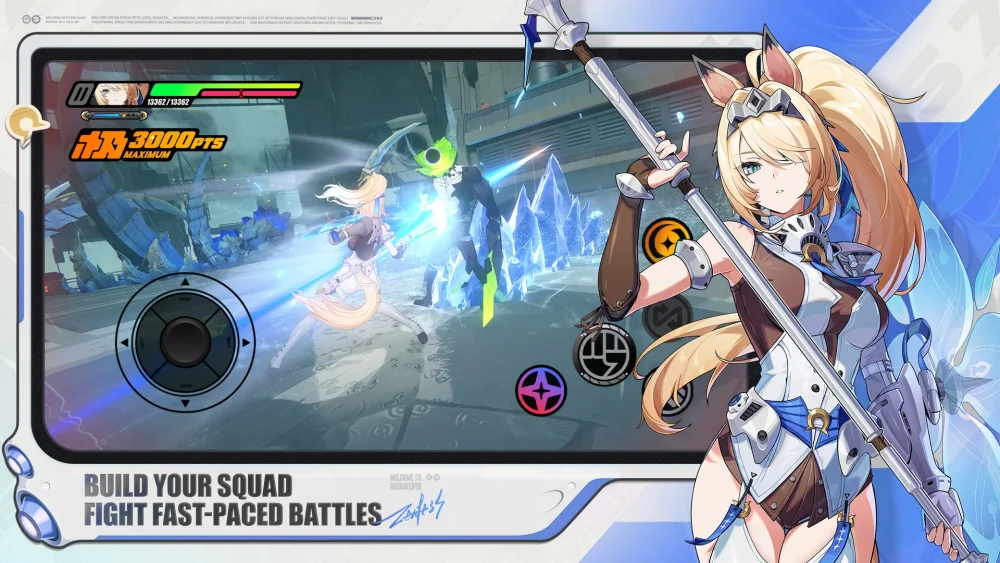
Creating custom animations for Zenless Zone Zero characters allows creators to showcase high-fidelity 3D models in unique, non-combat settings. By utilizing MMD (MikuMikuDance) tools, you can import official character assets to produce smooth, 60FPS sequences that highlight the distinct visual style of the game. These techniques are essential for community content creators looking to produce stylized music videos or character showcases that extend beyond the standard in-game presentation.
Prerequisites for Custom Animation Projects
Success in creating high-quality character showcases begins with sourcing the correct assets and ensuring your software environment is properly configured. High-quality output requires consistent frame rates and model integrity.
- Model Source: Ensure you are using high-quality rips or official model assets compatible with MMD software.
- Software Requirements: Use MMD (MikuMikuDance) or equivalent 3D rendering engines capable of handling .pmx or .pmd file formats.
- Motion Data: To achieve fluid movement, source reliable Motion Data (.vmd) files that match your character’s skeletal rig.
- Rendering Settings: Set your output to 4K resolution at 60FPS to ensure the final product meets modern visual standards for platforms like YouTube.
Achieving Smooth 60FPS Visuals
Frame rate stability is the most critical factor when rendering Zenless Zone Zero character models. A consistent 60FPS ensures that the fast-paced motion and visual flair characteristic of the game are preserved during playback.
- Keyframing: If you are animating manually, focus on interpolation curves to ensure transitions between poses are not jarring or robotic.
- Motion Smoothing: If using existing motion files, use MMD's built-in interpolation tools to smooth out any jittery transitions caused by coordinate mismatches.
- Lighting and Shaders: Apply stylized shaders that mimic the game's cel-shaded aesthetic to maintain visual consistency with the source material.
Best Practices for Character Presentation
When creating content featuring Zenless Zone Zero models, the focus should remain on character personality and technical accuracy.
| Component | Focus Area | Goal |
|---|---|---|
| Model Rigging | Joint Alignment | Prevent mesh tearing during complex dance moves. |
| Camera Work | Dynamic Angles | Emphasize character expressions and outfit details. |
| Audio Sync | BPM Matching | Ensure motion beats align perfectly with the chosen music track. |
| Post-Processing | Bloom and Depth | Enhance the "urban sci-fi" look typical of the game's environments. |
Troubleshooting Common Rendering Issues
Even with high-quality models, technical hurdles are common in 3D animation. Address these early to prevent long render times for flawed footage.
- Texture Mismatch: Check that your texture paths are correctly linked in your rendering software; missing textures will cause models to appear plain or glitched.
- Bone Constraints: If the character appears distorted, verify that the bone constraints are correctly mapped to the model's armature.
- Resolution Scaling: If 4K rendering is causing performance drops, use a lower-resolution proxy for the animation phase and only switch to 4K for the final composite export.
Free Zenless Zone Zero Codes
Current active codes and how to redeem them.

Sarah Williams
Sarah specializes in RPG and collection games, explaining team building, character growth, and beginner-friendly ways to avoid expensive early mistakes.
COMMUNITY
Player Comments
54 players commented on this guide.
This saved me time in the early game.
This guide answered the exact question I had.
The tips are practical and easy to follow.
Good guide for Zenless Zone Zero players. The heroes part was useful.