
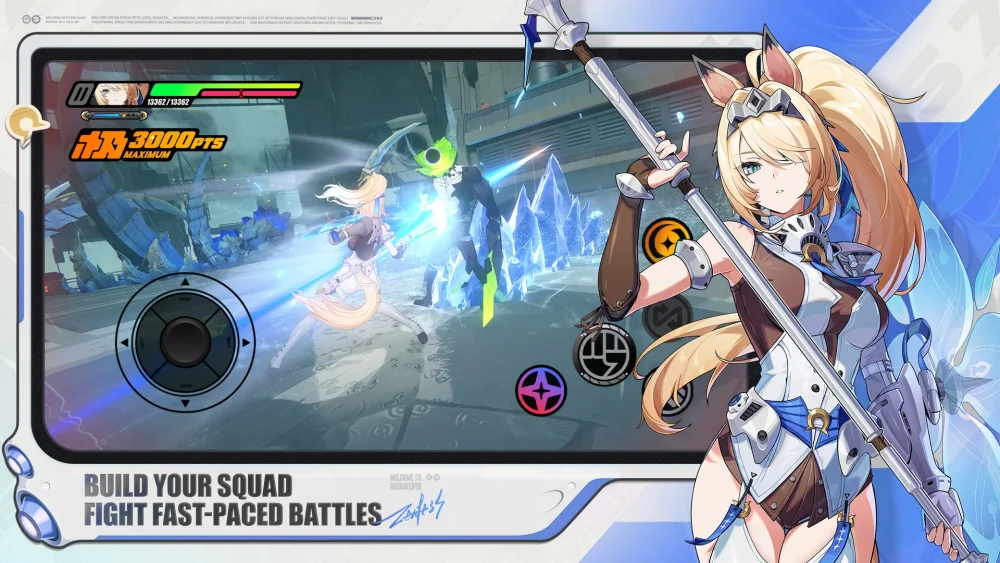
To advance the Play Point Quest and unlock anniversary event rewards in Zenless Zone Zero, open the event menu from the main screen, clear your assigned missions, and manually select the Claim button for completed objectives. Points do not automatically add to your total score when a task finishes; you must confirm them inside the menu to update your progress bar.
Mission Categories and Point Strategy
The event progress bar requires points accumulated across two primary task categories, along with high-yield completion objectives:
- Daily Missions: Low-complexity tasks—such as spending energy or clearing a single stage—that reset every 24 hours. Clear these prior to the daily server reset to prevent lost point opportunities.
- Milestone Missions: Accumulative long-term goals spanning the event window, such as total enemy defeats or main story chapter completions.
- One-Time Objectives: High-yield tasks tied to anniversary NPC interactions in New Eridu or designated challenge stages. Use these to recover missing points if daily resets were skipped.
Align your routine Stamina usage with active event requirements. Spending Stamina on combat simulations or Hollow Zero runs that satisfy both character progression and event mission criteria prevents duplicate energy consumption.
Progression Requirements and Common Distractions
Before focusing on event challenges, verify your campaign standing and claim status:
- Main Campaign Access: Higher-tier event zones and specific combat challenges remain locked behind story progression. New players should push main campaign chapters first to gain access to the full event slate.
- Manual Claiming: Task completion updates the mission list, but points and reward items remain pending until you manually press Claim in the event hub. An uncollected task will not advance your overall reward tier.
- Event Window Verification: Check the timer displayed in the top corner of the event menu screen to monitor remaining event duration and plan milestone completion accordingly.
Free Zenless Zone Zero Codes
Current active codes and how to redeem them.

James Brown
James focuses on Android gaming on PC, emulator setup, controls, performance tuning, and practical troubleshooting for longer play sessions.
COMMUNITY
Player Comments
28 players commented on this guide.
Can you add more details about strategy in a future update?
I tried this today and it worked better than my old setup.
This saved me time in the early game.
I wish I had read this before upgrading the wrong thing.