
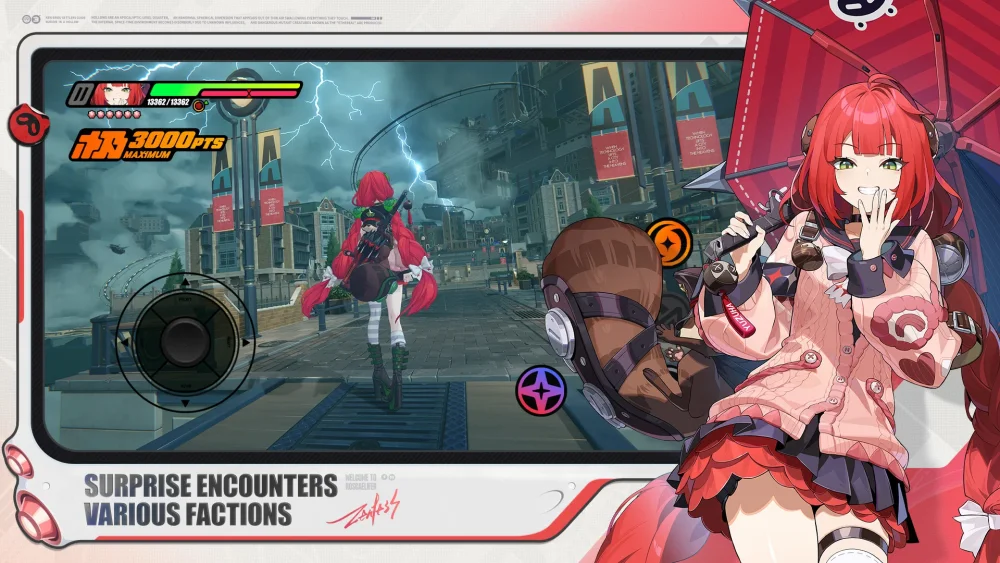
During transition versions in Zenless Zone Zero, shift your focus from aggressive power-leveling to steady account maintenance. Complete available story commissions immediately to stay aligned with plot progression, save your Polychrome for future major banners, and refine the gear of your existing core teams rather than over-investing in experimental agents.
Core Priorities for Transition Updates
Because transition updates emphasize bridge storytelling over immediate power creep, treat these periods as opportunities to stabilize your account. Focus your daily stamina and resources on defined goals rather than panic-farming.
| Priority Area | Key Action | Goal |
|---|---|---|
| Narrative Quests | Clear main story commissions and character-specific side stories. | Build lore context and ensure readiness for future update triggers. |
| Roster Maintenance | Upgrade W-Engines and refine Drive Discs for your two main squads. | Prepare primary teams for high-difficulty challenges without over-investing. |
| Resource Management | Save Polychrome and skip niche banners that do not fit your core teams. | Protect pull reserves for high-value future meta units. |
| Supply Auditing | Stockpile skill upgrade materials and agent promotion items. | Maintain surplus baseline supplies to avoid last-minute farming spikes. |
Optimizing Low-Pressure Combat and Exploration
Lower combat intensity during mid-season updates gives you room to refine execution and catch up on auxiliary systems without failing strict challenge timers.
- Practice Combat Rotations: Use lower-stakes commissions to test optimal swap timings, secondary agent synergy, and advanced chain attack execution.
- Clear Side Commissions: Complete lingering side quests and secondary storylines skipped during fast-paced event cycles.
- Engage Auxiliary Systems: Explore New Eridu town areas and clear TV grid puzzles to collect secondary rewards and maintain steady progression.

Free Zenless Zone Zero Codes
Current active codes and how to redeem them.

James Brown
James focuses on Android gaming on PC, emulator setup, controls, performance tuning, and practical troubleshooting for longer play sessions.
COMMUNITY
Player Comments
119 players commented on this guide.
This saved me time in the early game.
The tips are practical and easy to follow.
Nice guide. I am checking the other Zenless Zone Zero articles next.
This helped me understand strategy much better.