
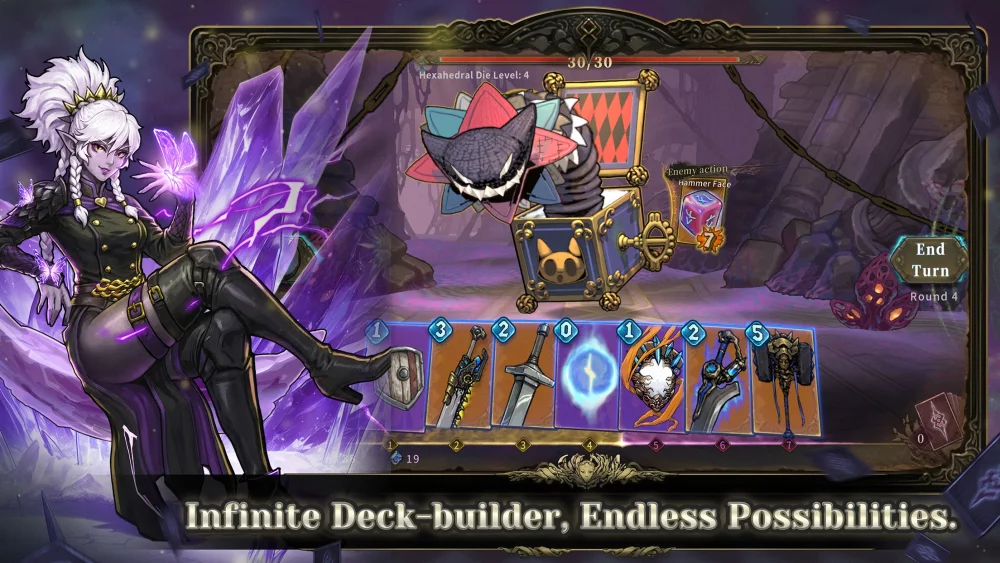
If you are experiencing Abyssal Soul crashes, freezing, or black screen errors on your iOS device, you can usually resolve these problems by clearing cached data or resetting the app’s background processes. These issues often stem from temporary file conflicts or insufficient memory allocation during the app's startup sequence. The following steps provide a structured approach to restoring Abyssal Soul functionality on your iPhone or iPad without needing to perform a full system reset.
Standard iOS Troubleshooting Procedures
The most effective way to address Abyssal Soul instability is to force-close the application and clear your device's temporary memory. This prevents background processes from interfering with the game's launch sequence.
- Force Restart the App: Swipe up from the bottom of your screen (or double-press the Home button) to open the app switcher, locate Abyssal Soul, and swipe it upward to close it completely.
- Clear Background Apps: Close other memory-intensive applications that might be competing for system resources while Abyssal Soul attempts to load.
- Device Restart: Perform a standard power-off and restart of your iPhone or iPad. This clears the system cache and often resolves minor software glitches that prevent apps from initializing correctly.
Verifying App and System Updates
Outdated software versions are a common cause of Abyssal Soul crashes. Ensuring both your iOS version and the app version are current is critical for compatibility.
- Check App Store Updates: Navigate to the App Store, tap your profile icon, and refresh the "Purchased" or "Updates" list to see if a newer version of Abyssal Soul is available.
- Update iOS: Go to your device Settings > General > Software Update. If an update is pending, install it to ensure the latest framework support for your installed applications.
Managing Storage and Connection
If the game consistently fails to load beyond a black screen, the issue may involve corrupted local data or connection timeouts.
| Troubleshooting Method | Expected Outcome |
|---|---|
| Check Storage Space | Free up at least 2-3GB of space to ensure the game can write temporary data. |
| Toggle Network | Switch from Wi-Fi to cellular data (or vice versa) to rule out ISP throttling. |
| Offload App | Use "Offload App" in Settings to remove the game binary while keeping your save data, then reinstall it. |
When to Reinstall the Application
If the above steps fail, the installation package itself may be corrupted. Uninstalling Abyssal Soul entirely and performing a clean download from the App Store replaces potentially broken files. Ensure your progress is synced via your connected account (e.g., Game Center or developer login) before deleting the app to avoid losing your character data.

Free Abyssal Soul Codes
Current active codes and how to redeem them.

Emily Johnson
Emily writes practical mobile strategy guides with a focus on resource planning, base progression, and the early decisions that shape a long-term account.
COMMUNITY
Player Comments
105 players commented on this guide.
Nice guide. I am checking the other Abyssal Soul articles next.
The tips are practical and easy to follow.
I wish I had read this before upgrading the wrong thing.
I tried this today and it worked better than my old setup.