

Download AFK Arena Official Windows PC Client
Official Windows PC client provided by LDPlayer.
About the Official AFK Arena PC Client
Developer: Lilith Games
The roster is also tied to the game’s social systems. Friends and teammates can lend you strong heroes, allowing you to borrow top-tier characters when your own lineup is not yet ready for a difficult objective. That sharing system can streamline resource use and help you overcome tougher new campaign challenges, while new co-op modes give the adventure a more explicitly team-oriented direction. AFK Arena: Companions also expands the beast system into a distinct collection and customization activity. You can discover, capture, and train beasts, then combine their unique attributes to craft your own beast and unlock powerful abilities that can change the course of battle. Alongside the campaign, these systems give you several connected priorities: grow your hero roster, decide where limited resources have the greatest impact, develop beasts for additional abilities, and make use of borrowed heroes when a challenge calls for more strength or flexibility.
On a larger PC display, it is easier to keep the campaign, roster, and progression information visible while comparing your options. That matters when you are deciding which heroes to develop, checking the effect of a borrowed teammate’s character, or weighing whether a new summon should support your current group or broaden your collection. Keyboard-and-mouse control is also well suited to repeated management tasks: moving through campaign screens, claiming AFK Rewards, reviewing available heroes, checking beast attributes, and handling the many menu-based actions that accompany long-term progression are more comfortable with precise pointer input and quick keyboard navigation. The larger view can be especially useful when planning around several systems at once, such as matching a borrowed hero with your existing team while considering how a trained or customized beast might complement the group.
For returning players, the comeback of popular original AFK Arena modes and challenges provides a route back into familiar content, with classic server heroes ready to rejoin the fight. For new players, the Get All Heroes event, daily summons, friend-based hero sharing, co-op modes, and enhanced beast system create a clear path from collecting characters to tackling more demanding objectives. The result is a PC experience focused on incremental improvement and smart roster management: progress through the campaign, keep building your heroes and beasts, cooperate with friends when necessary, and use the rewards from each activity to make the next stage more manageable.
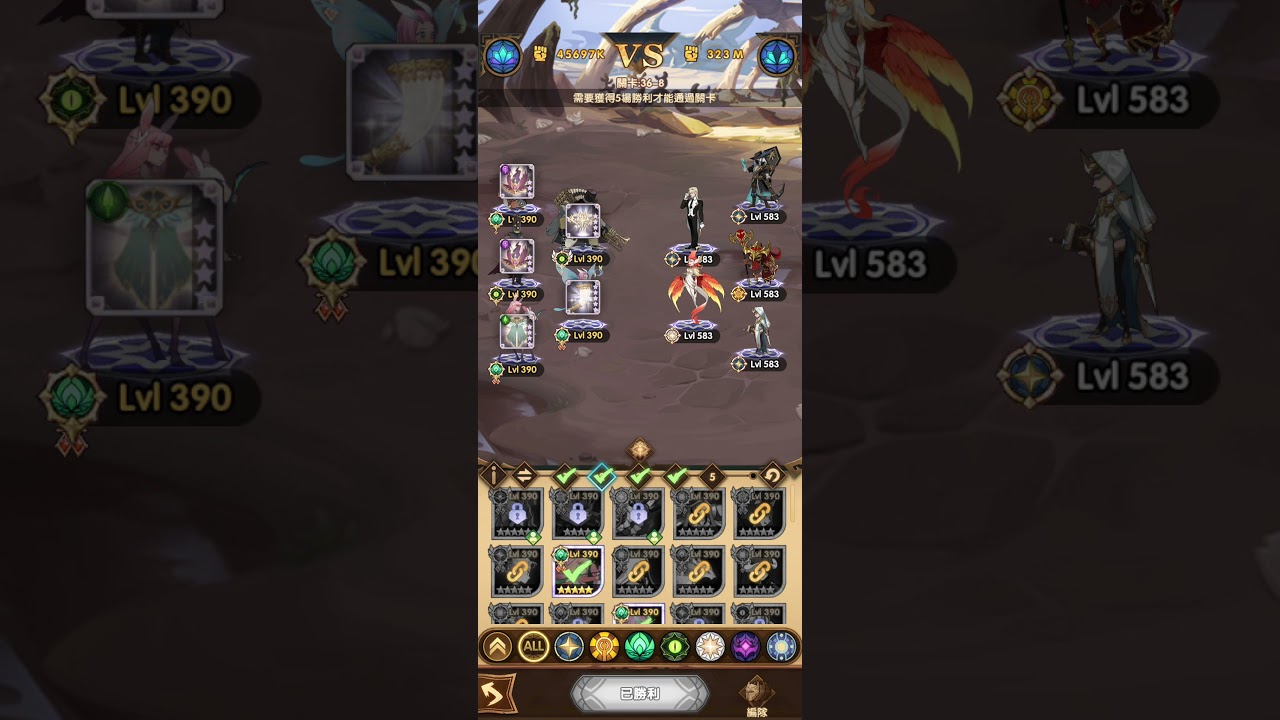
Screenshots
How to Download and Install the Official AFK Arena PC Client
- Download and install the official Windows client distributed by LDPlayer.
- Open the app and sign in with your Google Play account.
- Search for AFK Arena in the app store.
- Install the game and finish the first-launch download.
- Use the same game login if account sync is available.
Why Play AFK Arena on PC?
Menus, maps, resources, and combat details are easier to read on a desktop display.
Keyboard and mouse input makes repeated actions and long sessions more comfortable.
Desktop play avoids phone battery drain during longer farming sessions.
Keep guides, codes, and notes open alongside the game on PC.
Controls and Performance
These three settings solve most common issues when playing on PC.
Map navigation, skill use, and repeated resource actions first.
Lower resolution or graphics quality if crowded scenes lose frames.
Link your account before switching devices so progress can be restored safely.
AFK Arena Official PC Client FAQ
Can I play AFK Arena on PC?
Yes. Download the official Windows PC client distributed by LDPlayer and play with a larger screen, keyboard, and mouse controls.
Is AFK Arena better on PC than mobile?
Playing on PC can make longer sessions, detailed menus, and resource management more comfortable, while mobile is still convenient for quick check-ins.
Will my AFK Arena progress sync on PC?
Progress depends on the sign-in options supported by the game. Use the same linked Google, Facebook, Apple, or game account on both devices.
Why does AFK Arena lag on PC?
Lag can be caused by limited RAM, demanding graphics settings, outdated client files, or background apps. Lower the graphics settings and keep the PC client up to date.
DOWNLOAD STARTED
Your download is starting
Check your browser Downloads if it does not appear.
Official PC client for Windows, distributed by LDPlayer.
Download again