
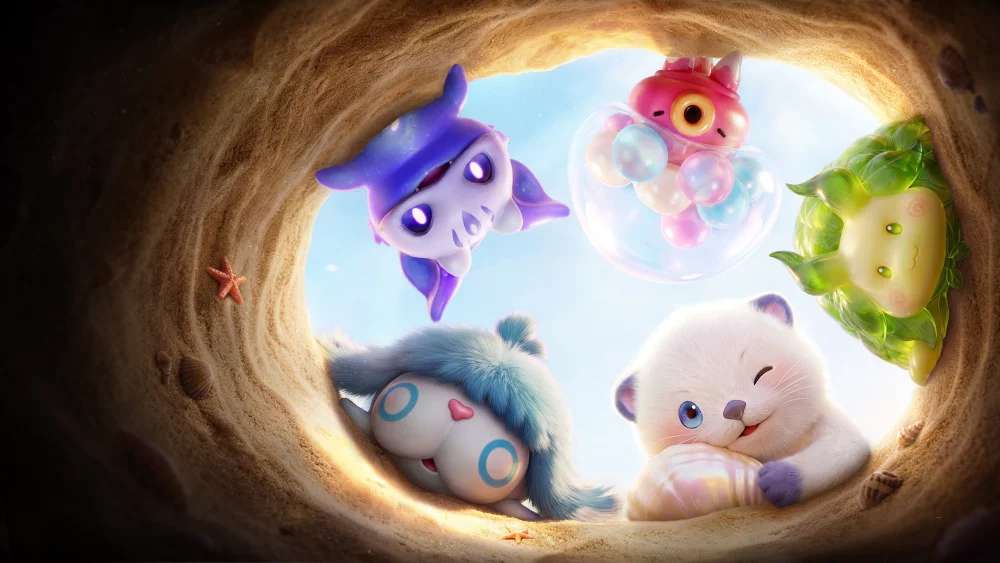
The Aniimo character creator offers a robust set of aesthetic tools that allow players to define their avatar's appearance before entering the game world. During the final closed beta test, players gained access to various sliders and selection menus specifically for the male character model. By understanding the available customization categories, you can efficiently finalize your look and jump into the game with a personalized avatar that suits your preferred visual style.
Exploring Male Customization Categories
The Aniimo character creation interface is organized into distinct tabs that govern specific physical traits. Navigating these options effectively ensures that you can adjust your character’s silhouette and facial features to your exact preferences before finalizing your profile.
- Face and Structure: Controls the foundational facial shape, jawline, and general bone structure of your character.
- Hair and Grooming: Offers a selection of styles and color palettes to define your avatar's primary head aesthetic.
- Skin and Texture: Allows for adjustments to complexion, providing a base layer for your character’s overall appearance.
- Expression and Eyes: Fine-tunes the eye color and subtle facial expressions, which influence how your character appears during interactions in the world.
Tips for Effective Character Customization
Because character creation is your first point of interaction with the Aniimo engine, taking the time to preview these settings under different lighting conditions—if available—is highly recommended.
| Category | Customization Focus | Impact on Visuals |
|---|---|---|
| Hair | Style and Color | High visibility during traversal and cinematics. |
| Eyes | Color and Shape | Defines character personality in close-up dialogue. |
| Face | Shape and Structure | Primary identifier for your avatar's silhouette. |
Refining Your Selection
When creating your character in the beta environment, focus on the following workflow to ensure a smooth setup:
- Baseline Selection: Start with the preset that most closely resembles your desired outcome to save time on manual adjustments.
- Color Sync: Ensure that hair and eye colors complement each other; some colors may appear differently in the game's open-world lighting compared to the character creator's neutral background.
- Final Review: Before confirming, rotate the character model 360 degrees to check for any clipping or unintended textures that may have been overlooked during the initial setup.
Remember that while these options are comprehensive, they are subject to change as the development team iterates based on feedback from the final closed beta test. Focus on creating a character that represents your playstyle, as this avatar will be the face of your journey through the various biomes of Aniimo.

Free Aniimo Codes
Current active codes and how to redeem them.

James Brown
James focuses on Android gaming on PC, emulator setup, controls, performance tuning, and practical troubleshooting for longer play sessions.
COMMUNITY
Player Comments
109 players commented on this guide.
The explanation is clear, especially for beginners.
Good guide for Aniimo players. The heroes part was useful.
Nice guide. I am checking the other Aniimo articles next.
The tips are practical and easy to follow.