
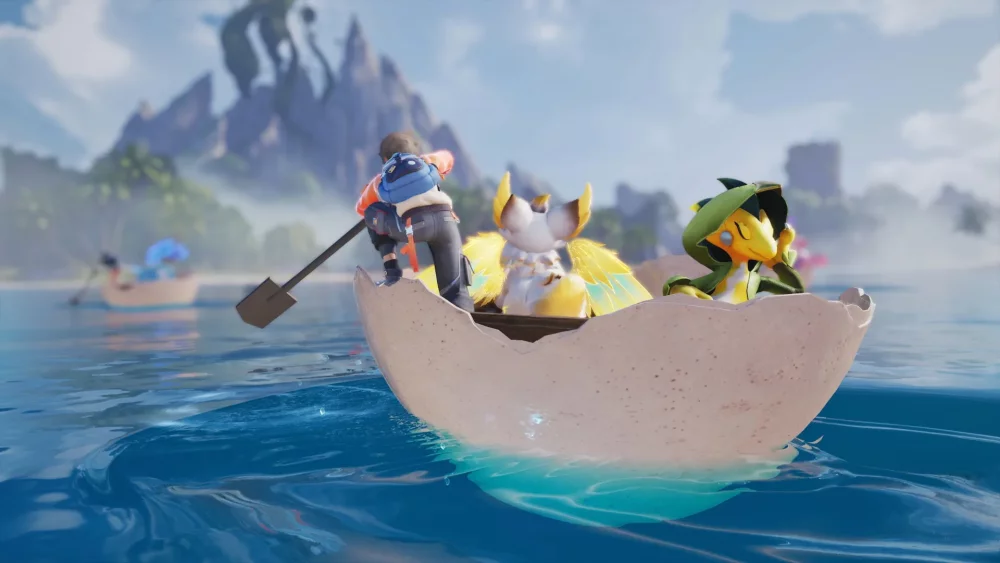
To use creature linking effectively in Aniimo, activate your bond to scan for hidden environmental cues or gain form-specific mobility, then deactivate the link before your resource gauge empties to avoid falling or becoming stranded.
Viewing the Environment Through Creature Vision
Linking with an Aniimo alters your visual perspective to match your companion's sensory profile. Activating this visual shift highlights environmental details that are invisible in the default human perspective, including structural weaknesses in terrain, hidden paths, and elemental nodes.
While a link is active, look for specific environmental indicators:
- Glowing Markers: Indicate interactive points where creature abilities can be applied.
- Color-Coded Distortions: Highlight specialized environmental conditions, such as thermal zones or wind gusts.
- Shimmering Wall Textures: Signal vertical surfaces that accept form-specific climbing or anchoring traits.
To conserve energy, activate the link vision briefly to scan the surrounding area and locate interactive nodes, then deactivate it while moving toward your target.
Elemental Traversal Functions
Different Aniimo elemental types grant distinct physical traits necessary for overcoming terrain obstacles. Initiating a link prior to navigating complex terrain allows you to access elevated ledges, cross wide gaps, or remove physical barriers.
| Link Type | Traversal & Environmental Function | Target Terrain Signal |
|---|---|---|
| Wind-Type | Extends jump distance and navigates floating platforms | Wide chasms or airborne platform routes |
| Earth-Type | Anchors to vertical cliff faces and breaks unstable rock barriers | Shimmering wall textures or cracked rock obstructions |
| Energy-Type | Powers ancient technology and unlocks ruin mechanisms | Sealed relic doors or unpowered control nodes |
Managing Link Resource Depletion
Maintaining a creature link continuously drains your link resource gauge. If the gauge empties completely while climbing, gliding, or platforming, your character automatically reverts to human form, dropping you from your current position.
To manage your resource gauge safely during exploration:
- Scan First: Engage the link from solid ground to identify your landing spot or anchor point.
- Move Unlinked: Deactivate the link while traveling across safe ground toward the target obstacle.
- Execute Precision Actions: Reactivate the link only during the jump, climb, or barrier interaction.
- Reserve Emergency Stamina: Keep a portion of the link gauge filled to trigger an emergency dash or secondary jump if you miscalculate a ledge distance.
Solving Multi-Stage Synchronization Puzzles
Complex environmental puzzles require Link Synchronization, which involves alternating between companion types to clear sequential obstacles. For example, an Earth-type link may be required to shift a heavy stone obstruction, followed immediately by a Wind-type link to clear lingering debris or jump across the newly opened gap.
Swapping creature links triggers a temporary cooldown timer and consumes resource energy. When entering a puzzle area, plan your action order in advance to prevent rapid, unnecessary creature swaps that deplete your resource gauge before the sequence is complete.

Free Aniimo Codes
Current active codes and how to redeem them.

Michael Smith
Michael covers live-service games, events, reward systems, and efficient daily routines, turning frequent updates into clear actions for players.
COMMUNITY
Player Comments
116 players commented on this guide.
This guide answered the exact question I had.
This helped me understand strategy much better.
Good guide for Aniimo players. The strategy part was useful.
The tips are practical and easy to follow.