
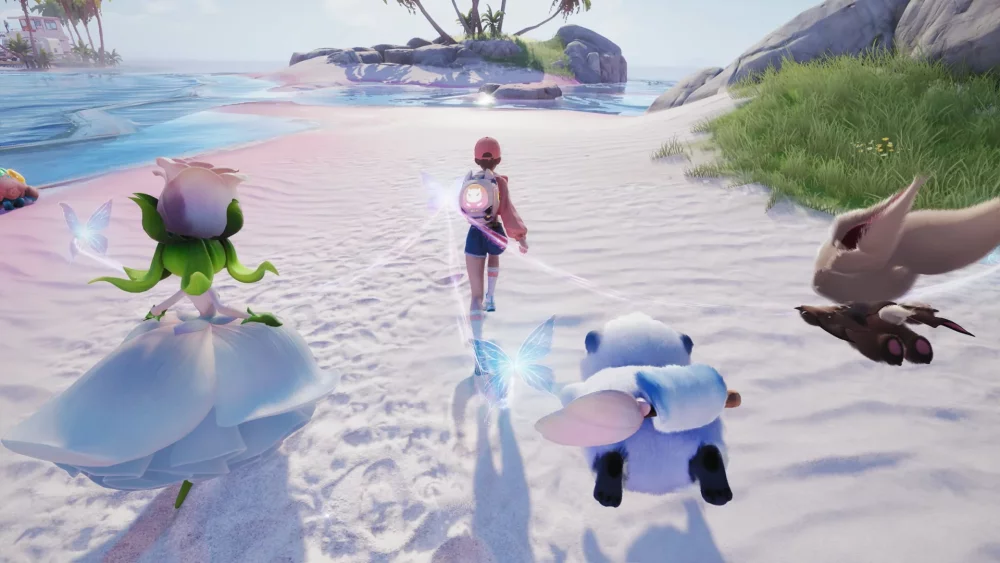
To share your Aniimo progress across Xbox, PlayStation, Steam, and PC, you must complete the account-linking prompt during your very first login. Skipping this prompt or playing without connecting your platform credentials binds your save data locally, preventing cross-platform synchronization.
How to Prepare for Account Linking
Before launching Aniimo for the first time, decide which account will act as your main identity across all systems.
- Select a primary platform: Pick the system (Xbox, PlayStation, or Steam) where you intend to launch the game first.
- Verify active credentials: Ensure you have access to a permanent, controlled email address associated with your platform profile rather than a guest or temporary login.
- Wait for the prompt: Avoid pressing buttons to skip intro screens when booting up. Wait specifically for the dedicated account-linking pop-up screen to load.
- Confirm immediately: Log in and finish the handshake before entering any gameplay or character creation menus.
Risks of Skipping the Initial Prompt
Aniimo relies on the initial login handshake to link your unique player ID to server data across platforms. If you skip the linking screen or play offline:
- Local Save Lock: Your progress remains tied exclusively to a local save on that specific device.
- No Data Merging: Aniimo does not support merging two distinct save files. If you play separately on two unlinked devices, you cannot combine your creature collection, resources, or regional progress later.
- Empty Account Triggers: Logging in on a second platform without an linked master identity forces the game to register a new, blank profile.
Checking Account Connection Status
If you suspect you missed the linking prompt during setup, check your connection status before putting extensive time into progression:
- Open the Settings menu.
- Navigate to the Profile or Account Management tab.
- Review your connection status.
If your account shows as Unlinked or Guest, halt major progression. You must resolve your connection through your platform's user settings or interface before continuing to safeguard your progress across devices.

Free Aniimo Codes
Current active codes and how to redeem them.

Michael Smith
Michael covers live-service games, events, reward systems, and efficient daily routines, turning frequent updates into clear actions for players.
COMMUNITY
Player Comments
67 players commented on this guide.
I wish I had read this before upgrading the wrong thing.
Can you add more details about strategy in a future update?
The explanation is clear, especially for beginners.
I tried this today and it worked better than my old setup.