
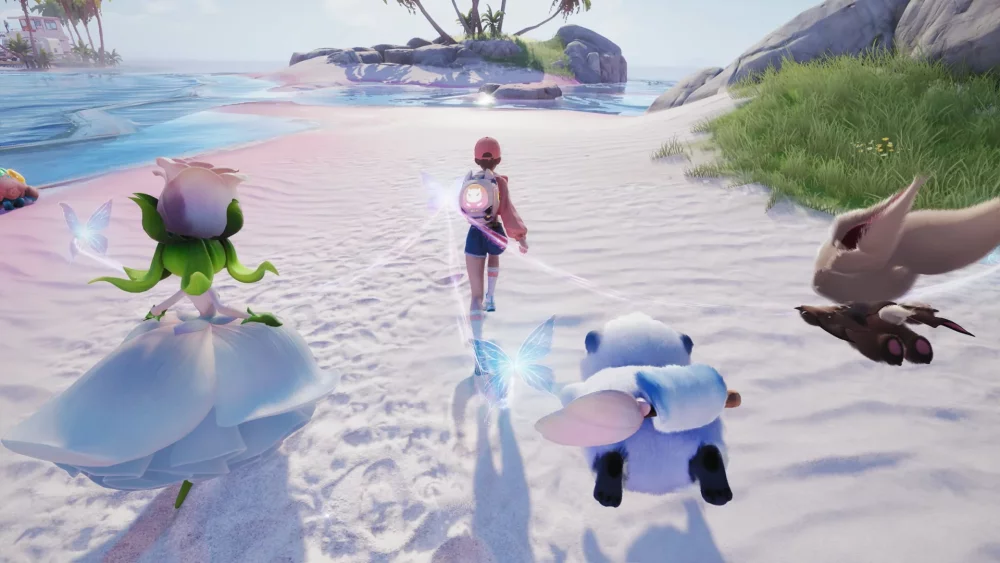
To claim free items in Aniimo, enter active promotional codes into the designated redemption field in your settings menu, then open your in-game mailbox to collect the sent rewards.
Published Aniimo Gift Codes
The following codes have been shared in game media descriptions for players looking to claim starter resources:
| Gift Code | Intended Usage & Scope |
|---|---|
aniimofreetoplay | Grants a starter bundle of basic crafting and creature maintenance materials. |
aniimotogether | Provides social-oriented items or currency intended for early co-op and community features. |
aniimoidyll | Supplies consumables and currency designed for exploring the region of Idyll. |
Note: Promotional codes in Aniimo are subject to expiration or account usage limits. Input each code exactly as shown, as redemption fields are typically case-sensitive.
How to Redeem Codes in Aniimo
Follow these steps to redeem your codes and transfer the rewards into your active inventory:
- Open the Settings Menu: Launch Aniimo and navigate to the main menu screen.
- Access the Redemption Window: Select the Settings menu and look for the Gift Code or Redemption option.
- Input the Code: Type or paste the code into the text field and submit your entry.
- Collect Mailbox Rewards: Check your in-game mailbox. Successfully redeemed codes send items directly to your mail, where you must manually claim them before any expiration counter runs out.
Where to Allocate Early Code Rewards
Once you receive your starting materials from your mailbox, focus your spending on immediate progression bottlenecks rather than long-term hoarding:
- Upgrade Primary Squad Stats: Allocate your initial currency and enhancement materials to your core combat creatures so you can clear harder regional content faster.
- Basic Base Infrastructure: Use starter crafting materials to set up essential harvesting and recovery tools in your home location, ensuring steady resource gain during early exploration.

Free Aniimo Codes
Current active codes and how to redeem them.

James Brown
James focuses on Android gaming on PC, emulator setup, controls, performance tuning, and practical troubleshooting for longer play sessions.
COMMUNITY
Player Comments
95 players commented on this guide.
The tips are practical and easy to follow.
Nice guide. I am checking the other Aniimo articles next.
This helped me understand redeem codes much better.
I wish I had read this before upgrading the wrong thing.