
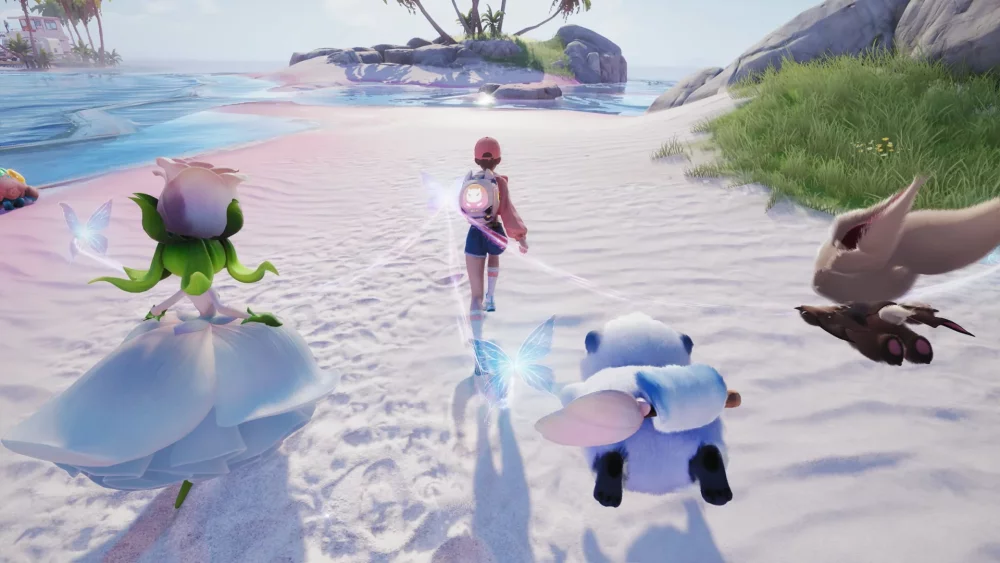
Creating a custom obstacle course within your Aniimo homeland is a popular way to test your platforming skills and challenge your friends. By utilizing the home decoration system, you can arrange furniture and interactive objects to build intricate "jumping puzzles" that require precision movement and timing.
Planning Your Homeland Jumping Puzzle
Before you start placing items, it is important to understand how the physics and collision detection in Aniimo interact with your character's movement.
- Select a Clear Start and End Point: Define a clear path from the ground level to a high-up platform or specific landmark in your home area.
- Use Diverse Object Heights: Mix tall objects like bookshelves or pillars with smaller items like crates or stools. This creates a natural "staircase" effect that is necessary for navigating vertical space.
- Maintain Consistent Spacing: The distance between objects is the most critical factor. If the gap is too wide, it becomes impossible to clear without specific movement abilities. Test each jump as you place items to ensure they remain accessible.
Recommended Objects for Platforming
When decorating your homeland for a jumping puzzle, prioritize items that offer flat, stable surfaces.
| Object Type | Suitability | Note |
|---|---|---|
| Tables & Desks | High | Excellent for wide landing zones. |
| Pillars/Columns | Medium | Good for tight, difficult jumps. |
| Small Crates/Stools | High | Essential for adjusting height between platforms. |
| Wall-Mounted Shelves | Low | Risky due to potential clipping issues. |
Pro-Tips for Course Design
- Test for "Dead Ends": Ensure that if a player misses a jump, there is a way to drop down safely and return to the start without having to manually reset their position.
- Visual Cues: Use different colors or types of furniture to distinguish the "path" from the background decor. This helps players identify where they are supposed to leap next.
- Camera Angles: Keep in mind that some jumps are significantly harder depending on the camera angle. Place your key platforms in open areas where the player has maximum visibility of their character's feet.
- Iterate Constantly: Do not build the whole course at once. Place three or four items, jump through them to verify the difficulty, and adjust accordingly before moving on to the next section.
Troubleshooting Movement Issues
If you find that your character is slipping off surfaces or failing to grab onto ledges, consider the following:
- Alignment: Ensure objects are flush with each other. Even small gaps in the collision mesh can cause a player to slide off.
- Angle of Approach: If a jump feels consistently unfair, try rotating the target platform by 45 or 90 degrees to provide a wider surface area for landing.
- Verticality: Avoid placing objects too close to walls, as the camera can often get stuck in tight corners, making it impossible to judge depth during a jump.
By refining your placement and focusing on consistent spacing, you can transform your Aniimo homeland into a unique playground that tests the platforming mastery of any visitor.

Free Aniimo Codes
Current active codes and how to redeem them.

Emily Johnson
Emily writes practical mobile strategy guides with a focus on resource planning, base progression, and the early decisions that shape a long-term account.
COMMUNITY
Player Comments
110 players commented on this guide.
The explanation is clear, especially for beginners.
Nice guide. I am checking the other Aniimo articles next.
I tried this today and it worked better than my old setup.
I wish I had read this before upgrading the wrong thing.