
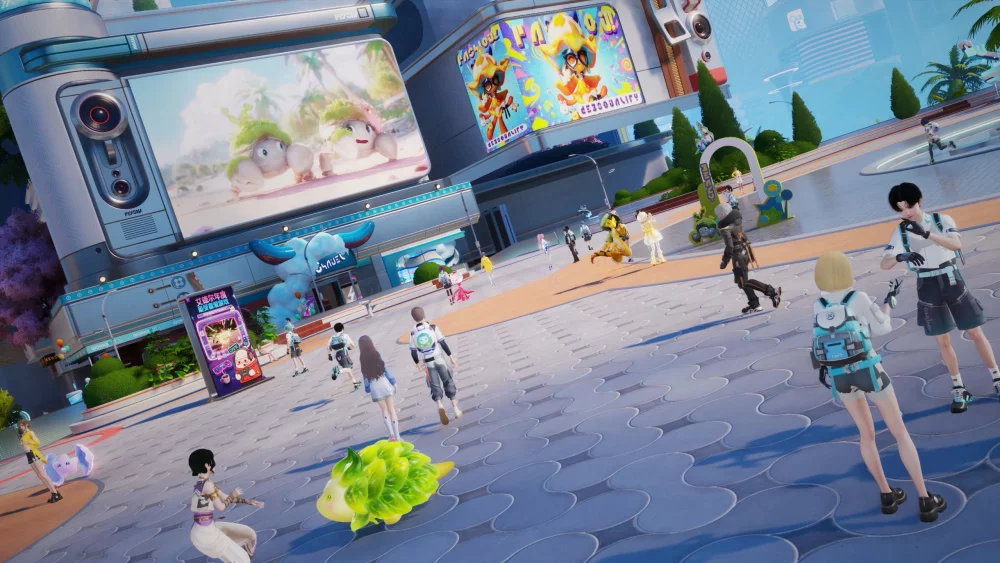
Customizing your companions in Aniimo is more than just a cosmetic choice; it is a core feature that allows players to personalize their creatures' visual identity within the world. Whether you are looking to stand out in the social hubs or simply want to create a unique aesthetic for your favorite companion, understanding the customization interface is essential for any player looking to dive into the creative side of the game.
Accessing the Customization Menu
To begin modifying your creatures, you must first locate the dedicated customization interface. While this feature is integrated into the creature management screens, it is distinct from stat leveling or evolution menus.
- Open the Creature Menu: Navigate to your companion roster from the main UI.
- Select Your Creature: Choose the specific Aniimo you wish to modify.
- Enter the Customization Tab: Look for the palette icon or the "Customize" button located within the creature profile view.
Available Customization Options
The current iteration of the Aniimo customization system focuses on visual flair, allowing for adjustments that differentiate your creatures from standard variants found in the wild.
| Customization Type | Description |
|---|---|
| Color Palettes | Change the primary and secondary color schemes of your creature’s coat or skin. |
| Pattern Overlays | Apply unique markings or textures to your creature’s model. |
| Accessory Slots | Equip or remove visual flair items that do not impact base combat stats. |
Tips for Effective Creature Personalization
To get the most out of the customization features in Aniimo, keep these practical tips in mind:
1. Preview Before Confirming
Always use the 360-degree rotation tool in the customization menu. Some color patterns may look drastically different depending on the lighting conditions of your current environment. Rotate the model to ensure the colors look consistent from all angles.
2. Coordinate with Your Avatar
Since you and your Aniimo are often seen together in social hubs, consider matching your creature’s color scheme to your avatar’s outfit. This creates a cohesive look that is highly effective for community photos and social interactions.
3. Check for Region-Specific Patterns
Keep an eye out for special event-limited color palettes or accessories. Many of these items are unlocked through participation in world events rather than being available in the standard shop. If you see a unique pattern on another player's creature, check the event log to see if that customization option is still obtainable.
4. Understand Limitations
Note that certain rare or evolved forms of Aniimo may have restricted color palettes to preserve their unique visual identity. If you cannot find a specific color option for a high-tier creature, it may be locked to that specific evolution state.
By mastering these tools, you can ensure your team looks exactly how you envision them while roaming the diverse landscapes of the game. Experiment with different combinations to find the aesthetic that best represents your playstyle.

Free Aniimo Codes
Current active codes and how to redeem them.

Sarah Williams
Sarah specializes in RPG and collection games, explaining team building, character growth, and beginner-friendly ways to avoid expensive early mistakes.
COMMUNITY
Player Comments
149 players commented on this guide.
This helped me understand strategy much better.
The tips are practical and easy to follow.
I wish I had read this before upgrading the wrong thing.
Good guide for Aniimo players. The strategy part was useful.