
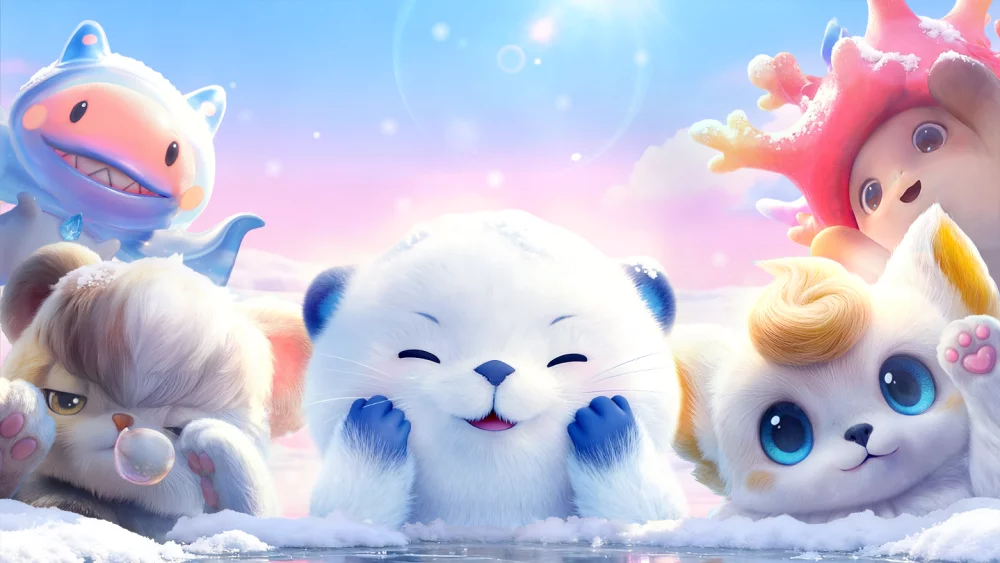
Achieving the highest level of visual immersion in Aniimo requires a deep dive into the game’s sophisticated character customization tools, specifically the advanced hair physics engine. By prioritizing these settings, you can ensure that your character’s hair reacts fluidly to environmental shifts and movement, preventing clipping and static textures. This guide outlines how to leverage the developers' focus on high-fidelity aesthetics to optimize your character's appearance and overall graphical performance during your journey.
Understanding the Hair Physics Engine
The developers of Aniimo have placed a significant emphasis on realistic hair simulation, treating it as a core component of character interaction and immersion. Unlike static textures found in many open-world RPGs, the hair in this title features individual strand movement and reaction to wind, acceleration, and combat impacts.
- Dynamic Reaction: Hair meshes respond to your character's velocity and directional changes.
- Collision Detection: Advanced logic prevents hair from clipping through armor sets or environmental objects.
- Performance Impact: High-fidelity settings require more GPU resources; adjust these based on your monitor’s refresh rate.
Optimizing Customization for Visual Quality
To get the most out of the character creation and customization menus, focus on the interaction between lighting and hair density. The engine renders hair differently depending on the light source, which is particularly noticeable in open-world biomes with varying weather conditions.
| Setting Category | Impact on Appearance | Recommended Adjustments |
|---|---|---|
| Simulated Motion | High | Enable for cinematic movement |
| Strand Density | Medium | Adjust based on hardware capability |
| Collision Logic | High | Keep enabled to avoid model clipping |
| Environmental Wind | Low | Toggle for subtle ambient effects |
Troubleshooting Common Visual Glitches
If you notice hair behaving erratically or appearing "stiff" during cutscenes, you are likely encountering a conflict between the physics engine and specific character models. Follow these steps to rectify visual inconsistencies:
- Resetting Physics Caches: If hair remains stuck in an unnatural position after a fast-travel event or transition, simply re-equip your headgear or toggle the "Hair Physics" option in the settings menu to force a re-calculation.
- Model Compatibility: Certain long hairstyles interact better with specific clothing types. If you experience severe clipping, try a shorter style or a different chest-piece armor to see if the collision boundaries are more compatible with the hairstyle’s physics weight.

Free Aniimo Codes
Current active codes and how to redeem them.

James Brown
James focuses on Android gaming on PC, emulator setup, controls, performance tuning, and practical troubleshooting for longer play sessions.
COMMUNITY
Player Comments
81 players commented on this guide.
This saved me time in the early game.
This helped me understand heroes much better.
Nice guide. I am checking the other Aniimo articles next.
I tried this today and it worked better than my old setup.