
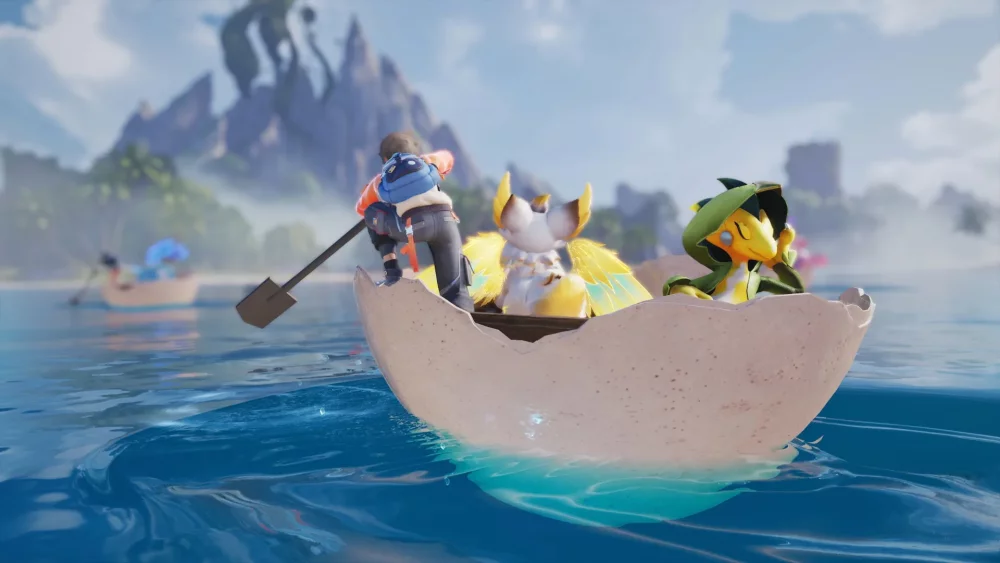
To play Aniimo across multiple devices or join online sessions with friends, link your account to a permanent email address at first launch, ensure cloud saves are enabled, and set your in-game region to match your physical location. Aniimo supports multi-platform functionality across PC (Steam), PlayStation 5, Xbox, and mobile devices, allowing you to retain creature rosters, base progress, and inventory across all hardware.
Account Linking and Cross-Platform Setup
Aniimo utilizes a unified account structure to synchronize progression between mobile devices, home consoles, and desktop systems. This system allows you to handle passive tasks such as base management or resource sorting on a phone, then switch to a PC or console for high-level open-world exploration.
| Platform | Progression Sync Requirement | Key Usage Considerations |
|---|---|---|
| PC (Steam) | Linked master email account | Keep system drivers updated to maintain networking stability. |
| PlayStation 5 | Linked master email account | Requires stable console network connection for open-world co-op. |
| Xbox | Linked master email account | Verify cloud sync status in main menu before closing sessions. |
| Mobile | Linked master email account | Prioritize Wi-Fi over cellular data to prevent packet loss. |
To prevent data fragmentation or save conflicts across hardware:
- Register a primary email address during your initial login on any platform.
- Open the main settings menu and verify that Cloud Saving is toggled to active.
- Allow the game to complete data uploads before logging out or switching hardware.
Multiplayer Exploration and Group Tactics
Joining a multiplayer party in Aniimo allows groups to share elemental coverage and execute specialized roles during encounters with world bosses and high-level creatures.
Role Distribution in Parties
- Aggro and Distraction: Have high-durability or tanking creatures draw the wild monster's focus to keep it stationary.
- Flanking Capture: While the target is focused on the front-line player, secondary players position along the flanks or rear to deploy capture devices from stealth.
- Damage and Support Balancing: Assign specific party members to apply damage while support-oriented creatures apply buffs across the entire squad.
Item and Creature Trading
Players can trade resources, evolution items, and captured creatures to fill out their collection index. Trading requires mutual agreement between both players. Always inspect the stat potential and level of the offered creature within the trade interface before finalizing any exchange.
Network Optimization and Performance Troubleshooting
High latency or erratic connections can cause rubber-banding and missed capture attempts in open-world co-op zones.
- Match Server Region: Access the network settings in the main menu and select your actual geographic region to minimize ping.
- Stabilize Mobile Data: When playing on mobile platforms, switch from cellular data to a dedicated Wi-Fi network to eliminate intermittent signal drops.
- Adjust Graphic Effects: If frame rates drop during crowded multiplayer encounters or boss fights, open the graphics menu and lower Shadow Quality and Particle Effects.

Free Aniimo Codes
Current active codes and how to redeem them.

Emily Johnson
Emily writes practical mobile strategy guides with a focus on resource planning, base progression, and the early decisions that shape a long-term account.
COMMUNITY
Player Comments
82 players commented on this guide.
The explanation is clear, especially for beginners.
I wish I had read this before upgrading the wrong thing.
This guide answered the exact question I had.
The tips are practical and easy to follow.