
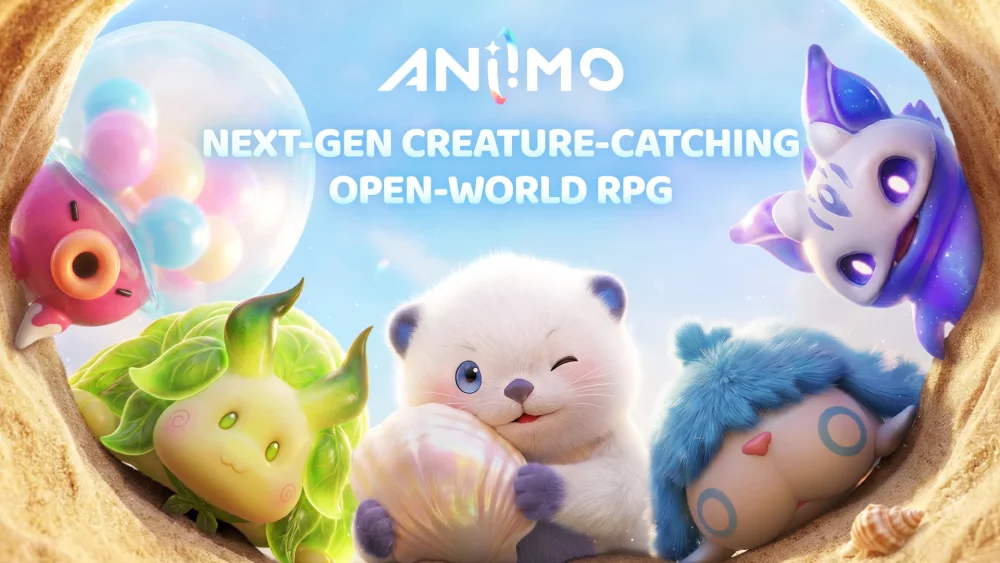
To earn pre-launch rewards in Aniimo—including the exclusive Aniipod Ultra—you must log into the official "Aniimo Together" web event using your main account credentials, complete community social tasks, and claim your rewards before the game's official release window closes.
Account Linking and Registration Rules
Pre-launch rewards bind directly to the credentials you use on the event website. Because these assets cannot be transferred to a secondary account after release, confirm your login details before submitting any tasks.
- Account Matching: Log in using the exact email address or social sign-in you plan to use for your primary launch profile.
- Non-Transferable Items: Once claimed, web event rewards attach permanently to your registered account identity.
- Cutoff Deadlines: Finish all event tasks well before the global launch window ends to prevent registration lockouts or server verification delays.
Available Event Rewards
The Aniimo Together web event uses a tiered reward structure driven by individual participation and global community milestones.
| Reward Category | Reward Item | Primary Function |
|---|---|---|
| Exclusive Utility | Aniipod Ultra | Limited-time container used for early creature management |
| Early Consumables | Resource Bundles | Basic supplies to reduce initial grinding |
| Account Currency | Launch Bundles | In-game currency reserves for early progression |
How to Complete Web Event Tasks
Follow these steps on the official Aniimo web event page to ensure your progress counts toward all reward tiers:
- Log In to the Web Event: Navigate to the official Aniimo Together portal and verify your account session.
- Complete Social Actions: Follow designated official social media channels and share the event page to build your score.
- Prioritize Daily Tasks: Complete any tasks labeled as repeatable or daily to generate consistent progress toward reward tiers.
- Use Referral Links: Share your unique event link in active community spaces to earn referral contributions if available.
- Verify Submissions: Confirm that each completed task registers as verified on your event dashboard.
How to Claim Rewards at Launch
Once Aniimo launches, pre-launch assets will be distributed to eligible accounts based on your web event progress.
- In-Game Delivery: Log into the game with your registered account and check your in-game mailbox or the main Rewards tab.
- Tutorial Requirements: If the Rewards tab is unavailable immediately upon logging in, play through the initial tutorial steps to unlock your mailbox interface.
- Verification Checks: Monitor official Aniimo announcement channels for specific redemption instructions if your items do not appear automatically upon your first login.

Free Aniimo Codes
Current active codes and how to redeem them.

Sarah Williams
Sarah specializes in RPG and collection games, explaining team building, character growth, and beginner-friendly ways to avoid expensive early mistakes.
COMMUNITY
Player Comments
93 players commented on this guide.
This saved me time in the early game.
I wish I had read this before upgrading the wrong thing.
Good guide for Aniimo players. The updates part was useful.
Can you add more details about updates in a future update?